

LanguageGUI
Open-source UI Kit designed to enhance large language models (LLMs) by transforming text outputs into interactive, feature-rich graphical user interfaces.
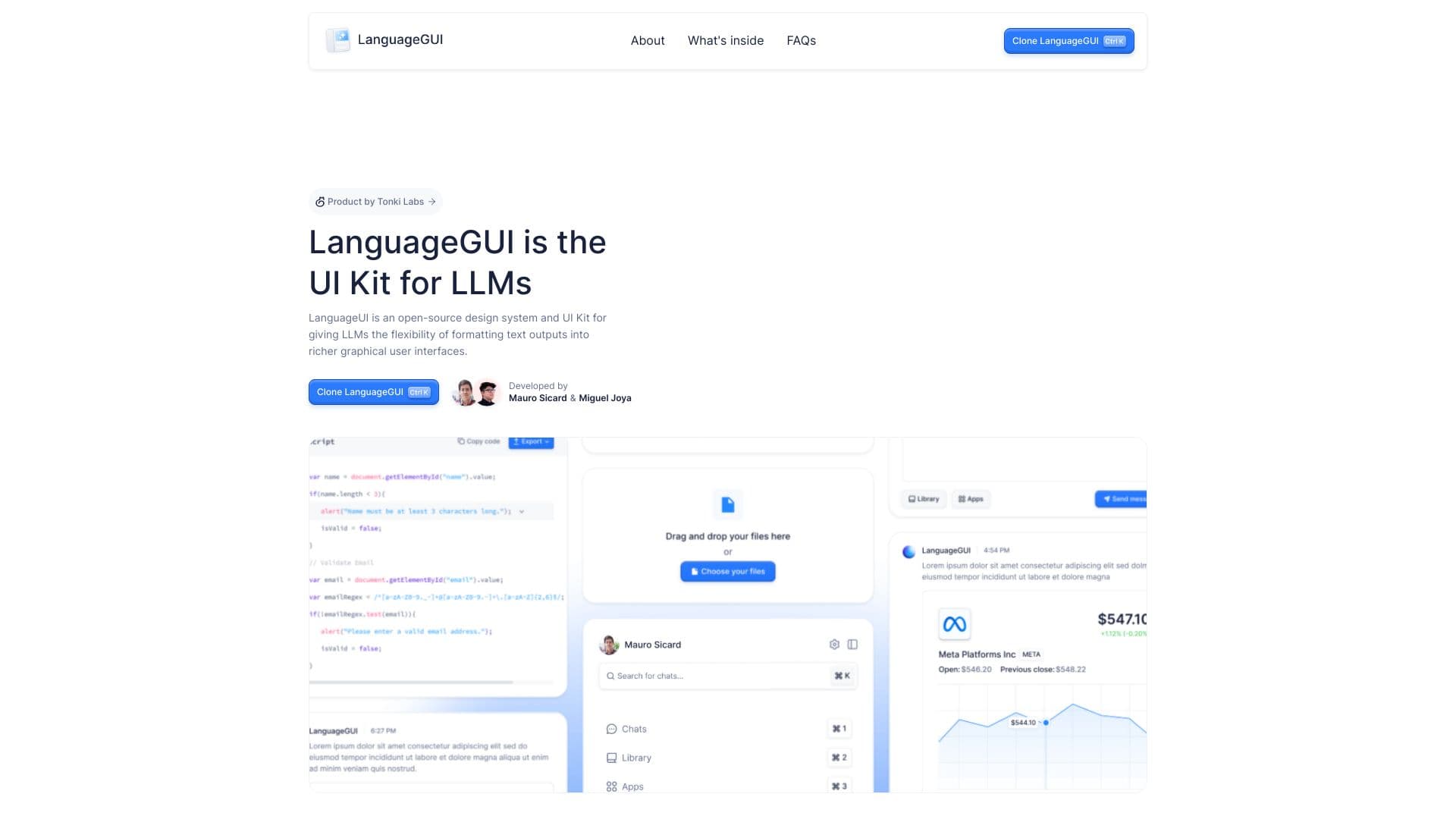
About LanguageGUI
LanguageUI is an open-source design system and UI Kit that empowers developers and designers to create advanced, customizable graphical interfaces for LLM-powered applications. Featuring a variety of UI elements and pre-designed screens, it simplifies building engaging conversational experiences with rich visual components.
How to Use
Integrate LanguageUI by cloning the Figma file and customizing its UI components to suit your application's needs. Easily adapt the included elements and screens to build interactive chat interfaces and multi-prompt workflows within your LLM projects.
Features
- Over 10 interactive conversational UI widgets
- More than 20 stylish chat bubbles
- 30+ ready-to-use screens for various workflows
- 8+ versatile prompt input boxes
- Built with flexible variables and styling options
- Includes dark mode theme support
- Optimized with Figma Auto Layout for responsiveness
- Pre-designed multi-prompt workflow screens
- Extensive library of 100+ customizable UI components
- Multiple chat sidebar layouts with adjustable settings
Use Cases
- Creating customizable chatbot interfaces
- Designing multi-prompt conversational workflows
- Building rich, interactive UI for LLM applications
Best For
Figma designersUI/UX professionalsConversational AI developersLLM application creators
Pros
- Fully customizable with Figma Auto Layout
- Supports dark mode and a wide range of UI widgets
- Large collection of pre-designed screens and components
- Open-source and free to use
Cons
- Does not include code; requires manual implementation
- Relies on community support for ongoing updates
- Requires Figma for customization and editing
FAQs
Is the LanguageGUI Figma UI Kit free?
Yes, LanguageGUI is completely free with no hidden costs or upsells.
Can I use LanguageGUI for commercial projects?
Absolutely. Released under the MIT License, you can freely use it in personal and commercial projects without attribution.
Who developed LanguageGUI?
LanguageGUI is the first project from Tonki Labs' monthly series in 2024. Key contributors include Mauro Sicard and Miguel Joya, along with other team members.
Are there plans to develop a code library version of LanguageGUI?
While we've tested methods to format LLM responses into JSON for real-time rendering, building a full code library requires significant effort and customization. We may revisit this idea if community interest and support grow.
What skills are needed to customize LanguageUI?
Proficiency with Figma and understanding of UI design principles are essential for customizing and integrating the components into your projects.
Does LanguageGUI support mobile responsiveness?
Yes, thanks to Figma Auto Layout, the UI components are designed to be adaptable for various screen sizes, including mobile devices.
Is technical knowledge required to implement LanguageGUI in an app?
Yes, developers need to implement the UI in code, as LanguageGUI provides design assets but not ready-to-run code libraries.
Can I contribute to the LanguageGUI project?
Since it is open-source, contributions are welcome. You can submit improvements or new components via the project's repository.