

LightPDF
AI-powered online PDF editor, converter, and viewer for seamless document management.
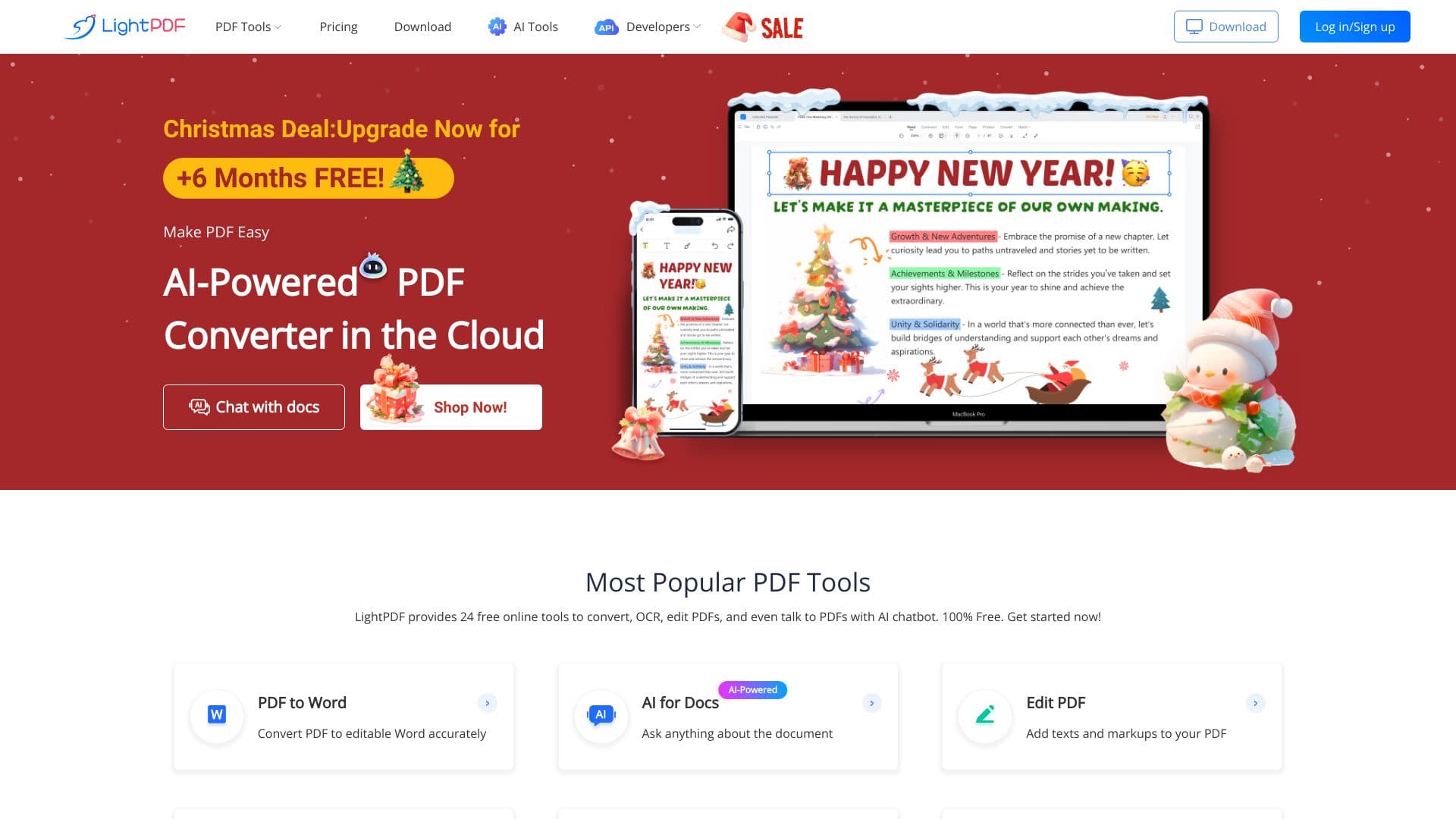
About LightPDF
LightPDF offers an AI-driven online platform to view, edit, convert, sign, annotate, merge, and securely manage PDFs. Its cloud-based services simplify all PDF-related tasks with advanced AI features, ensuring efficient and secure document handling.
How to Use
Upload your PDF files to LightPDF’s website and select the desired tools to edit, convert, sign, annotate, or merge documents. Use AI features for tasks like summarization, translation, and creating mind maps effortlessly.
Features
- Advanced PDF conversion tools
- Secure cloud storage for PDFs
- Robust PDF security options
- Intuitive PDF editing capabilities
- AI-powered PDF tools
- Optical Character Recognition (OCR)
Use Cases
- Convert PDFs to Word, PowerPoint, Excel, Text, PNG, or JPG formats
- Merge multiple PDFs or split large files
- Use AI to summarize, translate, and analyze PDF content
- Edit PDFs by adding text, images, or watermarks
- Remove watermarks from PDFs and images
- Protect PDFs with passwords and digital signatures
Best For
Professionals seeking efficient PDF toolsResearchers analyzing documentsStudents managing assignmentsDevelopers integrating PDF solutionsEducators preparing materialsAdministrators handling document workflows
Pros
- Intuitive and easy-to-use interface
- Ensures secure handling of sensitive data
- Accessible across web, mobile, and desktop devices
- Free tools for online PDF editing and conversion
- Extensive range of PDF features
- AI-driven tools for enhanced productivity
Cons
- Free version has limitations on file size and usage frequency
- Advanced features require a paid subscription
- Dependent on stable internet connection for online services
Pricing Plans
Choose the perfect plan. All plans include 24/7 support.
Most Popular
Personal Annual Plan
$4.16/month
Includes a 3-day free trial, then billed $49.99 per year
Get StartedFAQs
What are the limitations of the free trial?
During the free trial, usage is limited: GPT-3.5 supports up to 8 questions, GPT-4 is unavailable, and only PDF files can be uploaded. Multi-document chat and custom settings are restricted, and upload limits apply.
How do I cancel my subscription?
To cancel your recurring subscription, contact our support team through the Contact Us page.
Are discounts available for students and teachers?
Yes, students and teachers can access special discounts by verifying their status on our education discount page. Eligible users receive a coupon code via email after verification.
What is the refund policy?
We offer a 7-day money-back guarantee for most plans. Monthly VIP subscriptions have a 3-day refund window. Learn more by reviewing our refund policy.
Is my data safe on LightPDF?
Yes, we prioritize data security with encryption and secure storage practices to protect your documents during and after your sessions.