

LinkedIn TLDR
AI-driven Chrome extension that summarizes LinkedIn posts with a humorous, satirical edge.
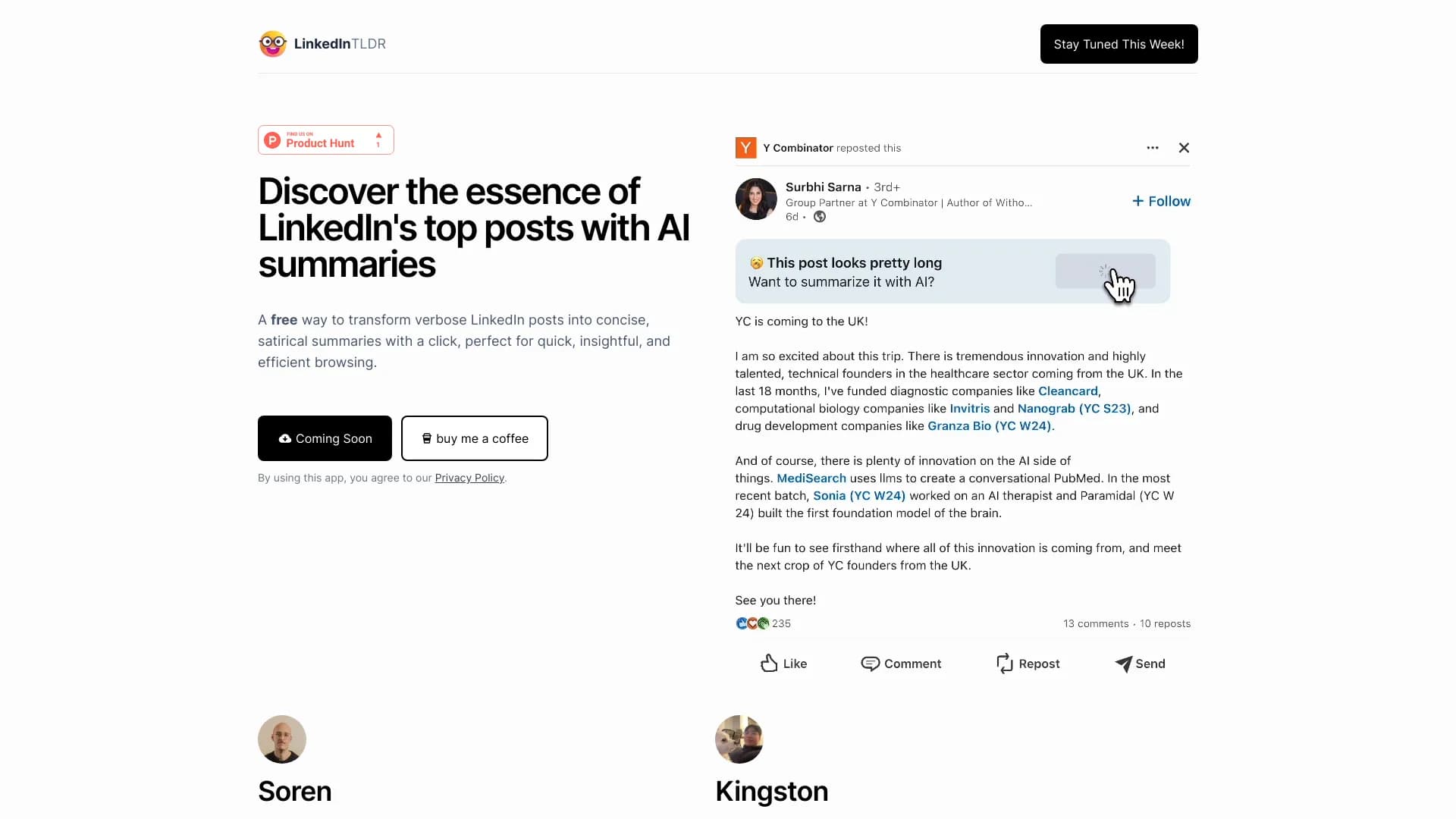
About LinkedIn TLDR
LinkedIn TLDR is a free Chrome extension that leverages artificial intelligence to condense lengthy LinkedIn posts into brief, satirical summaries. It enhances your browsing experience by offering quick, insightful, and entertaining content overviews.
How to Use
Install the extension from the Chrome Web Store, then refresh your LinkedIn feed. The extension automatically summarizes long posts for quick reading.
Features
- Creates satirical summaries of LinkedIn posts
- Seamless integration with Chrome browser
- Utilizes AI for accurate content summarization
Use Cases
- Streamlining LinkedIn content consumption
- Adding humor to professional content reviews
- Quickly grasping key points of lengthy posts
Best For
Social media marketersBusy professionalsContent consumersLinkedIn users seeking efficiencyDigital marketers
Pros
- Simple installation and user-friendly interface
- Completely free to use
- Provides entertaining, satirical insights
- Delivers concise, easy-to-understand summaries
Cons
- Summaries might overlook some nuances of the original content
- Humorous tone may not suit all audiences
- AI-generated summaries can occasionally contain errors
FAQs
Is LinkedIn TLDR free to use?
Yes, it is completely free and requires no subscription.
How do I install and activate LinkedIn TLDR?
Download the extension from the Chrome Web Store and refresh your LinkedIn feed to start summarizing posts.
Does LinkedIn TLDR work on mobile browsers?
No, it is a Chrome extension and functions only on desktop Chrome browsers.
Can I customize the tone of the summaries?
Currently, the extension provides satirical summaries by default and does not support tone customization.
Is the AI summary accurate?
While AI strives to deliver accurate summaries, occasional errors or omissions may occur.