

Littlebird
Experience a continuously active, intelligent AI assistant that adapts to your context. Discover a personalized AI that anticipates your needs, not just responds to prompts.
About Littlebird
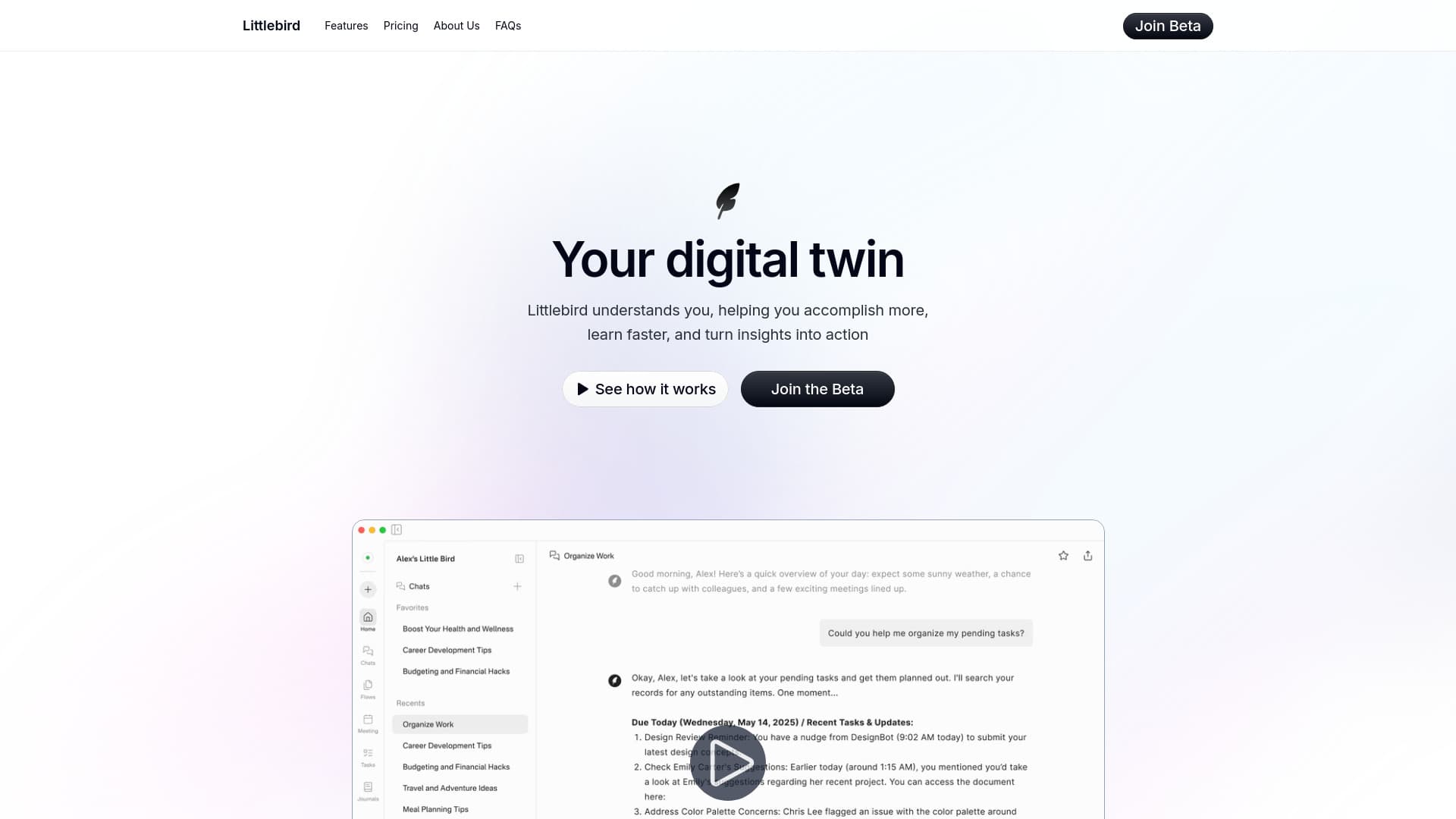
Littlebird is an always-on, operating system-level AI assistant that integrates your activity across all applications. It provides intelligent insights, automates workflows, summarizes documents, and helps you locate information, all while giving you full control over your data privacy and security.
How to Use
Simply install Littlebird and complete the quick onboarding process. Once set up, it runs seamlessly in the background, learning from your screen activity. You can chat with Littlebird, review your daily journal, organize tasks, and more. It quickly becomes an essential part of your productivity toolkit.
Features
- Automatically generates daily journals to review your activities
- Captures meeting transcriptions to enhance context collection
- Suggests priority tasks based on your workflow patterns
- Enables custom routines for tailored reports and automations
- Includes a conversational AI interface for seamless interaction
Use Cases
- Reflective journaling and wellness insights
- Conversational task management and coaching
- Effortless meeting preparation and follow-up
- Quick recall of context during high-pressure moments
Best For
Pros
- Ensures secure data handling with user control options
- Minimizes manual effort in tracking and reporting tasks
- Automates workflows and task management seamlessly
- Integrates smoothly across various applications, breaking silos
- Saves time through features like meeting summaries and automatic updates
- Boosts focus and organization
- Learns user habits for personalized AI assistance
Cons
- No explicit disadvantages noted
Pricing Plans
Choose the perfect plan. All plans include 24/7 support.
Free Tier (Beta Access)
Enjoy continuous contextual intelligence, workflow-aware conversations, instant cross-application search, document summaries, personalized routines, and robust data privacy—all for free during beta testing.
Get Started