

Lottielab (Magic Animator - now live)
AI-powered animation creator for designers, supporting exports to Lottie, GIF, and MP4 formats.
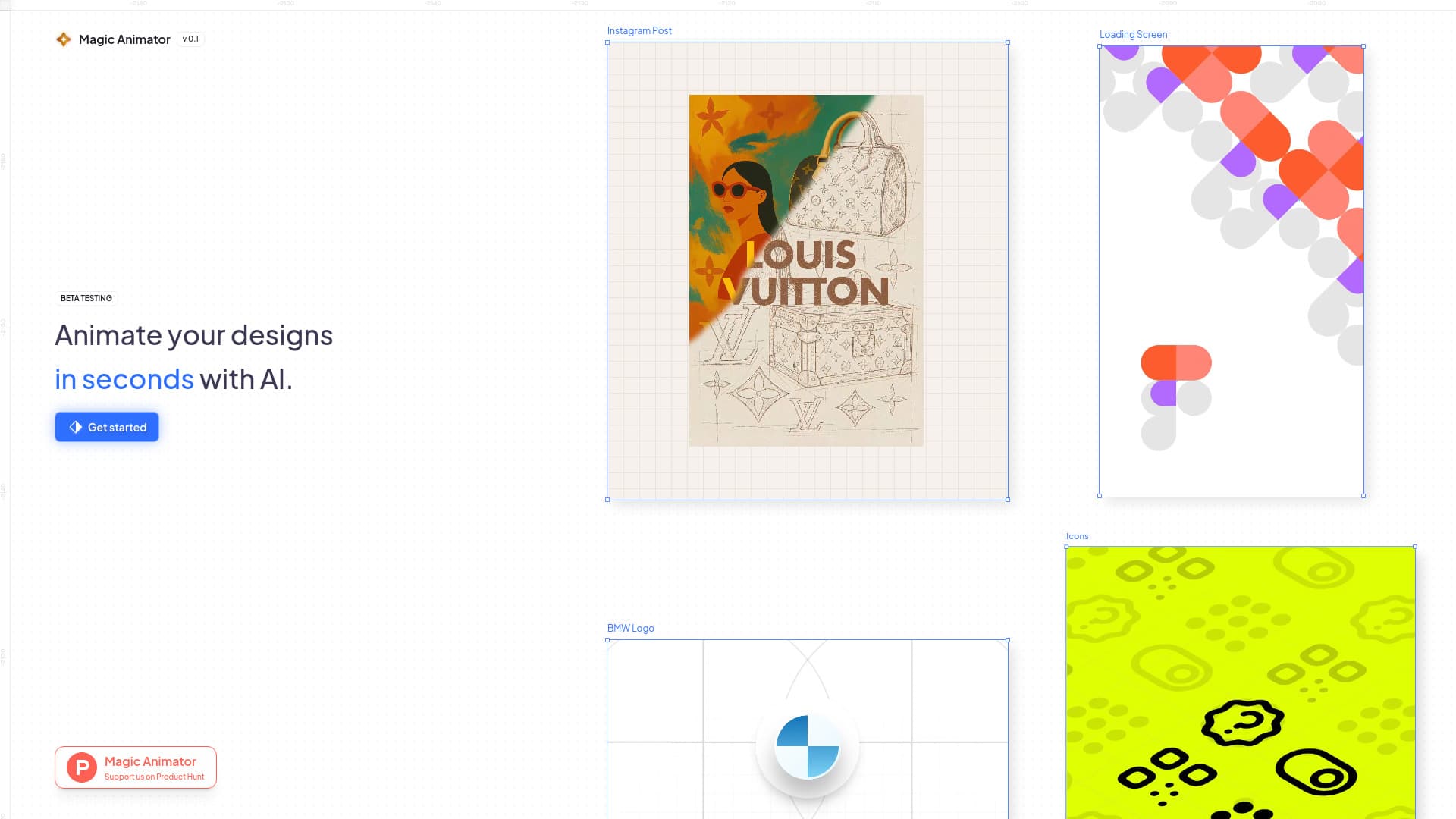
About Lottielab (Magic Animator - now live)
Magic Animator is an AI-driven animation platform that simplifies bringing vector images and designs to life. Users can import various file types, including SVGs and Figma-based Lottie files, then animate them using an intuitive editor with timeline controls. Export options include Lottie, GIF, and MP4 formats, making it suitable for web, social media, and app interfaces. The platform leverages artificial intelligence to accelerate the animation process and supports collaboration within teams. Compatible with popular design tools like Figma, Canva, and Adobe Express, Magic Animator streamlines the entire creative workflow.
How to Use
Create animations in Magic Animator with a single click by utilizing pre-made animations or the AI Animation Assistant for custom designs. Edit keyframes for fine-tuning, then export your animations as MP4, GIF, or Lottie files. Import designs from Figma, Canva, or Adobe Express, and transform static visuals into engaging motion graphics quickly and easily.
Features
- AI-powered automatic animation generation
- Intuitive editor with timeline and keyframe controls
- Seamless import of SVGs and Figma-based Lottie files
- One-click animation creation
- Collaborative team features
- Support for multiple export formats including Lottie, GIF, and MP4
- AI-driven Animation Assistant for custom animation ideas
Use Cases
- Designing animated logos for brand visibility
- Creating engaging social media posts, stories, and reels
- Animating website elements and app interfaces
- Producing high-volume advertising campaigns
- Enhancing UI/UX with micro-interactions and animated icons
Best For
Pros
- Powerful yet user-friendly editor with timeline
- Integrates smoothly with Figma, Canva, and Adobe Express
- Accelerates workflow with AI automation
- Enables quick, effortless animations
- Supports team collaboration
- Flexible import/export options (SVGs, Lotties, GIFs, MP4)
- Single-click animation feature for efficiency
Cons
- No specific limitations noted in current content.