

LotusEye
AI-driven anomaly detection for sensor data that automatically learns normal patterns and flags irregularities for prompt alerts.
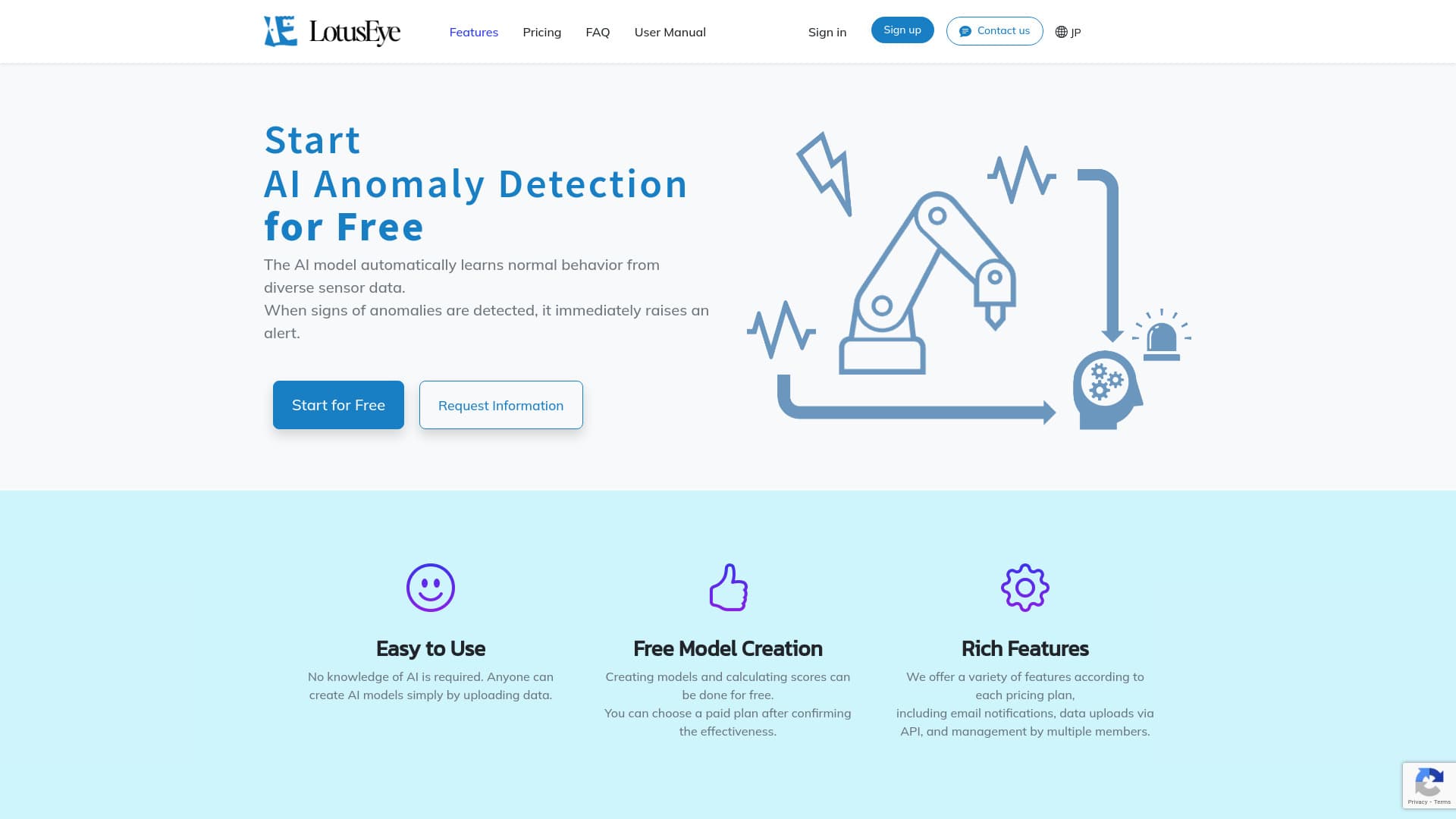
About LotusEye
LotusEye is a flexible AI-based anomaly detection platform tailored for sensor data. It autonomously learns typical operational patterns and instantly alerts users when anomalies are detected. Designed for ease of use, it allows users to upload data and build models without AI expertise. Premium plans include features like email alerts, API data integration, and team management tools.
How to Use
To get started with LotusEye, upload normal operation data to train your AI model. Then, upload test data to identify anomalies. Review the AI-generated anomaly scores; if scores exceed your set threshold, investigate the equipment status.
Features
- AI-based anomaly detection system
- Team management (premium plans)
- Real-time alert notifications
- Free model creation and testing
- API data uploads (premium plans)
- Automatic learning of normal sensor behavior
Use Cases
- Predictive maintenance for industrial machinery
- Monitoring sensor data for unusual patterns
- Detecting fraud from numerical datasets
- Analyzing web server access logs for anomalies
Best For
Pros
- API integration for automated data uploads on paid plans
- Free model creation and anomaly scoring
- Supports both wide and long CSV formats
- Advanced features available with premium plans
- User-friendly interface requiring no AI expertise
Cons
- Plan-based limitations on data storage and features
- Monthly pricing may fluctuate with exchange rates
- Model accuracy depends on training data quality
- Free plan restricts data size, upload frequency, and features
Pricing Plans
Choose the perfect plan. All plans include 24/7 support.
Free
One model per account with manual data uploads. Limited to 10 sensor data files and 10 uploads daily. Each upload supports up to 1MB and over 2,500 hours of data. Score data stored for 6 months. No team management features available. Basic usage limitations apply.
Get StartedLight
Upload test data via API, receive email alerts, support for 10 sensors, up to 10 uploads daily, 1MB per upload, over 2,500 hours of data, 6 months of score storage, with 3 team members. Weekly summaries and detailed reports are not included.
Get StartedStandard
API-based test data uploads, email alerts, support for 50 sensors, unlimited uploads, 20MB per upload, 5,000 hours of data per upload, one year of score storage, up to 10 users, weekly summaries available, but detailed reports are not included.
Get StartedBusiness
Unlimited data uploads via API, email notifications, support for 100 sensors, each upload up to 100MB, over 10,000 hours of data, three years of score storage, unlimited team members, weekly summaries, and comprehensive anomaly reports.
Get Started