

Luvvoice - Free Text to Speech
Free online text-to-speech converter featuring over 200 natural-sounding voices and support for more than 70 languages.
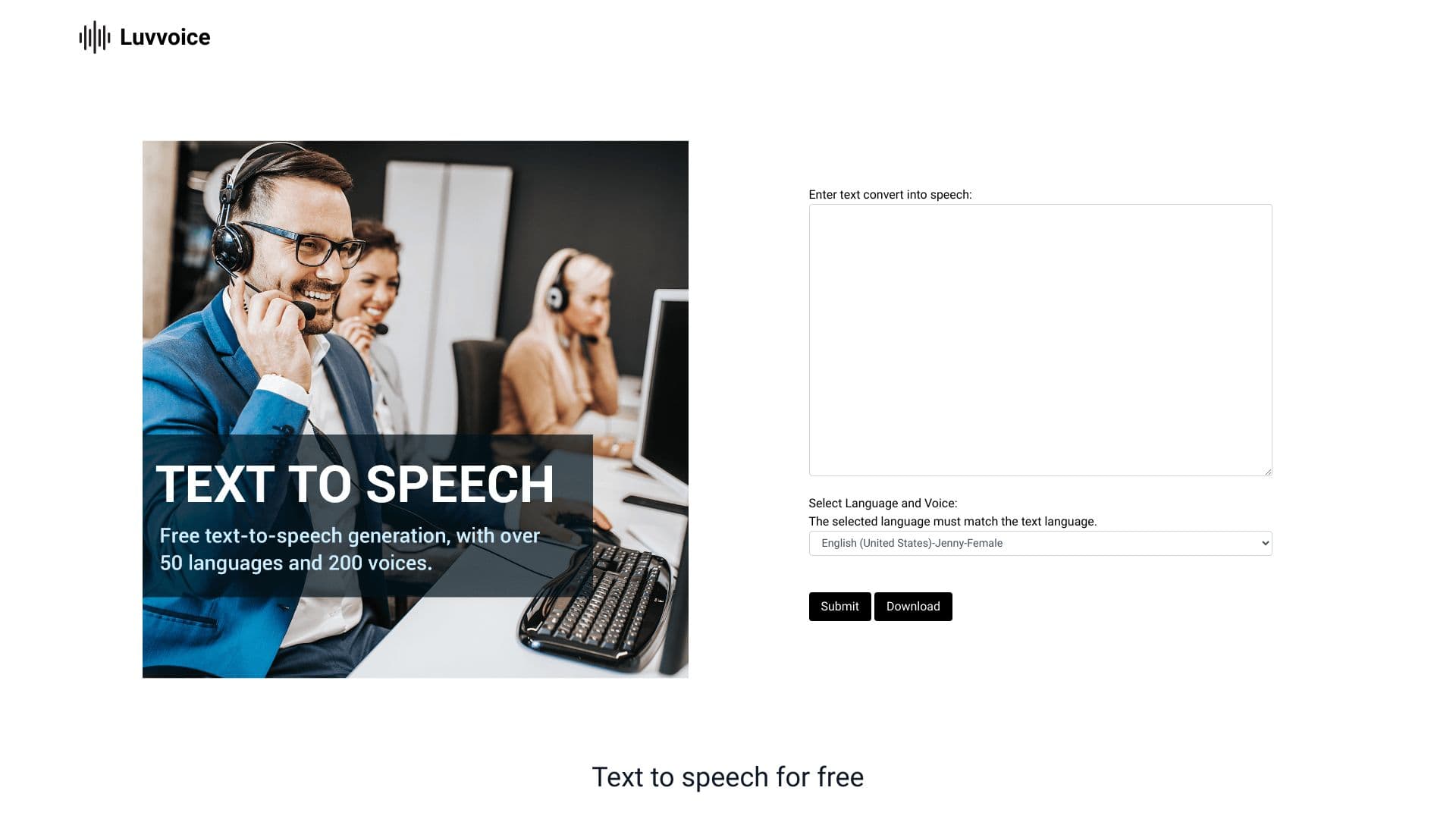
About Luvvoice - Free Text to Speech
Luvvoice is a free online platform that transforms your text into realistic speech using advanced speech synthesis technology. It supports over 70 languages and more than 200 voice options, allowing users to generate high-quality audio files without limits. Users can listen online or download MP3 files, with additional features like file-to-speech conversion from PDF and TXT documents. Perfect for creating accessible content, multimedia projects, or language learning tools.
How to Use
Enter your text into the input box, select your preferred language and voice, then click to generate speech. You can listen instantly or download the MP3. Registered users can customize speech rate, pitch, and insert pauses for better control.
Features
- Convert PDF and TXT files to speech
- Download high-quality MP3 audio files
- Adjust speech rate and pitch
- Realistic AI voice output
- Support for over 70 languages and 200 voices
Use Cases
- Creating accessible content for visually impaired audiences
- Enhancing accessibility services
- Language learning and practice
- Producing voiceovers for videos and podcasts
- Educational content development
- Media and entertainment projects
- Game narration and voice acting
- Reading e-books aloud
Best For
Pros
- Supports file uploads for versatile use
- Free plan available for basic needs
- Extensive selection of voices and languages
- User-friendly interface
- Commercial licensing included
Cons
- API access limited to Pro plan (coming soon)
- Audio files are stored for only 72 hours
- Free plan has character limits
Pricing Plans
Choose the perfect plan. All plans include 24/7 support.