

MacCopilot
A native macOS application that leverages AI to enhance screen interaction and productivity.
About MacCopilot
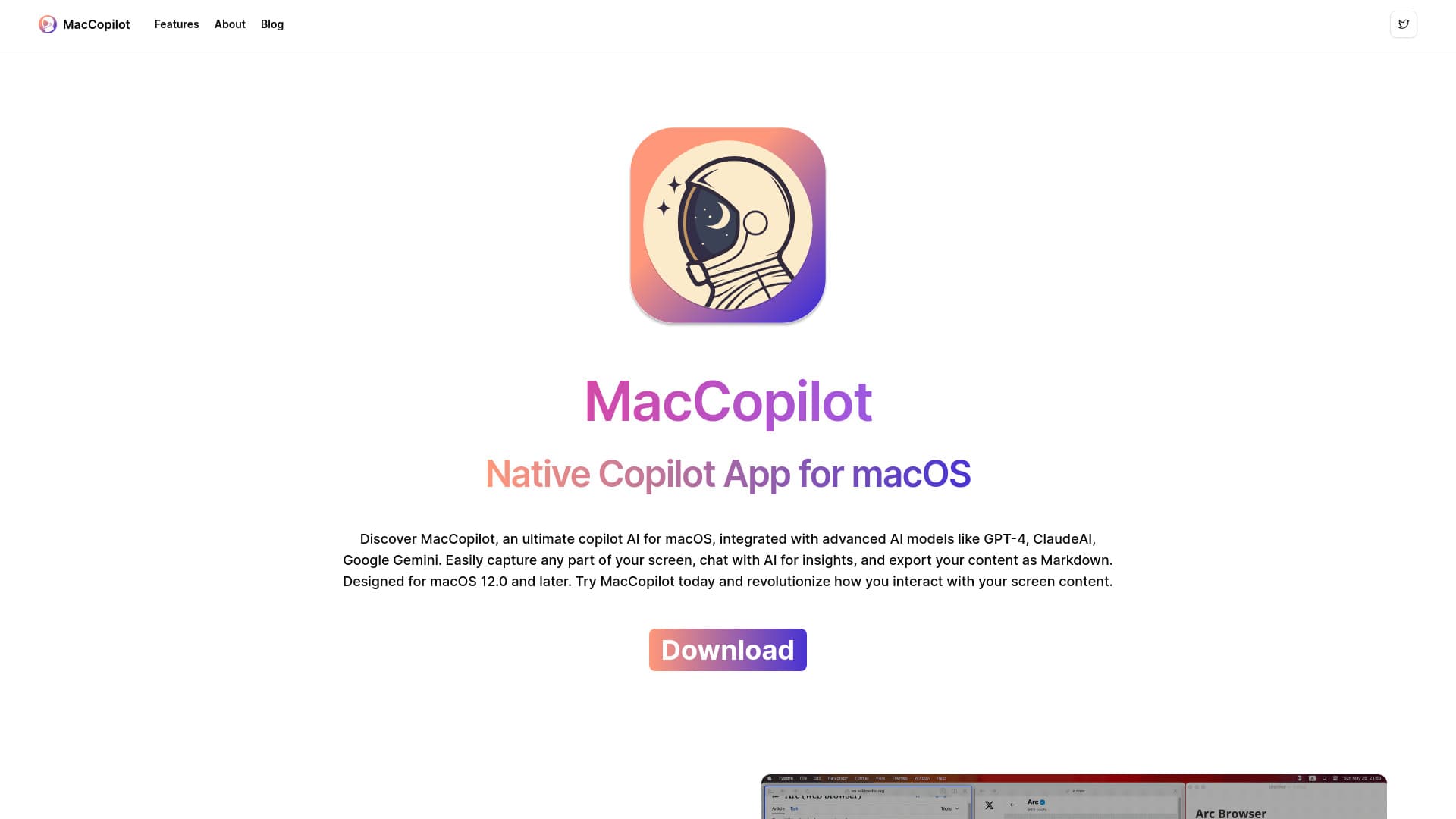
MacCopilot is a powerful native macOS application that intelligently interacts with your screen content. It integrates seamlessly with AI models like GPT-4o and Gemini, offers versatile screenshot capabilities, and connects to multiple AI platforms to boost your productivity and creative workflows.
How to Use
Activate your license in Preferences > General. Add AI models via Preferences > Models > Add Model. Capture screen content using the 'Capture' options from the menu. Press 'ESC' to exit the selection mode.
Features
- AI-Driven Interaction: Engage with AI models directly about your screen content.
- Versatile Screenshot Tools: Capture specific areas or entire screens easily.
- Multi-Platform AI Support: Connect with OpenAI, Google, Anthropic, and Ollama models for diverse AI capabilities.
Use Cases
- Improve OCR accuracy to extract text from on-screen content for editing.
- Draft email responses by capturing email snippets and requesting AI assistance.
- Summarize lengthy articles by capturing screenshots and asking AI for concise summaries.
- Explain social media discussions by capturing conversations and requesting AI explanations.
Best For
Pros
- Boosts productivity with instant AI assistance directly on Mac.
- Native application ensures smooth integration with macOS.
- Supports multiple AI platforms and models for versatility.
- Offers flexible screenshot and capture tools for various workflows.
Cons
- Some advanced features require a subscription plan.
- Requires macOS version 12.0 or later.
- User-provided API keys may be necessary for certain AI models.
Pricing Plans
Choose the perfect plan. All plans include 24/7 support.
Lifetime Access
One-time payment for unlimited use. Access all features, support multiple AI models including OpenAI, ClaudeAI, Gemini, Ollama, and receive all future updates.
Get StartedBasic Plan
Ideal for casual users. Includes core features, built-in models like GPT-4o and ClaudeAI 3.7 Sonnet, with 100 AI requests daily and priority email support.
Get StartedPremium Plan
Designed for regular users. Offers all core features, access to models like GPT-4o and ClaudeAI 3.7 Sonnet, with 500 AI requests daily, plus priority email and chat support.
Get StartedProfessional Plan
Suitable for power users. Includes all features, unlimited AI requests (2000 per day), and 24/7 priority support for maximum productivity.
Get Started