

MacGaiver
An AI-enhanced macOS assistant that leverages computer vision to answer questions about any application efficiently.
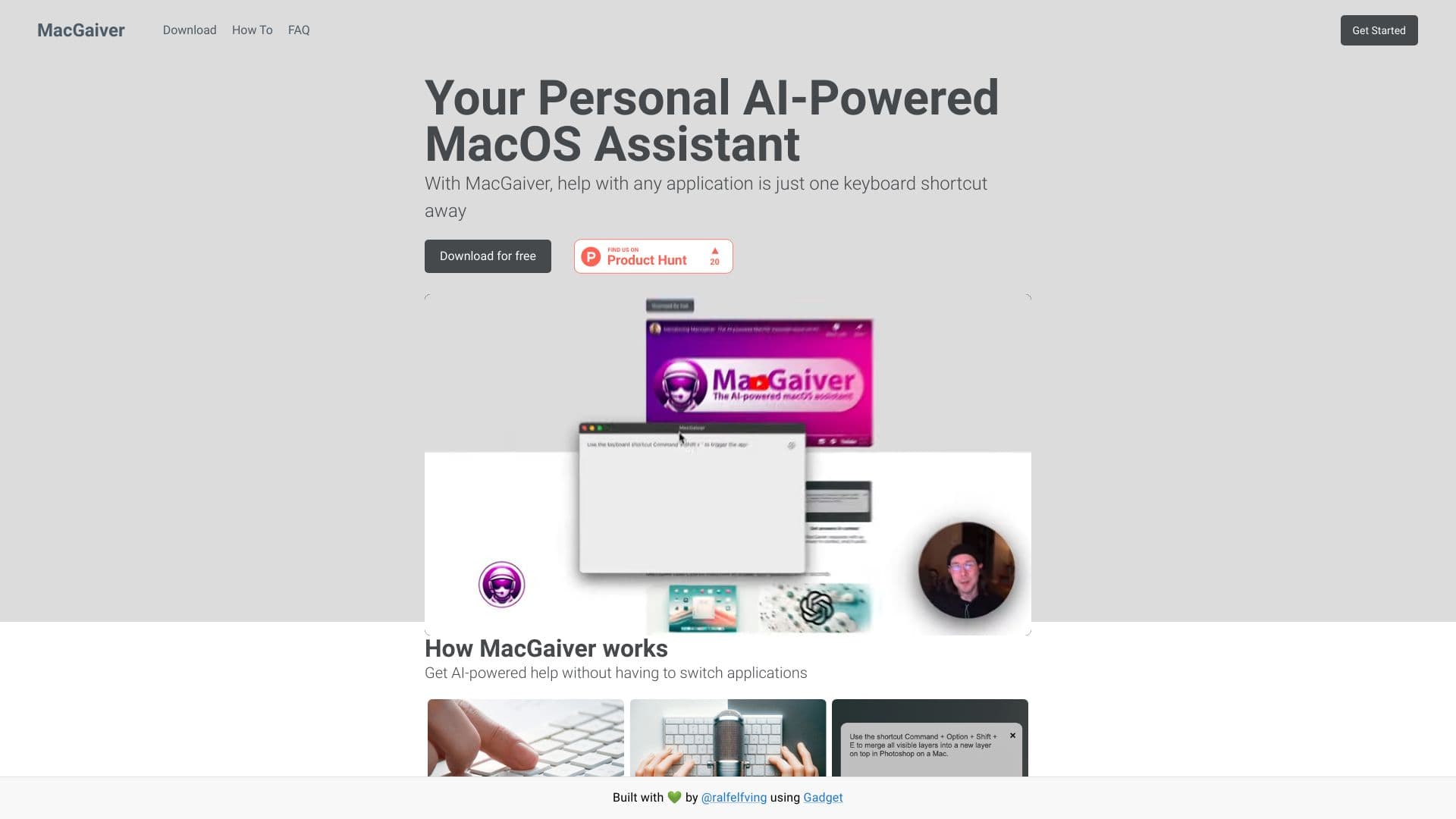
About MacGaiver
MacGaiver is an intelligent macOS assistant that utilizes computer vision to provide instant answers about any application. Easily access help without disrupting your workflow by pressing a keyboard shortcut and asking your question. It integrates with OpenAI's Vision API to deliver context-aware responses seamlessly.
How to Use
Press a designated keyboard shortcut to activate MacGaiver in any application. Ask your question verbally or type it, and receive an immediate, context-aware answer powered by OpenAI GPT-V and Vision API.
Features
- Provides contextually relevant answers through computer vision analysis
- Seamless integration with OpenAI Vision API
- Supports assistance across all macOS applications
- Quick activation via customizable keyboard shortcut
Use Cases
- Getting instant help for specific features within software applications
- Troubleshooting issues without switching windows
- Learning application functionalities on the fly
- Assisting with complex tasks in professional workflows
Best For
Design professionalsSoftware developersOffice staffPower users of macOS applicationsTech enthusiasts
Pros
- Leverages AI to understand context and deliver precise support
- Enables quick, in-place assistance without app switching
- Powered by advanced OpenAI Vision API technology
- Simple activation with a keyboard shortcut for efficiency
Cons
- Requires an active internet connection for API access
- May struggle with highly complex or specialized software
- Dependent on the accuracy of AI and Vision API responses
FAQs
How does MacGaiver operate?
MacGaiver captures a screenshot of your current window, records your question, and sends both to OpenAI's Vision API. The system then returns a relevant, in-context answer.
What technologies power MacGaiver?
MacGaiver is built on OpenAI's GPT-V and uses the OpenAI Vision API for visual analysis and contextual support.
How can I activate MacGaiver?
Activate MacGaiver quickly by pressing a custom keyboard shortcut in any application and then asking your question.
Is internet required to use MacGaiver?
Yes, an active internet connection is necessary to access OpenAI's Vision API and GPT-V services.
Can MacGaiver handle complex or specialized applications?
While effective in many scenarios, it may have limitations when analyzing highly complex or specialized software.