

Maester.app
Maester is a powerful GPT-3 template engine designed for custom output creation and seamless sharing.
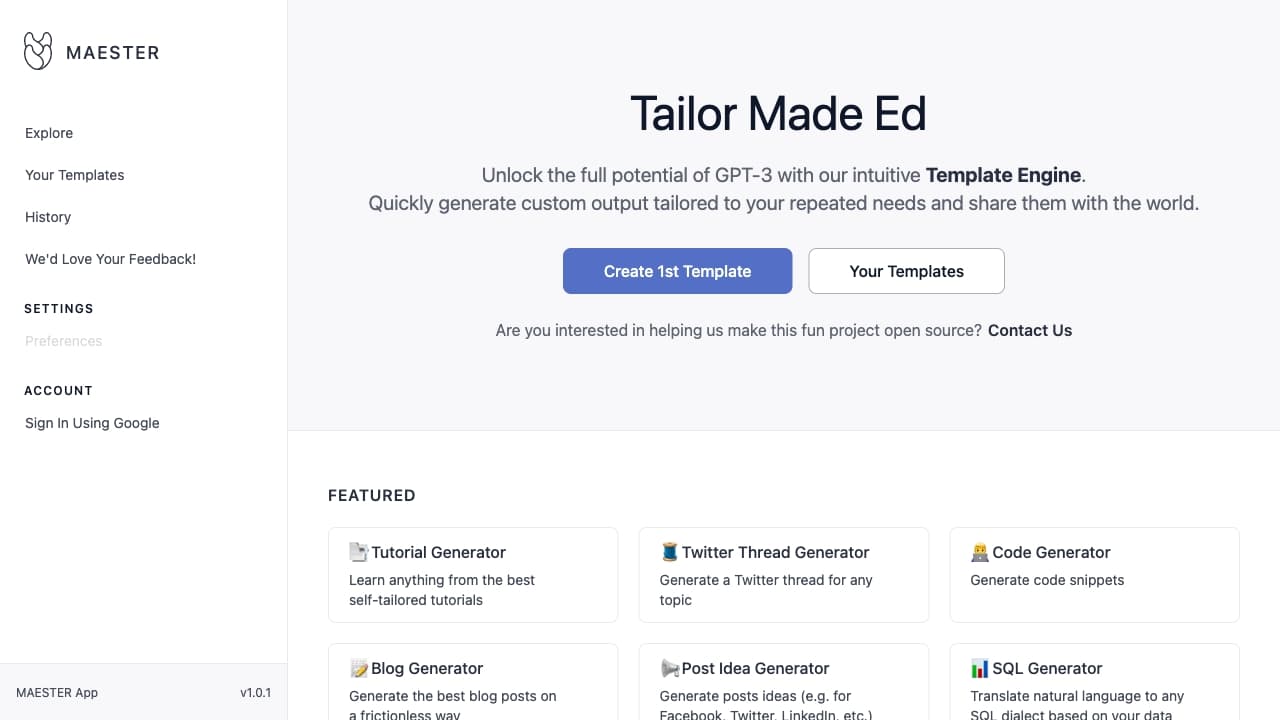
About Maester.app
Maester leverages GPT-3 with an intuitive Template Engine, enabling users to generate tailored content efficiently. Share your templates easily and streamline tasks in content creation, education, and software development with this versatile platform.
How to Use
Create reusable templates in Maester to automate your tasks. Customize outputs to meet your needs and share your templates with others. Sign in with Google to begin.
Features
- Pre-designed templates for quick use
- Easy template sharing among users
- Generate customized outputs efficiently
- User-friendly GPT-3 template engine
Use Cases
- Crafting engaging Twitter threads
- Generating unique names
- Writing detailed blog posts
- Checking and improving grammar
- Brainstorming post ideas
- Creating code snippets
- Designing study plans
- Building SQL queries
- Developing tutorials
Best For
Content creatorsDigital marketersAcademic researchersSoftware engineersStudents
Pros
- Highly customizable content outputs
- Supports diverse use cases
- User-friendly template creation
- Easy sharing of templates
Cons
- Limited details on pricing plans
- Requires Google account login
- Platform version indicates early development stage
FAQs
What is Maester?
Maester is an AI-powered platform utilizing a Template Engine to generate personalized outputs with GPT-3 for repeated tasks.
What are the main uses of Maester?
Maester helps with content management, education, and software development by providing features like tutorial creation, Twitter thread generation, and code snippets.
How do I start using Maester?
Simply sign in with your Google account to access and create your templates.
Is Maester suitable for beginners?
Yes, its intuitive interface makes it easy for beginners to create and share custom GPT-3 templates.
Can I share my templates with others?
Absolutely. Maester allows you to easily share your templates with the community or team members.