

Maestro Studio Desktop Beta
Comprehensive desktop application for automated testing of mobile and web apps, streamlining quality assurance processes.
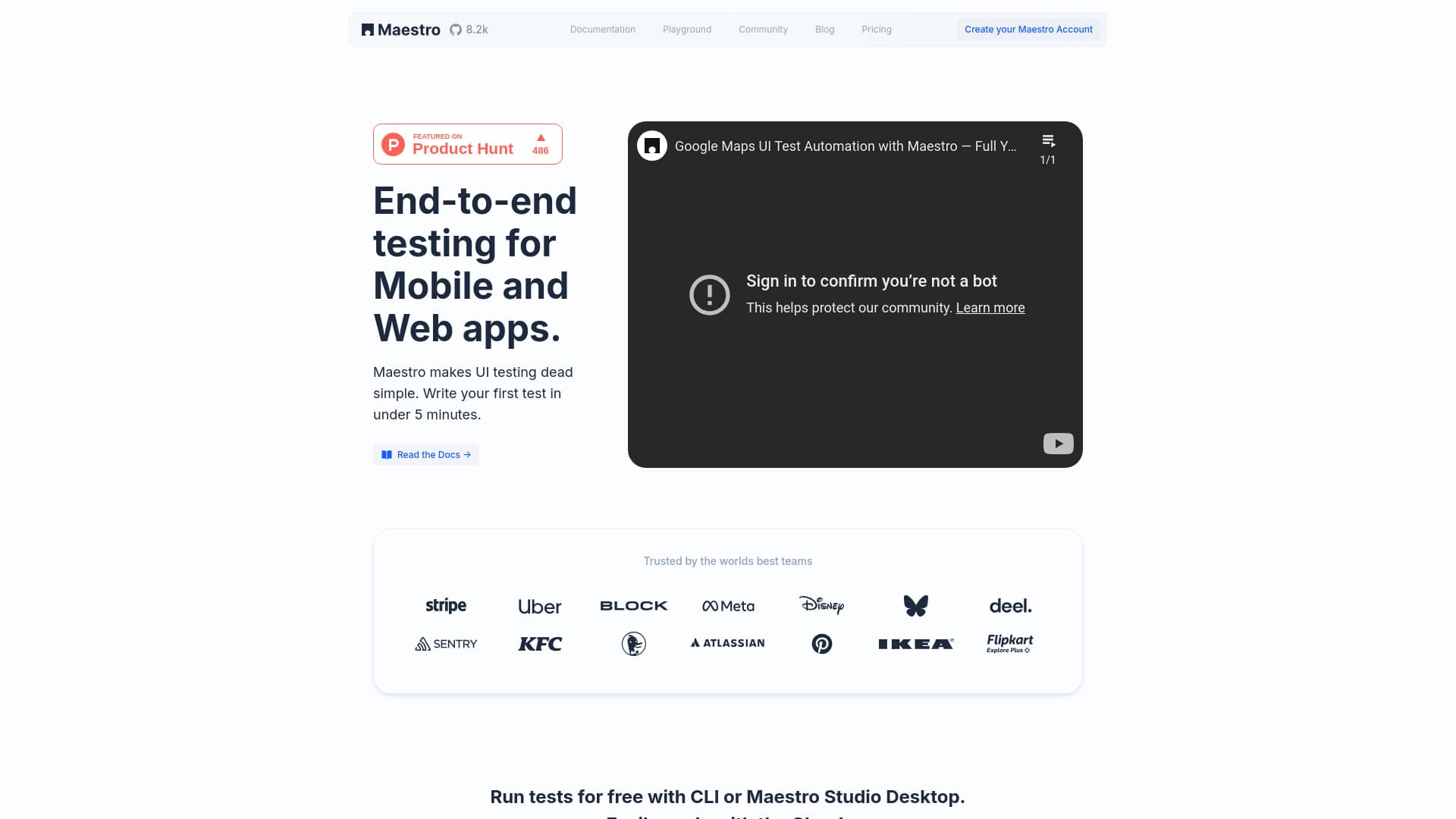
About Maestro Studio Desktop Beta
Maestro is an all-in-one desktop testing solution that automates end-to-end testing for mobile and web applications. Built on an open-source framework, it enables users to quickly create, execute, and scale tests without complex setups. Its user-friendly interface suits both developers and non-technical team members, simplifying UI testing and quality assurance workflows.
How to Use
Run tests locally using the Maestro CLI or the visual Maestro Studio desktop app. Maestro Studio offers element exploration, action recording, and AI-assisted command generation with MaestroGPT. Scale testing by executing tests in parallel on cloud infrastructure and integrate seamlessly into CI/CD pipelines for continuous testing and deployment.
Features
- Intuitive element inspector for quick UI element identification
- AI-powered testing with MaestroGPT for automated command generation
- Visual test creation through element recognition and recording
- Parallel execution of tests on enterprise-grade cloud infrastructure
- Smooth integration with CI/CD pipelines for shift-left testing
- Automatic test script generation via action recording
- Dedicated IDE designed specifically for testers
- Detailed test reporting and flow analysis
- Cross-platform compatibility for iOS, Android, and web applications across frameworks like React Native, Flutter, SwiftUI, and more
Use Cases
- Integrate automated tests into CI/CD workflows for pre-release and nightly builds
- Enable non-technical team members to create and maintain tests visually
- Scale testing processes with cloud-based parallel execution
- Detect issues early and maintain high quality during development
- Create and run comprehensive tests rapidly without complex setup
- Automate end-to-end UI testing for mobile and web applications
Best For
Pros
- Open-source framework with a free plan for local testing convenience.
- Cloud infrastructure enables scalable, reliable parallel testing.
- User-friendly Studio interface suitable for both technical and non-technical users.
- No need for complex CLI or IDE setup for basic testing tasks.
- Visual test creation and action recording simplify scripting.
- AI features like MaestroGPT accelerate test development.
- Supports shift-left testing with seamless CI/CD integration.
- Compatible across multiple mobile and web platforms and frameworks
Cons
- Cloud testing costs can accumulate with large-scale, device-based plans.
- Advanced features such as parallel runs and enterprise support require paid plans.
- Downloading the desktop app is necessary to access Maestro Studio.
Pricing Plans
Choose the perfect plan. All plans include 24/7 support.
Basic
Run and build tests locally with Maestro CLI, Studio, MaestroGPT, and Slack Bot. Includes AI commands and detailed flow analysis.
Get StartedCloud - Android
Test your app in the cloud with concurrent execution. Includes parallel runs, enterprise reliability, unlimited hosted tests, user access, test reports, and CI integration.
Get StartedCloud - iOS
Cloud testing for iOS apps with features such as parallel execution, unlimited test runs, and comprehensive reporting, similar to Android plans.
Get StartedCloud - Web
Cloud-based web app testing with scalable parallel runs, detailed reports, and CI/CD integration support.
Get StartedEnterprise
Customized testing solutions with dedicated support, Single Sign-On, and advanced security reviews tailored to organizational needs.
Get Started