

Magic-Eraser
AI-powered tool for removing unwanted objects from photos. Free to use with no login required.
About Magic-Eraser
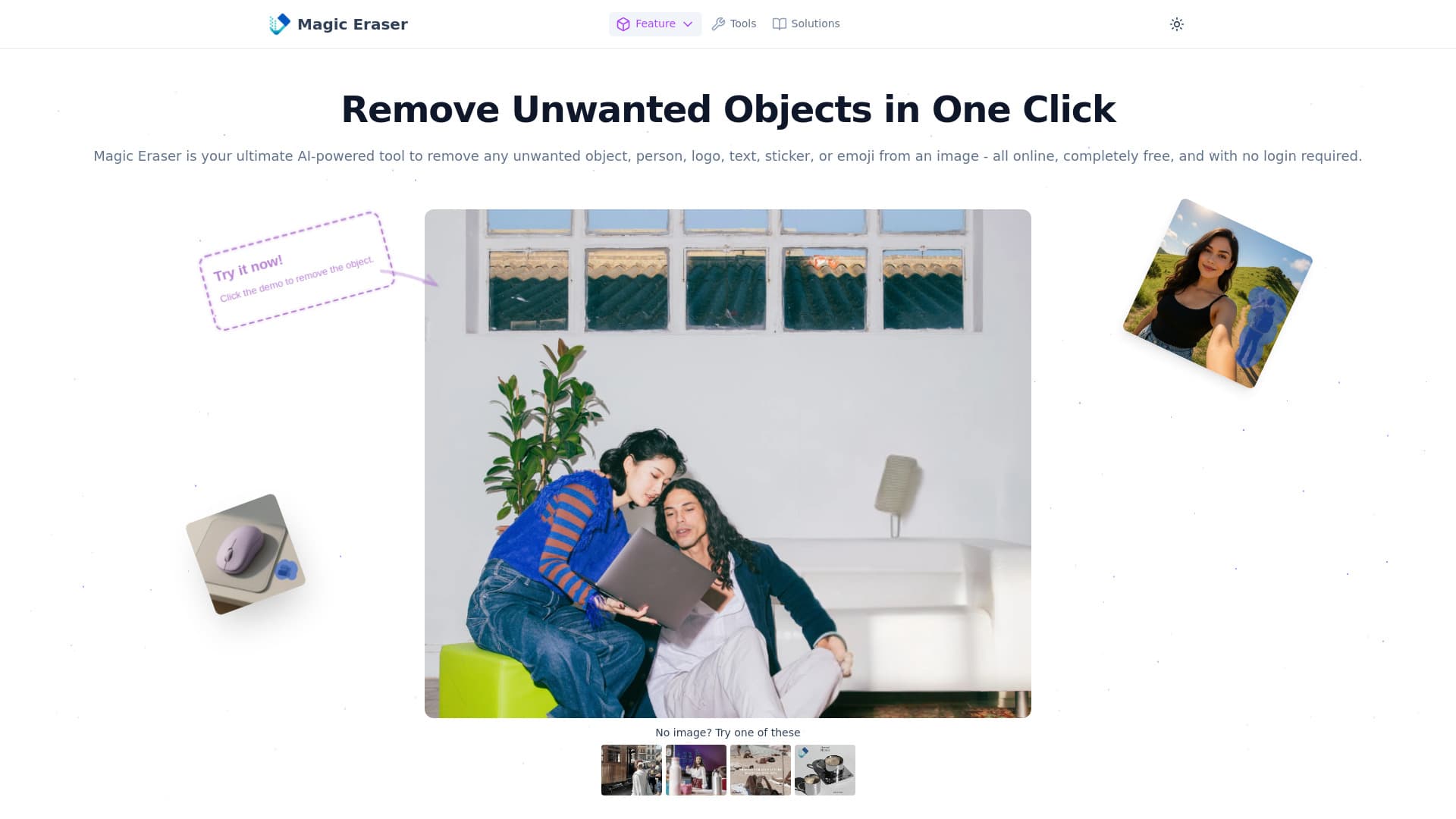
Magic Eraser is a powerful AI-driven online tool designed to effortlessly remove unwanted objects, logos, text, or stickers from your images. It operates completely free without requiring registration or login. Leveraging advanced AI technology, Magic Eraser precisely eliminates unwanted elements while seamlessly reconstructing the background, ensuring high-quality results. Compatible with JPG, PNG, and WEBP formats, it’s ideal for enhancing portraits, travel shots, product photos, memes, posters, and social media images.
How to Use
To use Magic Eraser, upload your image, then highlight the object or area you want to remove using the brush tool. The AI instantly erases the marked part and fills the space naturally. Finally, download your edited image in high resolution at no cost.
Features
- Supports JPG, PNG, and WEBP formats
- AI-powered removal of objects, logos, text, and stickers
- Free access with no account or login required
- User-friendly interface optimized for mobile devices
- Maintains original image quality after editing
Use Cases
- Remove logos from product photos for marketing
- Eliminate distractions from travel and landscape images
- Erase blemishes or background figures in portraits
- Clean memes and posters by removing text or emojis
- Restore old family photos by removing damage or unwanted elements
- Edit product images by removing backgrounds or props
- Improve food blog photos by removing distracting objects
- Optimize product images for online stores
- Edit concert photos by removing unwanted people or objects
- Remove watermarks and stickers from social media content
Best For
Pros
- Easy-to-use brush tool for precise highlighting
- Handles complex backgrounds effortlessly
- Instant and fast object removal
- No login or account needed
- Utilizes advanced AI for accurate results
- Completely free with no hidden fees
- Mobile-friendly and compatible with all devices
- Supports high-resolution images up to 10MB
- Compatible with all major image formats
- Preserves original image quality after editing