

MagicSlides
AI-powered presentation creator that generates professional slides from a variety of content sources.
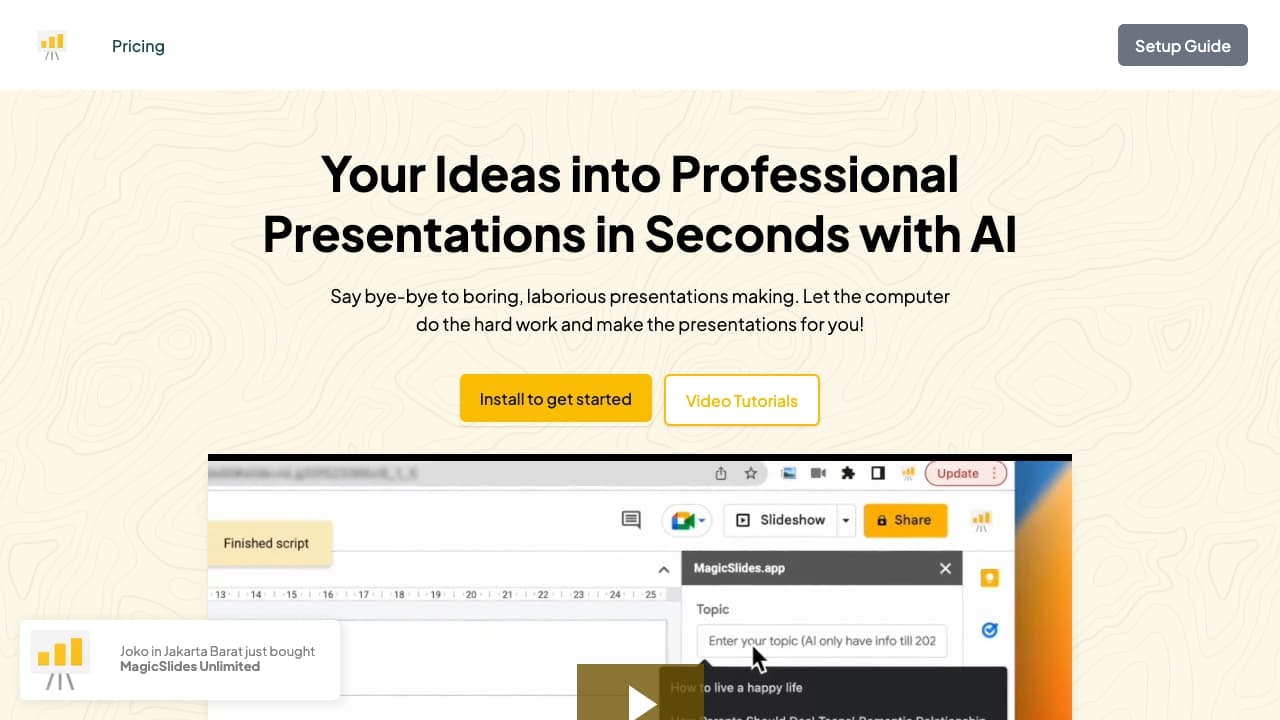
About MagicSlides
MagicSlides.app is an advanced AI-driven presentation platform that enables users to craft professional slides effortlessly. It offers customizable templates and AI features to create presentations from topics, text, YouTube videos, PDFs, and URLs. Additionally, it integrates with Google Slides, Chrome, Figma, ChatGPT, and Telegram, allowing seamless presentation creation within your preferred tools.
How to Use
Sign up or log in for free at MagicSlides.app. Then, start creating a presentation by entering a topic, pasting text, providing a YouTube link, uploading a PDF, or entering a URL. The AI instantly generates your slides within seconds.
Features
- Supports over 100 languages for global usability
- Creates slides for pros and cons, bullet points, lists, metrics, timelines, and SWOT analysis
- Offers integrations with Google Slides, Chrome Extension, Figma, ChatGPT, and Telegram
- Includes customizable templates for personalized designs
- Generates presentations from various content formats using AI
Use Cases
- Developing presentations from a specific topic
- Creating pitch decks from existing content
- Producing SWOT analysis slides
- Generating presentations from YouTube videos
- Converting PDF reports into PowerPoint presentations
Best For
Pros
- Uses AI to generate content efficiently
- Supports more than 100 languages for diverse users
- Integrates smoothly with popular tools and platforms
- Offers a variety of templates and customizable layouts
- Enables fast and effortless slide creation
- Supports multiple content sources for versatile use
Cons
- Support covers installation, licensing, and usage issues; customization is not included
- Free plan has limitations on the number of presentations and character input
- One Google account (email) is counted as a single user license
Pricing Plans
Choose the perfect plan. All plans include 24/7 support.