

Mapify: Anything into mind map with AI
AI-powered mind mapping tool that transforms content into organized, visual diagrams for better understanding.
About Mapify: Anything into mind map with AI
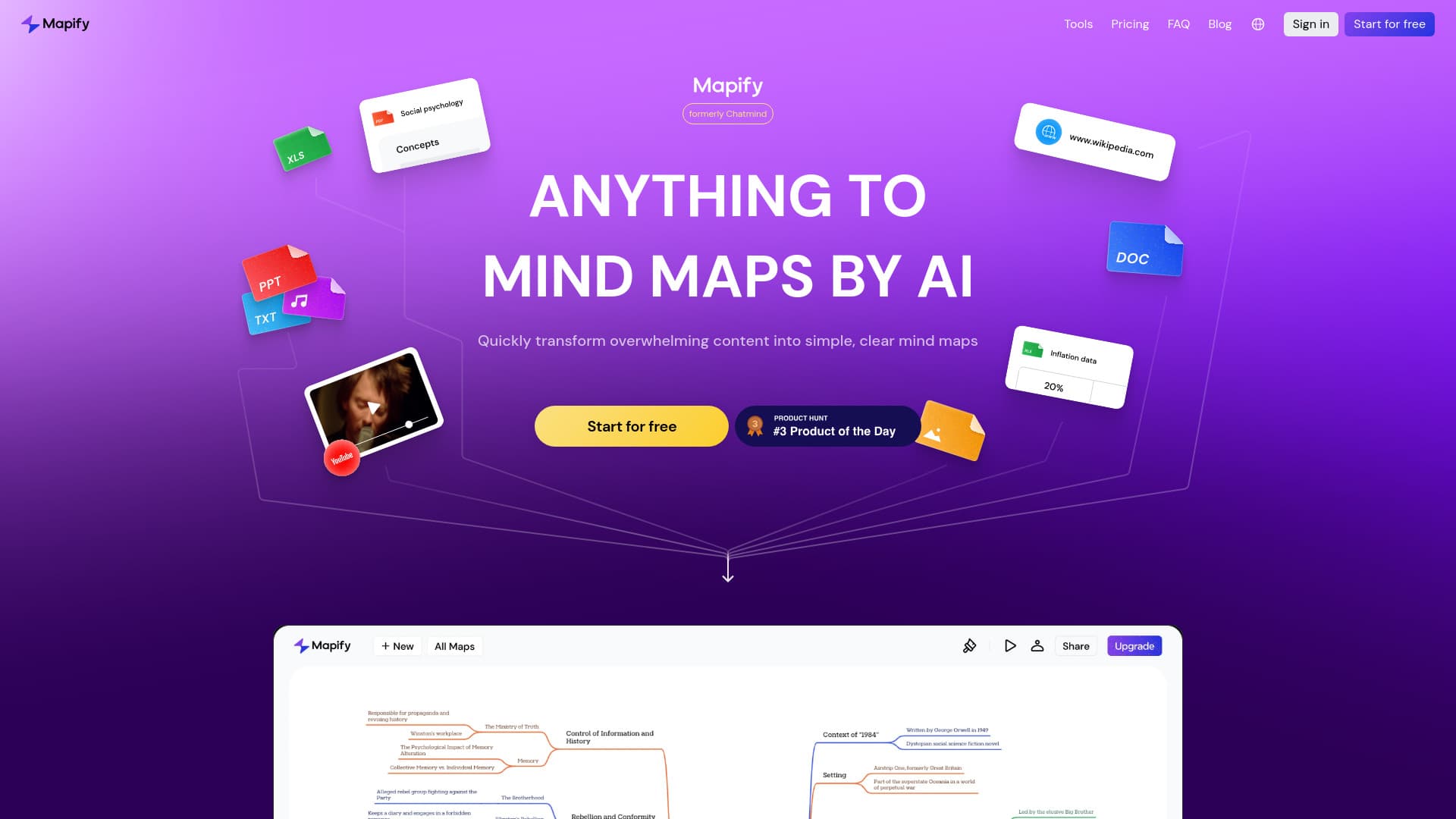
Mapify is an innovative AI-driven mind mapping platform developed by Xmind. It simplifies complex information by converting various content formats, including PDFs, Word documents, PowerPoint files, YouTube videos, and images, into clear and structured visual maps. The platform supports real-time collaboration, editing, and exporting in multiple formats to enhance team productivity and idea sharing.
How to Use
Upload files such as PDFs, Word documents, PowerPoint presentations, images, or audio files; input URLs or text snippets. Mapify's AI then generates a detailed mind map that can be customized, edited, and shared seamlessly.
Features
- Real-time team collaboration
- Multiple export options including SVG, Xmind, PDF, and Markdown
- AI-driven image creation for visual mapping
- Automatic translation into over 30 languages
- Customizable editing options
- Supports various content types like PDFs, Word, PPT, YouTube, images, and audio
- AI-powered real-time search for live data integration
- Automated mind map generation using AI
- Interactive AI-assisted editing and refinement
- Summarizes lengthy texts, videos, and audio using AI
Use Cases
- Designing presentation outlines from mind maps
- Transforming web pages into visual diagrams
- Creating mind maps from YouTube videos
- Summarizing academic papers and research articles
- Brainstorming and idea development
- Enhancing study and memorization techniques
- Organizing meeting notes and project workflows
Best For
StudentsEducatorsBusiness professionalsResearchersProject managersIndividuals managing complex informationContent creators
Pros
- Speeds up information processing and learning
- Includes AI-powered image generation and live data search
- Facilitates team collaboration on projects
- Improves memory retention through visual mapping
- Provides AI-assisted summarization and organization
- Supports multiple languages
- Simplifies conversion of various content types into visual maps
Cons
- Initial AI-generated maps may need manual adjustments
- Learning curve to fully utilize all features
- Potential costs for advanced functionalities or usage limits
FAQs
Which file types can Mapify convert into mind maps?
Mapify supports converting PDFs, Word files, PowerPoint presentations, YouTube videos, images, audio recordings, and web pages into visual mind maps.
Is real-time collaboration available in Mapify?
Yes, Mapify enables multiple users to collaborate simultaneously on the same mind map.
Can I customize and edit generated mind maps?
Absolutely. You can add, delete, and rearrange nodes to tailor the mind maps to your needs.
What formats can I export my mind maps in?
You can export mind maps as SVG, Xmind, PDF, or Markdown files.
What AI technologies power Mapify?
Mapify utilizes advanced language models including GPT-4o and Claude 3.5 for its AI functionalities.