

Maxel AI
Maxel AI is a cloud-based platform that streamlines 3D print preparation and G-code generation through automation and intelligent tools.
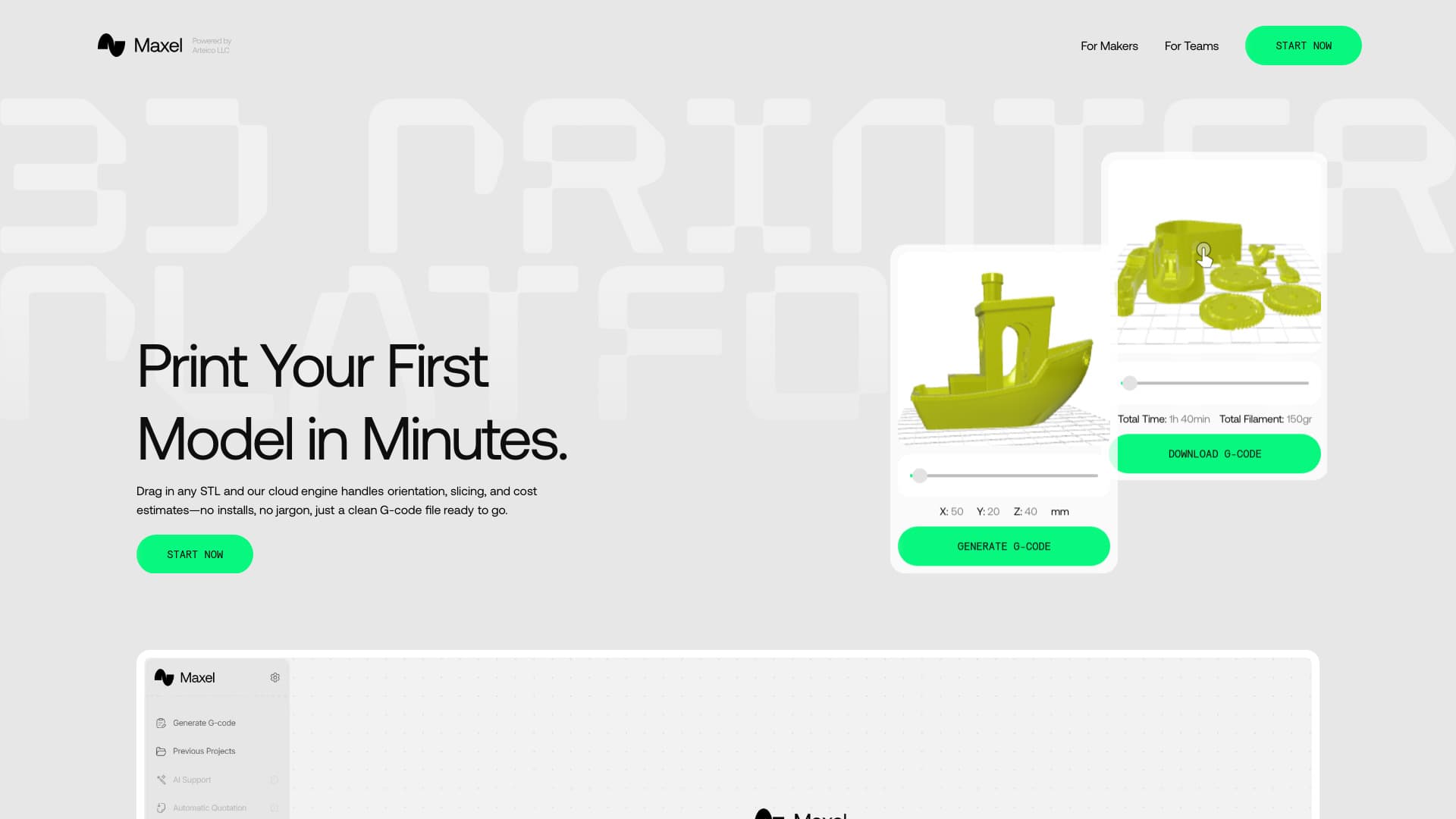
About Maxel AI
Maxel AI offers a cloud-based solution that automates essential 3D printing tasks, including model orientation, slicing, and print setup. Designed for both hobbyists and professionals, it enables quick G-code generation in seconds without requiring prior slicer experience or software downloads. The platform simplifies the entire 3D printing process with an intuitive, browser-based interface.
How to Use
Getting started with Maxel involves three simple steps: 1. Upload Your Model: Drag and drop STL, OBJ, or 3MF files directly into your browser. 2. Auto-Slice in the Cloud: Maxel automatically repairs, orients, and slices your model, providing real-time estimates for print time and filament. 3. Download G-Code: Save the optimized G-code file for transfer to your 3D printer via SD card or Wi-Fi connection.
Features
- Provides upfront print time and filament cost estimates
- AI-powered Print Coach for quality enhancement
- No software installation required with cloud access
- Auto plate layout to optimize filament use and time
- Browser-based 3D model preview
- Automated slicing and G-code creation
- Supports STL, OBJ, and 3MF file formats
- Smart orientation for improved strength and faster printing
- Compatible with popular printer brands like Creality, Prusa, and Bambu Lab
Use Cases
- Estimate print duration and filament requirements before printing
- Simplify 3D printing workflows for beginners and experts
- Quickly prepare models for printing without complex slicer software
- Automate model orientation and print bed layout for efficiency
- Generate optimized G-code compatible with various 3D printers
Best For
Pros
- Time and material savings through automated orientation and bed layout
- Provides accurate upfront cost and time estimates
- Compatible with multiple file formats and printer brands
- Free to use with no setup costs
- AI Print Coach enhances print quality and reduces failures
- Entirely browser-based, no software downloads required
- User-friendly interface requiring no slicer expertise
- Fast G-code generation within seconds
Cons
- Support for some printer brands remains in beta testing
- Upload file size limited to 100 MB