

Mediar
Mediar is an AI-powered assistant that delivers personalized health insights and automates data entry into Windows applications, streamlining healthcare workflows.
About Mediar
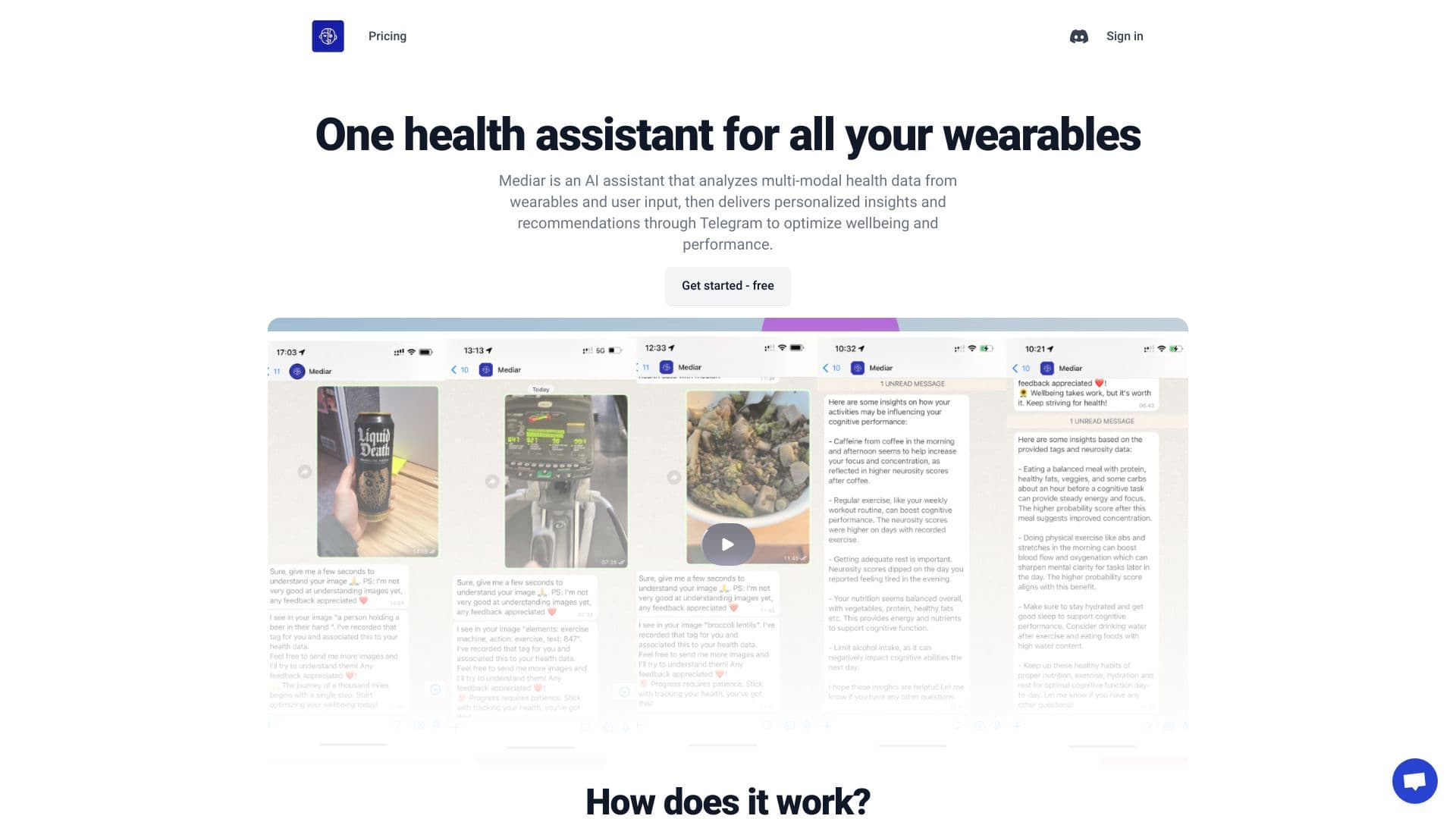
Mediar leverages artificial intelligence to analyze multi-modal health data from wearables and user inputs, providing tailored insights and recommendations via WhatsApp to enhance wellbeing and performance. It automates repetitive data entry tasks from PDFs directly into Windows desktop applications without requiring APIs, reducing errors, ensuring compliance, and freeing healthcare teams from manual work.
How to Use
Integrate Mediar with your document sources, specify data entry tasks, let the AI learn and adapt, deploy to your team, then monitor and refine the automation for optimal performance.
Features
- AI-powered data entry automation for healthcare
- Compliance and security automation
- Proactive AI assistant
- PDF and document automation
- Seamless Windows application integration
- Healthcare-focused Copilot
- Easy integration with legacy systems
Use Cases
- Automate transferring patient data from PDFs into electronic medical records (EMR).
- Streamline processing of healthcare invoices into accounting systems.
- Automatically input internal health forms into management tools.
- Extract medical data from real estate documents into healthcare software.
- Capture legal clauses from health-related legal documents into case management systems.
- Input financial statements into healthcare financial software.
- Populate CRM with patient and sales data from PDFs.
- Extract targeted health data from complex medical PDFs.
- Automate patient information entry into EMR systems from PDFs.
- Transfer client health documents into Windows-based applications.
Best For
Pros
- No need for APIs with legacy healthcare systems
- Enhances team productivity
- Ensures data accuracy and compliance
- Reduces manual data entry time
- Fast deployment with scalable options
- Empowers healthcare staff
- Supports various document formats and Windows apps
Cons
- AI performance depends on data quality and training
- Requires ongoing monitoring and adjustments
- Initial setup may need workflow configuration