

Meshing: AI Mesh Gradient Tool
AI-powered tool for designing stunning mesh gradients across various creative projects.
About Meshing: AI Mesh Gradient Tool
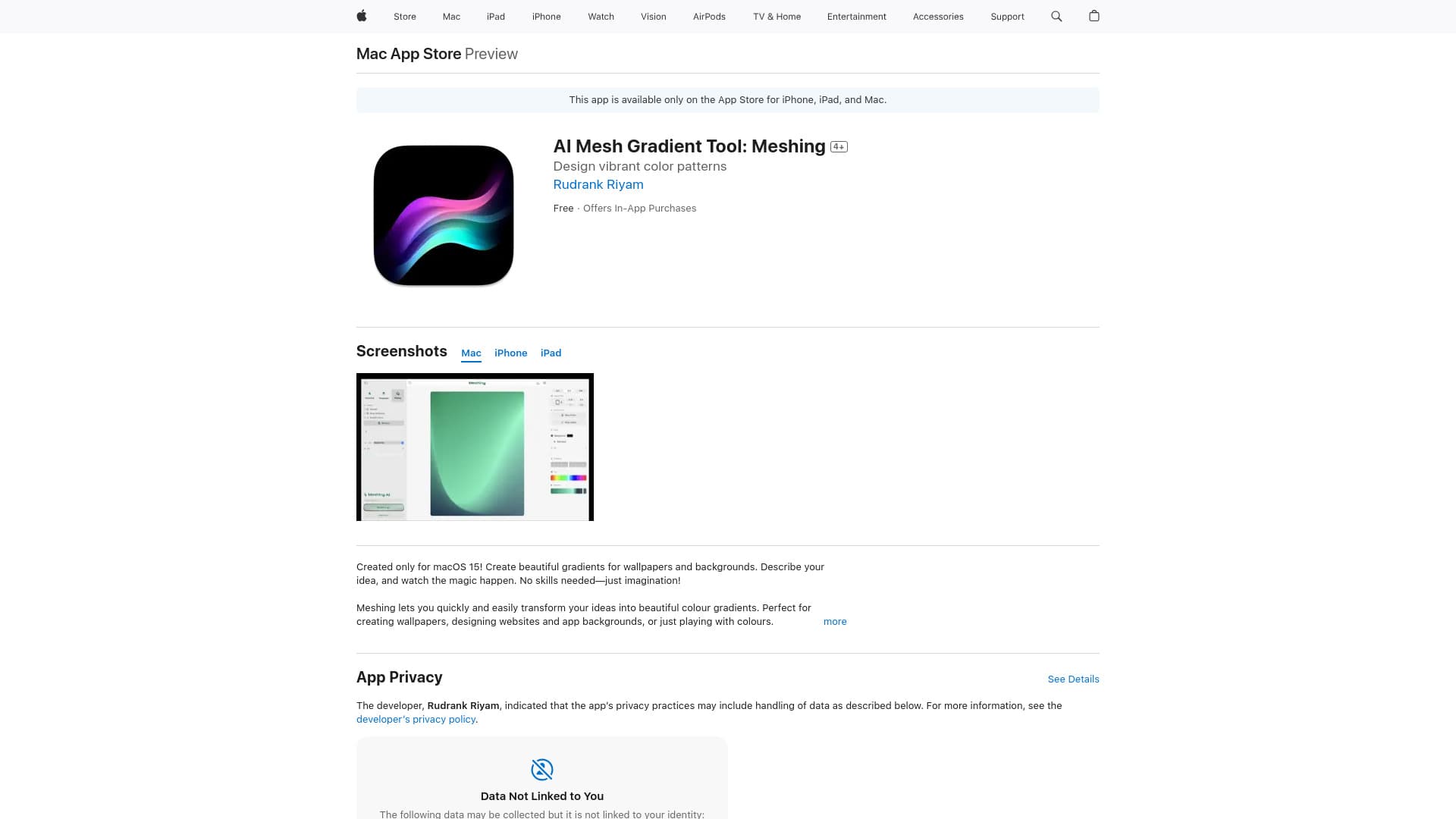
Meshing is an innovative AI Mesh Gradient Tool available on the App Store that simplifies the process of creating visually appealing color gradients for wallpapers, backgrounds, websites, and app interfaces. Its user-friendly design requires no prior experience, utilizing AI and real-time editing features to turn ideas or photos into captivating visuals, including effects like blur, wireframe views, and smooth animations.
How to Use
Describe your desired gradient or upload an image, and Meshing will generate a corresponding mesh gradient. You can then refine your design with real-time adjustments, including tapping and swiping to modify the gradient, selecting grid sizes, and applying effects like blur and animations.
Features
- Export high-resolution images or code snippets
- AI-driven gradient creation from text prompts or photos
- Real-time editing with tap and swipe controls
- Includes blur effects and wireframe visualization
- Supports smooth animations
- Customizable grid sizes from 2x2 to 5x5
- Template library and favorite gradient saving
Use Cases
- Creating color schemes for design projects
- Designing wallpapers for iPhones and iPads
- Applying gradients to text, images, and buttons
- Developing app background visuals
- Designing website backgrounds
Best For
Pros
- Rapid gradient creation with AI assistance
- Save and reuse templates and favorites
- Multiple export options including images and code
- User-friendly interface requiring no design experience
- Real-time editing with instant visual feedback
Cons
- Available exclusively on iOS devices
- AI reliance may limit detailed creative control
- In-app purchases unlock full functionality
Pricing Plans
Choose the perfect plan. All plans include 24/7 support.