

Microsoft Copilot
Microsoft AI assistant seamlessly integrated into Office applications, Edge browser, and Windows to enhance writing, summarization, coding, and analytical tasks.
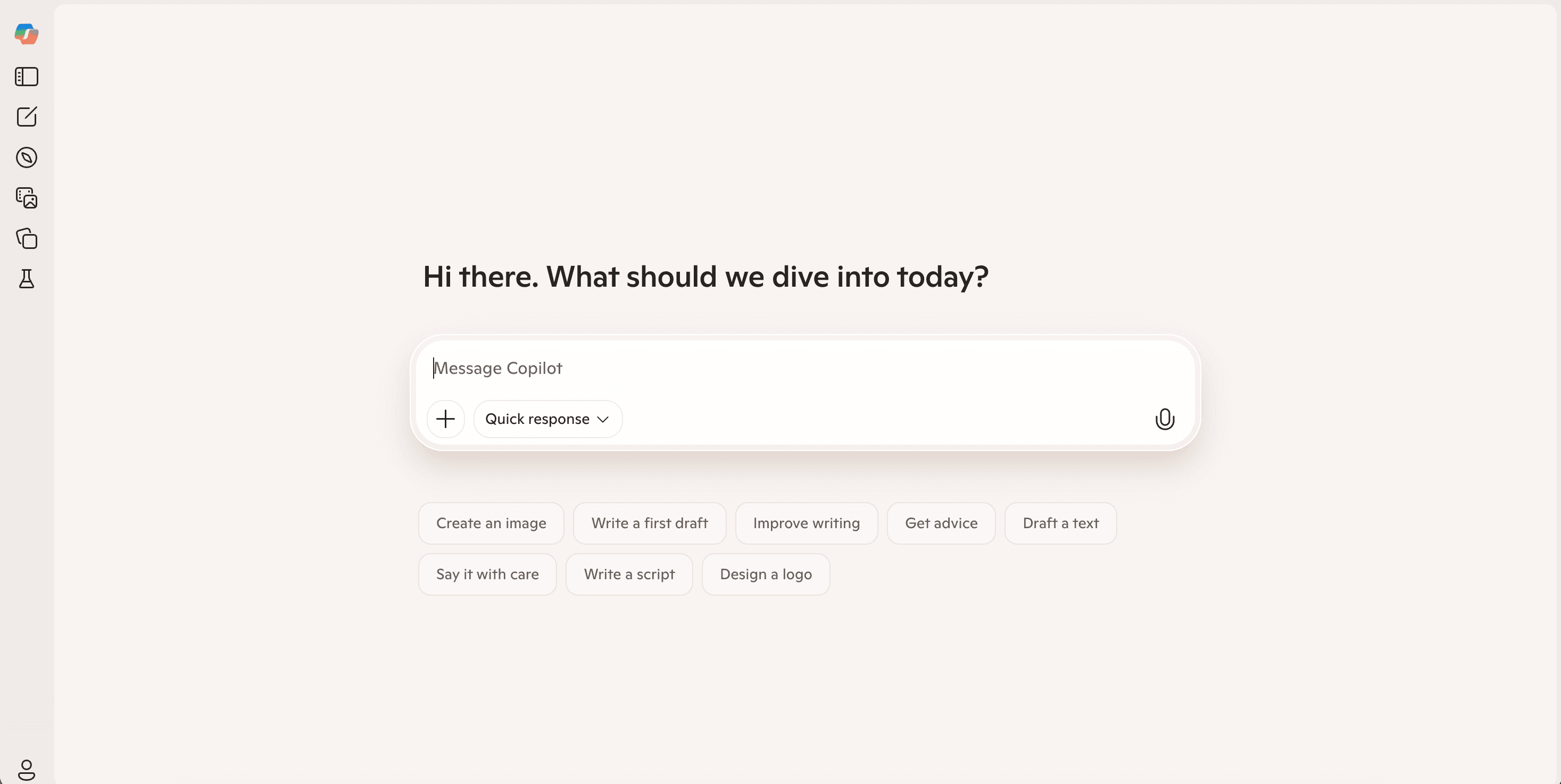
About Microsoft Copilot
Microsoft Copilot leverages artificial intelligence within Word, Excel, PowerPoint, Outlook, and Windows to provide real-time assistance in writing, data analysis, summarization, and productivity enhancement.
How to Use
Access Copilot within Microsoft Office apps by clicking the Copilot icon and entering commands via text or voice.
Features
- AI-powered writing assistance
- Data analysis and insights
- Content summarization
- Coding and scripting support
Use Cases
- Advanced Excel data analysis
- Creating professional documents
- Drafting and replying to emails
- Generating presentations
- Automating routine tasks
Best For
Business professionalsStudents and educatorsTeams and organizationsData analystsContent creators
Pros
- Provides real-time data insights
- Integrates smoothly with Microsoft apps
- Suitable for enterprise use
Cons
- Some features are subscription-based
- Requires an active Microsoft 365 subscription
FAQs
Is Microsoft Copilot available for free?
Basic features are included with Microsoft 365; advanced capabilities require subscription.
Which Microsoft apps support Copilot?
Copilot is available in Word, Excel, PowerPoint, Outlook, and Windows 11.
How does Copilot assist with data analysis?
It helps analyze data sets, generate insights, and create visualizations in Excel.
Can I use voice commands with Copilot?
Yes, you can activate and control Copilot using spoken commands in supported apps.
Is Copilot suitable for enterprise use?
Absolutely, it offers enterprise-grade security and seamless integration for business workflows.