

Midjourney Video
AI-powered video generator that converts images into engaging 5-second videos using advanced Image-to-Video technology.
About Midjourney Video
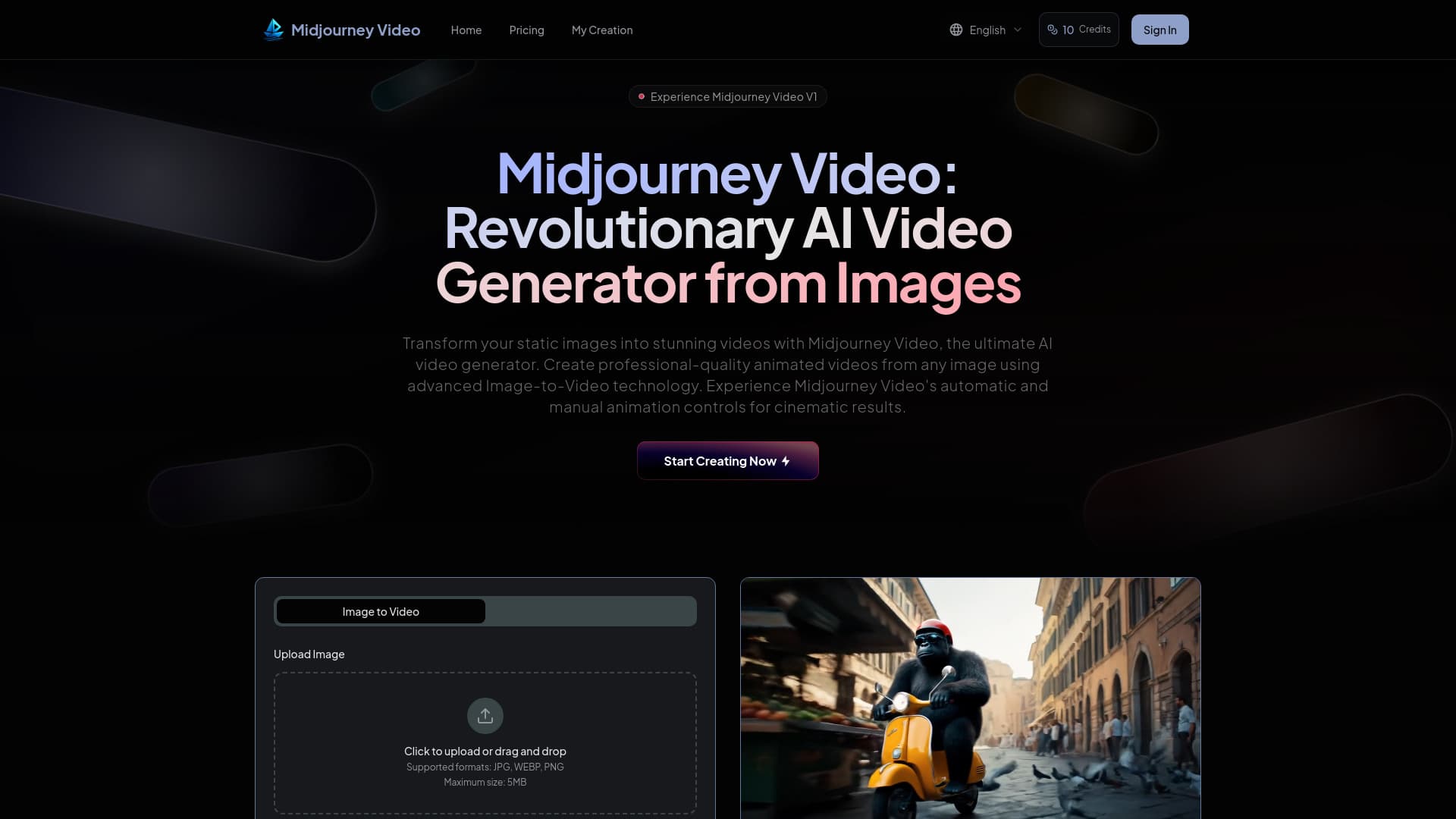
Midjourney Video is an innovative AI-based platform that transforms static images into captivating 5-second animated videos. Utilizing cutting-edge Image-to-Video technology, it offers both automated and manual animation options to produce cinematic-quality content. Designed to be cost-effective, it makes professional video creation accessible to creators worldwide and serves as a stepping stone toward real-time open-world simulation applications.
How to Use
Getting started with Midjourney Video is straightforward. Upload your image files (JPG, WEBP, PNG, up to 5MB) or create new ones within the platform. Choose between automatic animation for instant results or use manual controls with custom motion prompts. Select low motion for subtle scenes or high motion for dynamic action. Click 'Generate Video' or 'Animate' to produce your professional animated content quickly and easily.
Features
- Seamless Image-to-Video Conversion
- Upload External Images for Animation
- High-Quality 5-Second Video Output
- Manual Control Over Motion
- Adjustable Motion Settings: Low and High
- Rapid Video Generation
- Automated and Custom Animation Options
Use Cases
- Animating digital artwork for social media
- Turning static images into engaging promotional videos
- Creating professional videos for marketing campaigns
- Producing high-quality animated content for creative projects
- Developing dynamic visual sequences for content strategies
Best For
Pros
- Supports both automated and manual animation controls for flexibility
- Produces high-quality 5-second animated videos
- More than 25 times more affordable than competing solutions
- Transforms static images into dynamic videos instantly
- Easy three-step workflow for quick results
- Allows external image uploads for customized animations
- Provides adjustable motion settings for different scenes
Cons
- Maximum image size limited to 5MB
- Video duration capped at 5 or 8 seconds
- Supported image formats are limited to JPG, WEBP, PNG
Pricing Plans
Choose the perfect plan. All plans include 24/7 support.
Basic
Perfect for individual creators. Includes 150 credits monthly, basic video generation, and watermark-free videos.
Get StartedPlus
Ideal for professionals. Offers 800 credits per month, high-resolution videos, multi-shot storytelling, no watermark, and fast processing.
Get StartedPro
Designed for teams and businesses. Includes 1800 credits monthly, premium video quality, multi-shot storytelling, no watermark, and accelerated rendering.
Get Started