
Miro

Miro

A comprehensive online whiteboard platform designed to facilitate seamless team collaboration and effective project management.
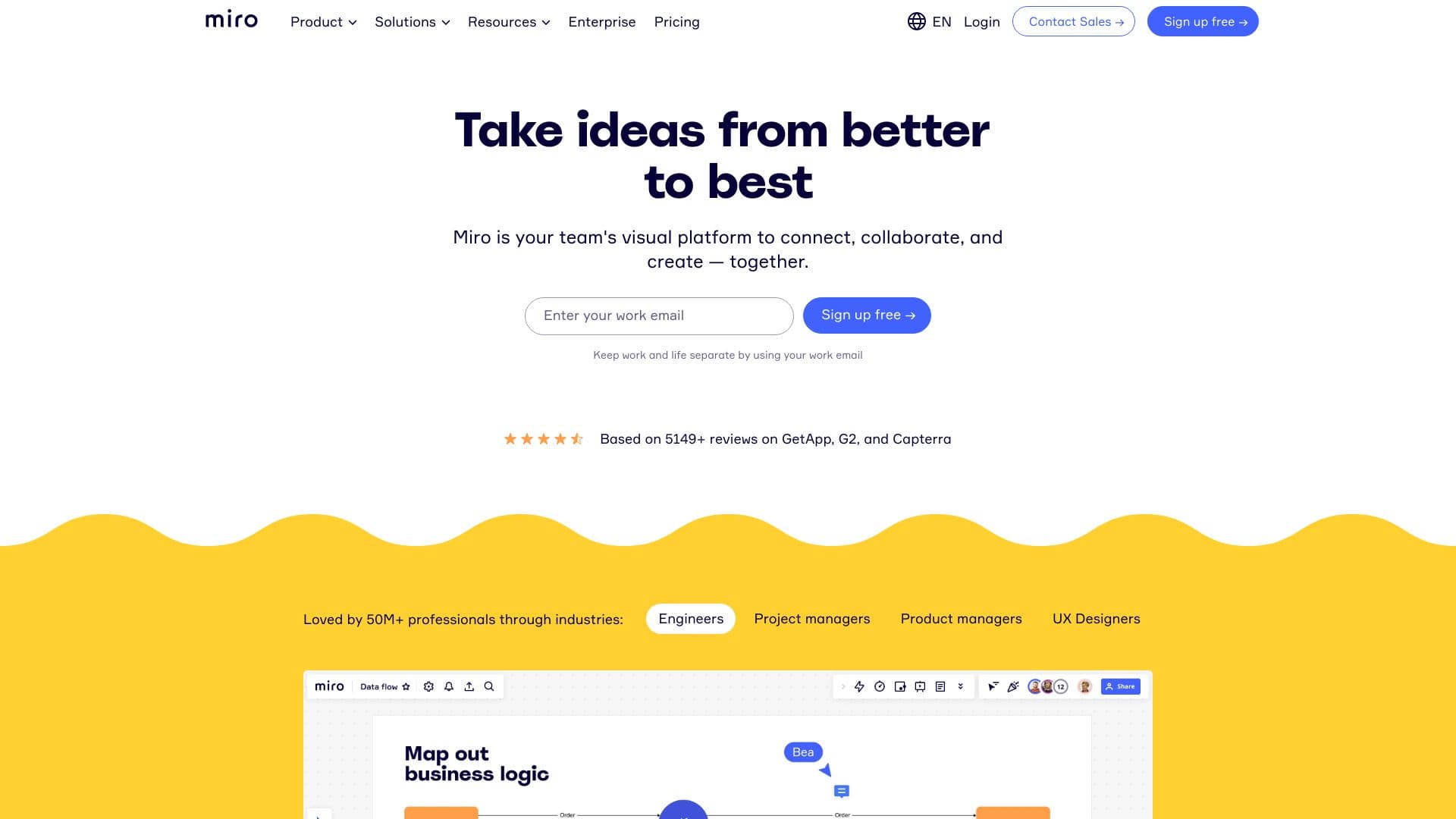
About Miro

Miro is a versatile online collaborative whiteboard solution that empowers remote and distributed teams to work together efficiently. It supports activities such as brainstorming, project planning, and design prototyping. With a limitless digital canvas and a rich set of tools, Miro helps teams innovate, strategize, and execute projects seamlessly across distances.

How to Use

Create a free account or select a paid plan to unlock additional features. After signing in, users can create boards, invite team members, and utilize tools like sticky notes, templates, and integrations to collaborate, plan, and design projects effectively.

Features

  • AI-powered assistance
  • Customizable templates
  • Extensive app integrations
  • Unlimited virtual whiteboards
  • Community-driven Miroverse templates

Use Cases

  • Creative brainstorming sessions
  • Product design and prototyping
  • Process diagramming
  • Agile sprint planning
  • Team workshops and meetings
  • Strategic project planning

Best For

IT and development teamsProject and program managersUX/UI designers and researchersEducational institutionsConsulting firmsEngineering teamsMarketing professionalsProduct development teams

Pros

  • Robust security and data privacy features
  • Infinite canvas supports expansive collaboration
  • Wide selection of templates and integrations
  • AI-driven tools to boost productivity
  • Flexible subscription options for teams of all sizes

Cons

  • Higher-tier plans include advanced features
  • Initial learning curve for new users
  • Overwhelming feature set for beginners

Pricing Plans

Choose the perfect plan. All plans include 24/7 support.

Free

$0

Unlimited team members with limited boards

Get Started
Most Popular

Starter

$8

Per user, per month with expanded features

Get Started

Business

$16

Per user, per month with advanced security and controls

Get Started

Enterprise

Custom pricing

For organizations with 30+ team members, tailored solutions

Get Started

FAQs

How do I get started with Miro?
Sign up for a free account to begin. The free plan allows unlimited members, three active boards, and access to templates. For additional features, upgrade to Starter, Business, or Enterprise plans.
What features are included in the Free plan?
The Free plan offers unlimited team members, three active boards, access to all templates, and integrations like Google Drive and Slack to try out visual collaboration.
Can I change my team size anytime?
Yes, you can adjust your team size at any time. Adding users incurs a prorated fee, and removing users will be reflected in your next billing cycle.
How can I increase Miro AI credits?
AI credits depend on your plan and team size. You can purchase add-ons for unlimited credits. Credits are unavailable for the Free plan; refer to our help center for details.
Is a Miro account required for team members to collaborate?
No, on Starter and Business plans, you can invite anonymous users to your public boards for collaboration without requiring accounts.
Does Miro integrate with my existing tools?
Yes, Miro offers numerous integrations through our marketplace. If your preferred tool isn't listed, contact us to suggest new integrations.
Is my data secure with Miro?
We prioritize data privacy and security. Learn more about our security practices on our website or contact us for detailed security information.
Can I get assistance with security documentation or legal agreements?
Yes, our sales team can assist with security questionnaires, MSAs, or other documentation. Contact us at miro.com/contact/sales for support.
Do nonprofit organizations qualify for discounted pricing?
Nonprofits can apply for special discounts. Visit our website to learn about eligibility and how to qualify for nonprofit pricing.
What payment methods does Miro accept?
We accept all major credit cards. For plans with 10+ users, you can pay via invoice. Enterprise plans are billed through invoicing, including bank transfer options.