

move.ai
AI-powered motion capture technology that transforms video footage into detailed 3D motion data using smartphones and standard cameras.
About move.ai
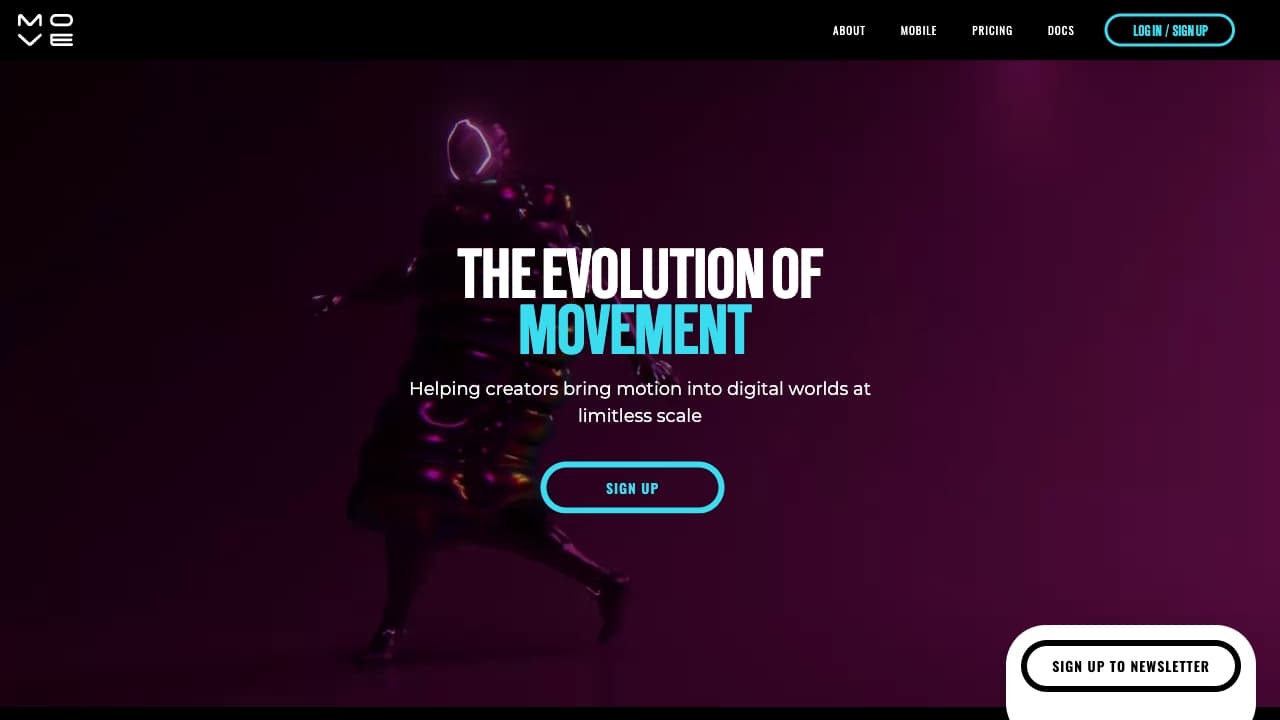
Move AI offers advanced software that captures high-quality motion data directly from video footage using mobile phones or cameras in any environment. Utilizing proprietary AI, computer vision, biomechanics, and physics, it extracts natural human movements and automatically retargets them to your character rigs. This enables users to perform motion capture anywhere and seamlessly export data into game engines or digital content pipelines.
How to Use
Record video footage with a smartphone or multiple cameras. Upload the footage to the Move AI platform. The AI processes the video to extract detailed motion data, which can then be exported to your preferred game engines or digital environments.
Features
- Automatic retargeting of motion data to character rigs
- Supports real-time motion capture workflows
- Markerless motion capture eliminates the need for suits or markers
- Powered by advanced artificial intelligence
- Compatible with multiple game engines and digital platforms
- Supports both single-camera and multi-camera setups
Use Cases
- Character animation for video games and films
- Creating VFX assets with realistic motion
- Robotics imitation and movement learning
- Real-time previsualization for productions
- Crowd simulation and behavior modeling
- Ergonomic motion analysis for workplace safety
Best For
Pros
- Simplifies motion capture using just video footage
- Flexible options for single or multi-camera setups, including real-time capture
- Delivers high-accuracy motion data
- Reduces production costs and accelerates workflow
- Makes professional motion capture accessible to small studios and independent creators
Cons
- Video length restrictions on certain plans
- Post-processing may be necessary to refine AI-generated data
- Single-camera setups might require some cleanup
Pricing Plans
Choose the perfect plan. All plans include 24/7 support.
Free
Includes access to Move One, 30 lifetime credits, Gen 1 model, single-user support, and knowledge center resources.
Get StartedStarter
Provides 180 monthly credits, Gen 1 model, single-user access, 60-second video limit, and additional credits at $0.30 each.
Get StartedBasic
Includes 480 monthly credits, Gen 1 model, single-user access, 60-second video limit, and additional credits at $0.25 each.
Get StartedTeam
Offers 4,000 credits per month, access to Gen 1 and Gen 2 models, API integration, up to 5 users, 60-second video limit, and priority support. Additional credits cost $0.17 each.
Get StartedEnterprise
Comprehensive solution with unlimited usage, access to all models including custom training, on-premise deployment options, multi-person motion capture, enhanced security, and dedicated support. Contact us for details.
Get Started