

Muddy
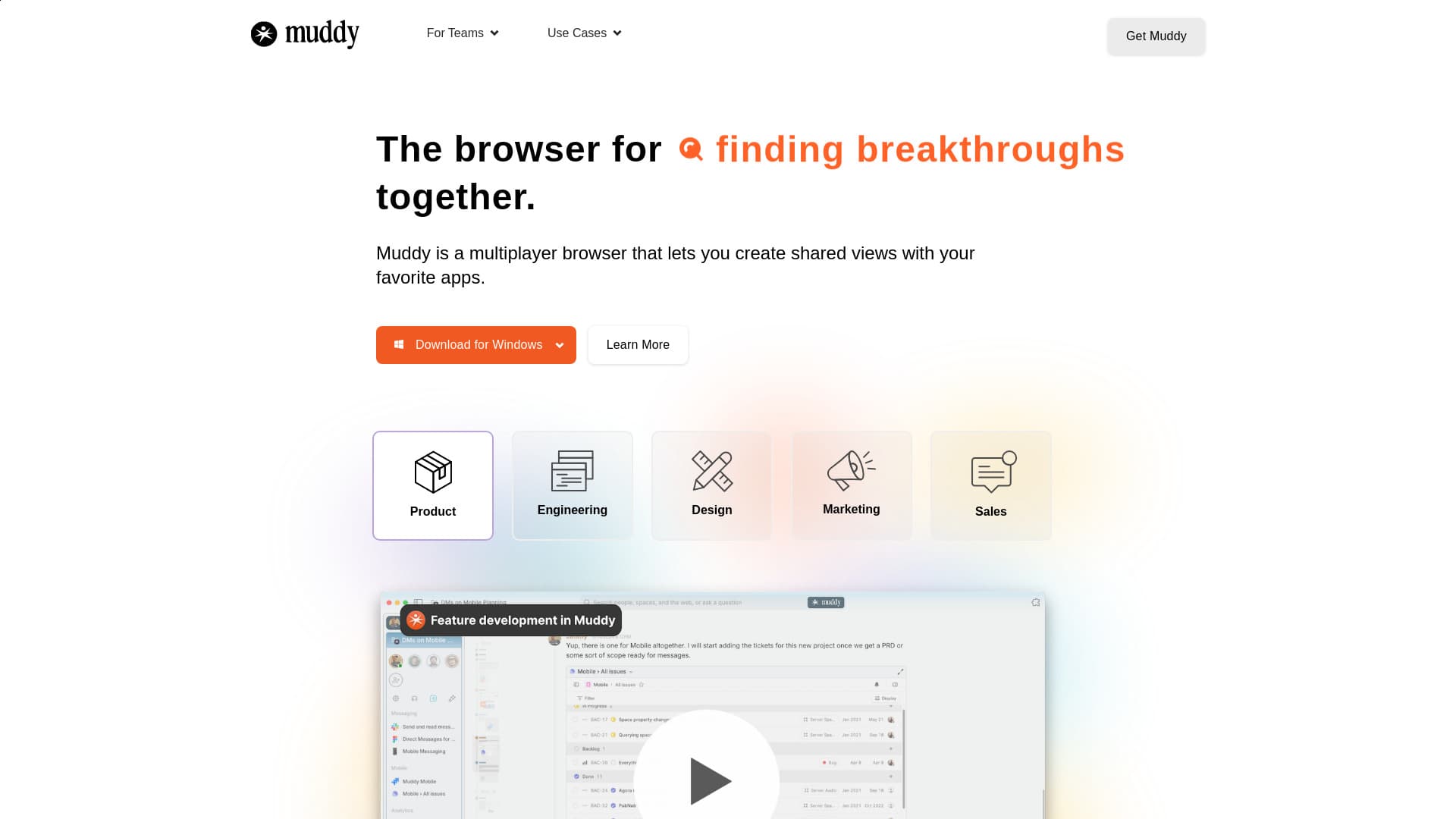
Muddy is a multiplayer browser tailored for team collaboration, featuring AI-enhanced organization and shared workspaces to streamline teamwork.
About Muddy
Muddy is a collaborative multiplayer browser designed to simplify team workflows by consolidating applications into a unified platform with AI-driven organization. It enables teams to visualize projects on a shared timeline, revisit previous states easily, and integrate messaging and smart features. Muddy supports shared workspaces, universal commenting, and real-time presence to foster seamless collaboration across all apps.
How to Use
Download Muddy for Mac, Windows, iOS, or Android. Import your browsing history, passwords, and login details. Create shared views with your favorite apps and start collaborating. Utilize AI tools to organize tabs, rewind project timelines, and communicate within your workspace.
Features
- Shared timeline for project overview
- Real-time multiplayer collaboration
- Universal commenting across platforms
- Rewind feature to access past states
- AI-driven organization of tabs and workspaces
Use Cases
- Product Development
- Engineering Teams
- Sales Departments
- Design Collaboration
- Deal Rooms
- Project Management
- Marketing Campaigns
- Research Activities
- Customer Success
- Resource Hubs
Best For
Pros
- Real-time presence boosts team awareness
- Centralized platform for apps and communication
- AI-powered organization simplifies workflows
- Rewind feature enables easy access to previous work
- Universal commenting fosters collaboration
Cons
- Learning curve to fully utilize AI features
- Platform dependency for team workflows
- Performance may vary with multiple open tabs and apps