

Music 2 Tube
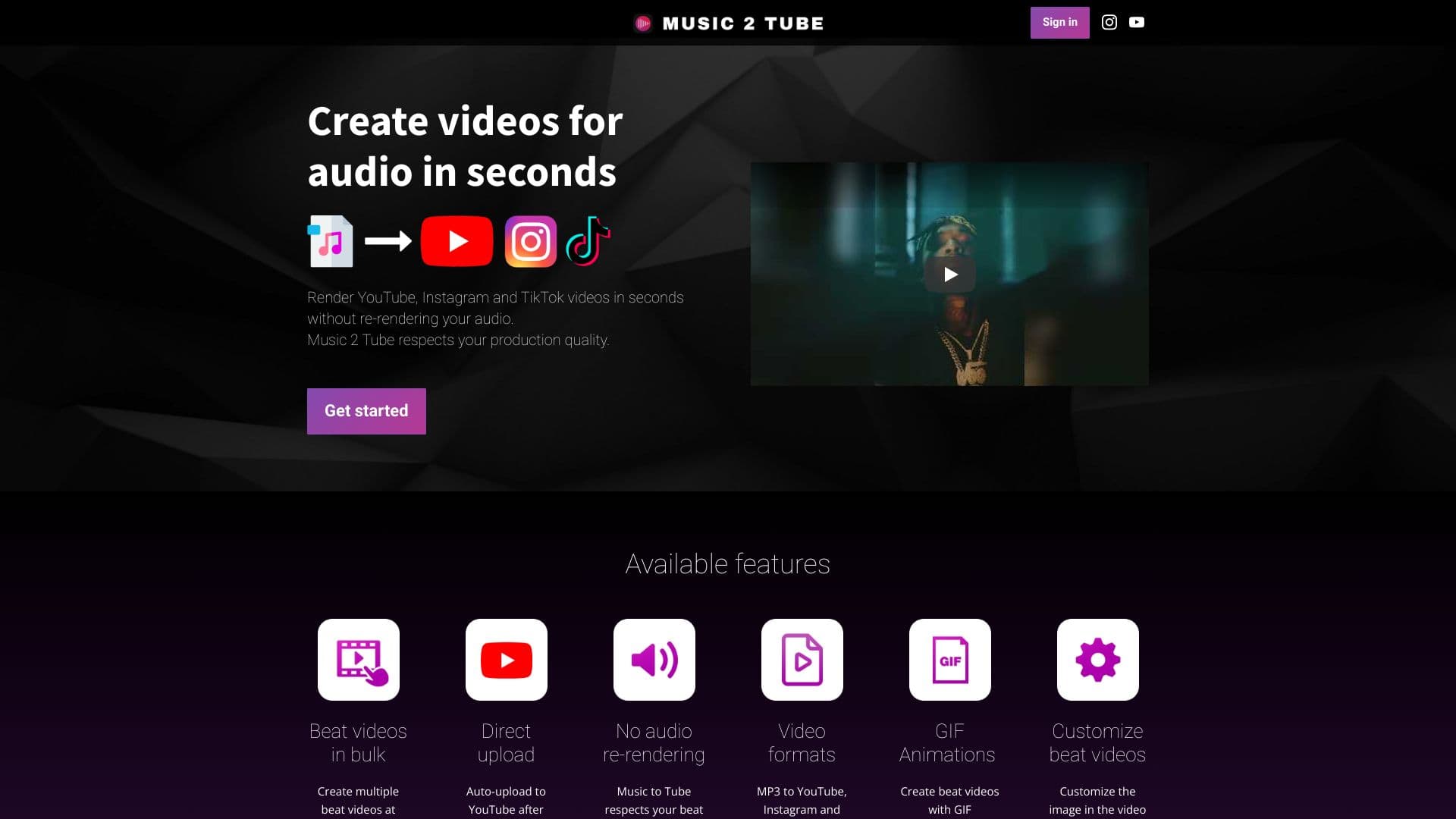
Music 2 Tube enables users to easily convert audio files into engaging videos for social media platforms, including YouTube, Instagram, and TikTok.
About Music 2 Tube
Music 2 Tube is a powerful tool designed for musicians, producers, artists, and podcasters to swiftly create videos from their audio files. Users can upload MP3 or WAV files, customize videos with images, GIFs, overlays, and watermarks, and publish directly to platforms like YouTube, Instagram, and TikTok. Features include bulk video processing, direct YouTube uploads, GIF support, and cloud integration for seamless workflow.
How to Use
Sign in to Music 2 Tube, upload your MP3 or WAV audio file, choose an image or GIF for the video cover, customize with effects or overlays if desired, then render your video. Finally, upload directly to YouTube or other social platforms.
Features
- Direct upload to YouTube and social media
- Supports GIF animations for dynamic videos
- Add watermarks and branding overlays
- Customize backgrounds, images, and overlays
- Cloud storage integration with Google Drive, Dropbox, iCloud
- Generate videos for YouTube, Instagram, TikTok from audio files
- Process multiple videos simultaneously
- Offline video creation option
Use Cases
- Producing bulk beat videos for YouTube
- Creating podcast videos with static images or GIF animations
- Designing music videos from audio tracks
- Crafting promotional videos for Instagram and TikTok
Best For
Pros
- Seamless direct upload to YouTube and social platforms
- Preserves original audio quality without re-rendering
- Supports multiple video formats tailored for different platforms
- Offers extensive customization for branding and style
- Compatible with Windows and Mac operating systems
- Fast and efficient video production process
Cons
- iOS and Android versions are planned but not yet available
- Requires Windows 10 or higher, or Mac OS
- Some advanced features may require a subscription
Pricing Plans
Choose the perfect plan. All plans include 24/7 support.
Lifetime Plan
One-time payment for lifetime access. Unlock all features, unlimited video creation, no Watermark, connect up to 5 YouTube channels.
Get StartedAnnual Plan
Billed annually at $37.99. Includes all features, unlimited videos, no Watermark, and connection to a single YouTube channel.
Get StartedWeekly Plan
Billed weekly. Enjoy all features, unlimited videos, no Watermark, and connect to one YouTube channel.
Get Started