

n8n
AI-driven workflow automation platform designed for technical teams seeking efficient process management.
About n8n
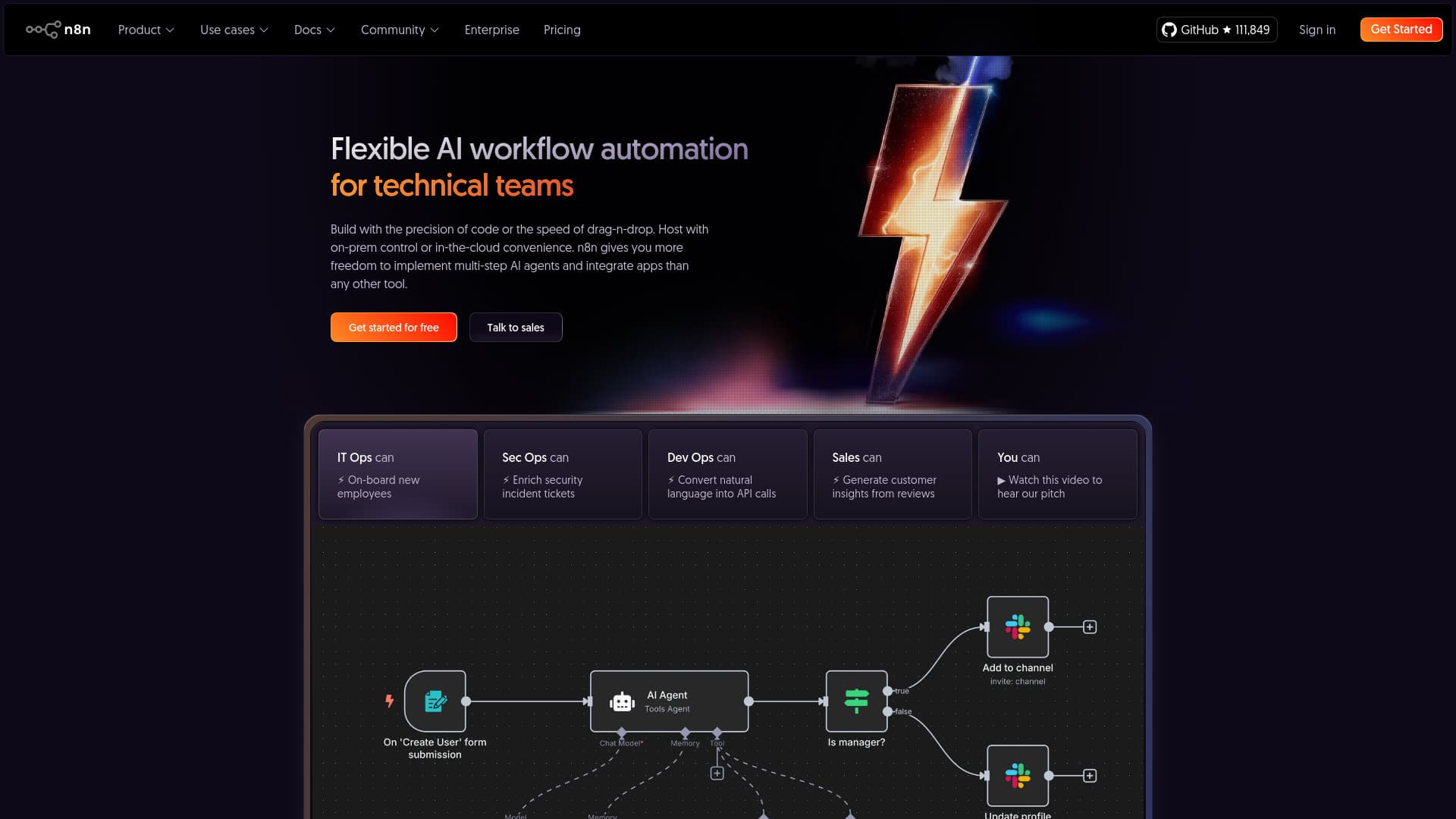
n8n is a versatile workflow automation platform that seamlessly integrates AI features with business process management. It offers technical teams the flexibility to build complex multi-step AI agents and connect over 500 applications. Users can choose between self-hosting for maximum control or utilizing the cloud-hosted service for convenience.
How to Use
Build workflows visually with drag-and-drop tools or customize with JavaScript or Python code. Easily integrate any LLM, paste cURL commands, and merge workflow branches. Debug effectively with options to re-run steps or simulate data. Access over 1,700 templates to accelerate project development.
Features
- Flexible deployment options: on-premise or cloud hosting
- Access to over 1,700 ready-to-use workflow templates
- Combines visual no-code design with programmable code support
- Advanced debugging features including step re-run and data mocking
- Chat directly with your data via platforms like Slack or Teams
- Robust AI workflow automation capabilities
- Create multi-step AI agents for complex tasks
- Self-hosting options including AI model deployment
- White-label automation solutions for customer integration
- Enterprise-grade security features like SSO, Git control, and RBAC
- Supports over 500 integrations and custom tool development
Use Cases
- Converting JSON data into Excel files
- Developing AI chatbot agents
- Automating employee onboarding in IT operations
- Enhancing security incident tickets with AI enrichment
- Automating user account management
- Syncing workflows with GitHub for version control
- Integrating marketplace data sources
- Transforming natural language commands into API calls for DevOps
- Web scraping and summarization with AI tools
- Generating customer insights from reviews for sales teams
Best For
Pros
- Supports both on-premise and cloud deployment for maximum data control
- Cost-effective pricing based on total workflow executions
- Active community support and positive user reviews
- Powerful debugging tools and extensive workflow templates
- Combines visual no-code with programmable coding for flexibility
- Rich AI capabilities with over 500 integrations
- Enterprise features including security, scalability, and collaboration
- Highly customizable with JavaScript, Python, and custom nodes
- Enables embedding automation into customer-facing applications
Cons
- Requires technical knowledge for advanced customization and complex workflows
- Premium security and scalability features are limited to the Enterprise plan
- Plans have limits on workflow runs, active workflows, and concurrent executions
Pricing Plans
Choose the perfect plan. All plans include 24/7 support.
Starter
Includes 2,500 workflow runs, 5 active workflows, 1 shared project, 5 concurrent executions, unlimited users, and community forum support. Hosted by n8n.
Get StartedPro
Offers 10,000 workflow runs, 15 active workflows, 3 shared projects, 20 concurrent executions, 7 days of analytics, admin roles, global variables, workflow history, and execution search. Up to 50,000 runs for $120/month. Hosted by n8n.
Get StartedEnterprise
Provides unlimited workflow executions, unlimited shared projects, over 200 concurrent runs, 365 days of analytics, SSO, Git version control, scalable architecture, dedicated support with SLA, and options for self-hosting or managed hosting.
Get Started