

Neckium
Neckium leverages AI to control your browser through head movements and actively monitors your sitting posture for ergonomic support.
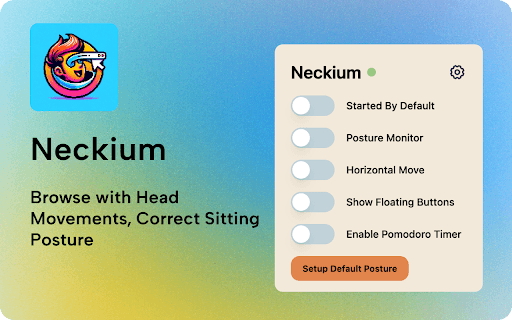
About Neckium
Using TensorFlow.js and your webcam, Neckium detects head movements to control browser functions such as scrolling and tab switching. It also tracks sitting posture, providing alerts if your posture is poor or if you've been seated too long. For example, tilt your head up or down to scroll or move it side to side to switch tabs, enhancing your ergonomic experience.
How to Use
Set up Neckium with your webcam. Move your head vertically to scroll pages, horizontally to switch tabs, and receive real-time posture alerts to maintain ergonomic sitting habits.
Features
- Real-time alerts for poor posture and extended sitting periods
- Continuous sitting posture monitoring
- Head movement-based browser navigation
Use Cases
- Improving posture for students
- Enabling hands-free browsing for users with mobility challenges
- Supporting ergonomic health in office environments
Best For
Office professionalsIndividuals with mobility impairmentsStudents seeking ergonomic supportPeople spending long hours at a desk
Pros
- Utilizes existing webcams for easy setup
- Enhances posture awareness and correction
- Enables hands-free control of browsing activities
- Potentially reduces musculoskeletal strain
Cons
- Privacy concerns related to webcam use
- May cause distractions during work
- Accuracy influenced by lighting and camera quality
- Requires a functional webcam
FAQs
What hardware is necessary to use Neckium?
A computer equipped with a webcam is required to operate Neckium.
How does Neckium control the browser?
Neckium analyzes your head movements with TensorFlow.js and translates them into browser commands like scrolling and tab switching.
How does Neckium detect poor sitting posture?
It uses your webcam to monitor your posture and alerts you if it detects incorrect sitting positions.
Is Neckium suitable for users with mobility issues?
Yes, it offers hands-free browsing control, making it ideal for users with mobility challenges.
Does Neckium require internet connectivity?
Yes, since it relies on TensorFlow.js and webcam input, a stable internet connection is necessary for optimal performance.