

Neonlingo
An AI-powered browser extension designed to facilitate foreign language learning and translation with seamless integration and intelligent features.
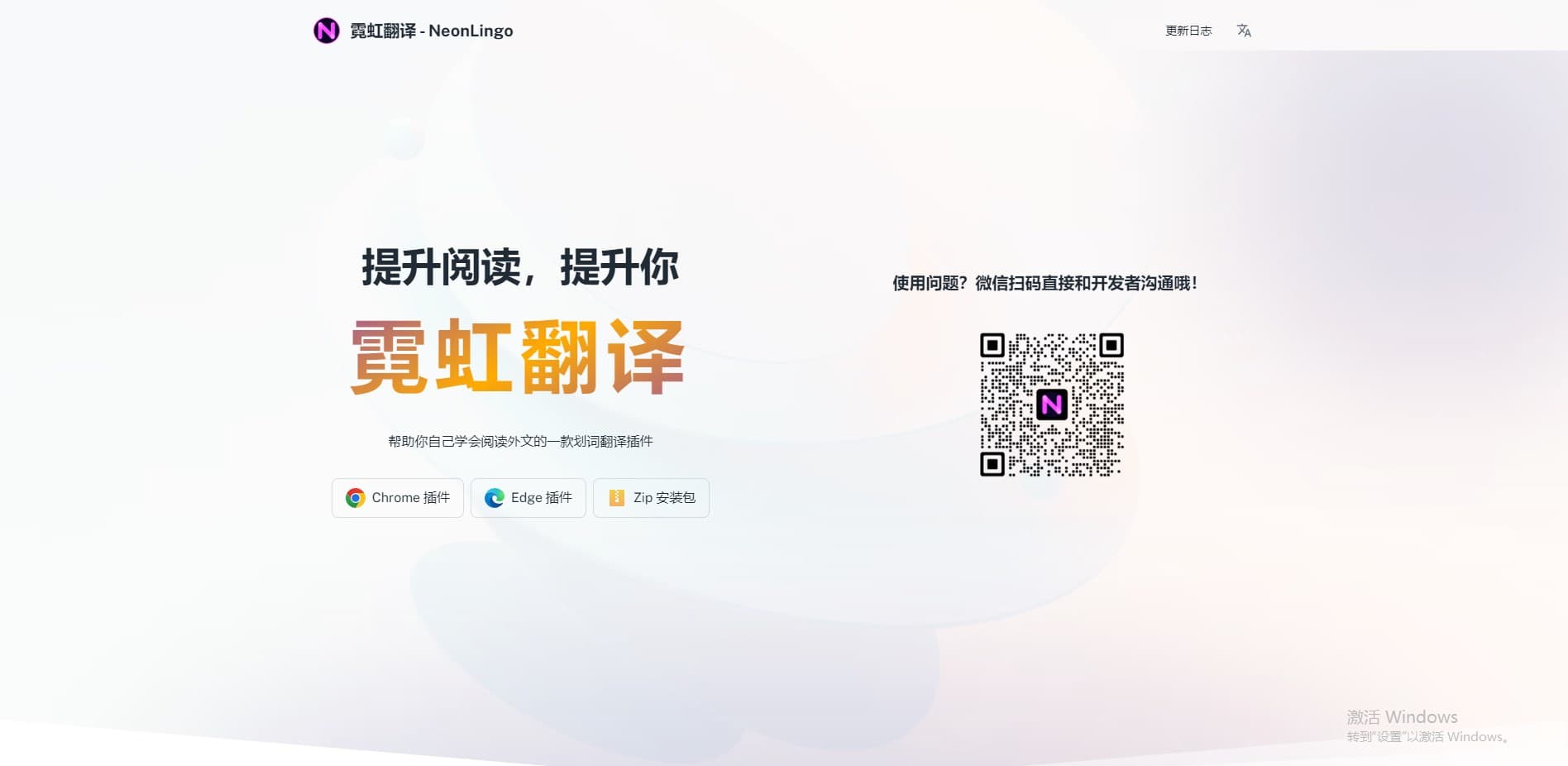
About Neonlingo
NeonLingo is an innovative AI-powered browser plugin that enhances foreign language learning and translation. It allows users to highlight and translate words directly on web pages, boosting memory retention through automatic highlighting and contextual definitions. The plugin transforms your browsing experience into an interactive language practice environment, featuring a personal wordbook, AI-driven vocabulary suggestions, and PDF translation capabilities to support comprehensive language acquisition.
How to Use
Install the NeonLingo browser extension. While browsing foreign language websites, select words to translate; NeonLingo automatically highlights these words for easy review. Use the built-in wordbook to review saved translations and remove words you've mastered. The plugin seamlessly integrates with your browsing to support continuous language practice.
Features
- AI-powered contextual definitions for foreign words
- Automatic highlighting of translated vocabulary
- PDF translation and annotation features
- Built-in flashcard system for vocabulary reinforcement
- Personalized vocabulary review with a dynamic wordbook
Use Cases
- Enhance vocabulary retention through active recall and spaced repetition
- Quickly translate and understand foreign language content online
- Create a personalized foreign language thesaurus
- Improve reading speed and comprehension of foreign texts
- Learn new languages efficiently while browsing the web
Best For
Pros
- Easy-to-use vocabulary management with personal wordbook
- Customizable highlighting colors for VIP users
- Automatically marks previously translated words, saving time
- Seamless integration with web browsing experience
- Provides AI-generated contextual word definitions
- Supports memory retention through highlighting and active recall
Cons
- Requires installation of a browser extension
- Free version limits vocabulary capacity and interpretation counts
- AI-based definitions may occasionally need manual verification
- Some advanced features reserved for VIP members
Pricing Plans
Choose the perfect plan. All plans include 24/7 support.
Free Version
Includes automatic word highlighting, Microsoft Translator support, multilingual capabilities, vocabulary list with capacity for 200 words, up to 200 interpretation requests per month, PDF translation and highlighting, and basic flashcard features.
Get StartedPre
All features of the free plan, plus DeepL and AI translation engines for more accurate results, phonetic transcriptions, up to 1,000 interpretations monthly, vocabulary list capacity increased to 500 words, cloud synchronization for vocabulary and settings, customizable highlighting colors, advanced flashcards based on FSRS algorithm, and multi-device access. Continuous feature updates included.
Get StartedPre+
All Pre membership features, unlimited vocabulary storage, unlimited interpretation requests, priority support from the technical team, and ongoing feature enhancements.
Get Started