
Nex AI
Nex AI boosts productivity and sparks creativity for knowledge workers through intuitive and powerful AI tools.
About Nex AI
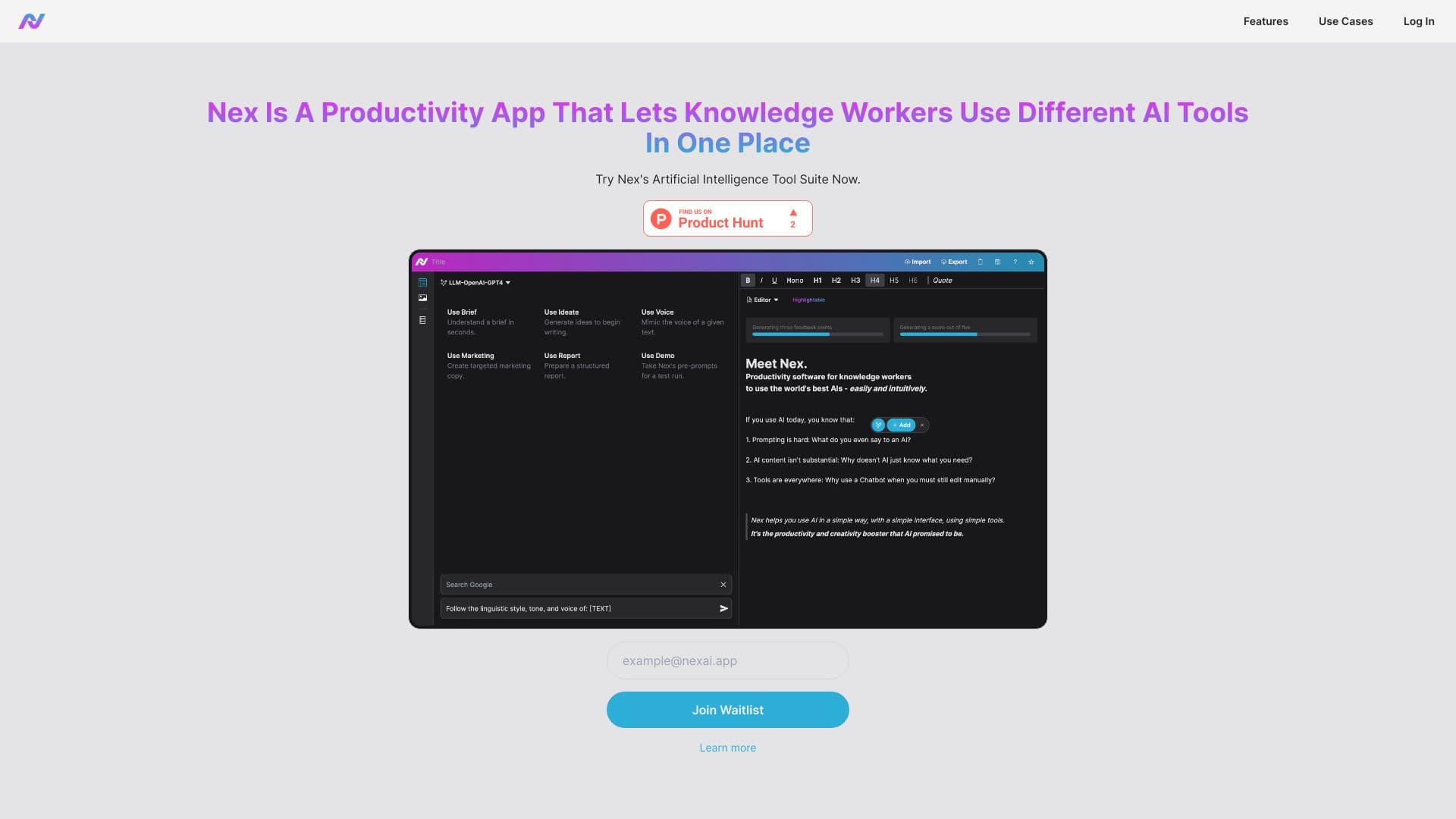
Nex empowers knowledge professionals to achieve more with minimal effort by integrating AI into their workflow. Use customizable prompt templates, import Word files, communicate via AI chat, enhance documents with rich text editing, and leverage AI-driven highlights to refine your work efficiently.
How to Use
Log in to Nex AI to unlock its features. Utilize prompt templates, import Word documents, engage in AI chat, perform rich text edits, and highlight text for AI-powered improvements.
Features
- AI-powered tools for productivity and creativity
- Interactive AI chat feature
- Customizable prompt templates
- AI-driven text enhancement
- Import and edit Word documents
- Rich text editing capabilities
Use Cases
- Creating content with prompt templates
- Enhancing writing quality through AI editing and highlighting
- Streamlining tasks with AI chat assistance
Best For
ResearchersWritersContent creatorsKnowledge professionalsEditors
Pros
- Comprehensive tools for productivity and creativity
- Supports document import and rich text editing
- Seamless and intuitive AI integration
Cons
- Limited details on specific AI features
- Account registration required to access features
FAQs
How do I access Nex AI?
Sign in with your email and password. If you’re new, create an account to get started.
What functionalities does Nex AI offer?
You can use prompt templates, import Word documents, chat with AI, edit in rich text, and highlight text for AI improvements.
Is Nex AI suitable for team collaboration?
Yes, Nex AI supports collaborative workflows to enhance team productivity and content creation.
Can I try Nex AI for free?
Pricing details are available upon registration; some features may be available with a free trial.
What devices are compatible with Nex AI?
Nex AI works seamlessly on desktop and mobile browsers for flexible access.