

Noota
AI-powered meeting assistant that automates note-taking, generates summaries, and delivers actionable business insights.
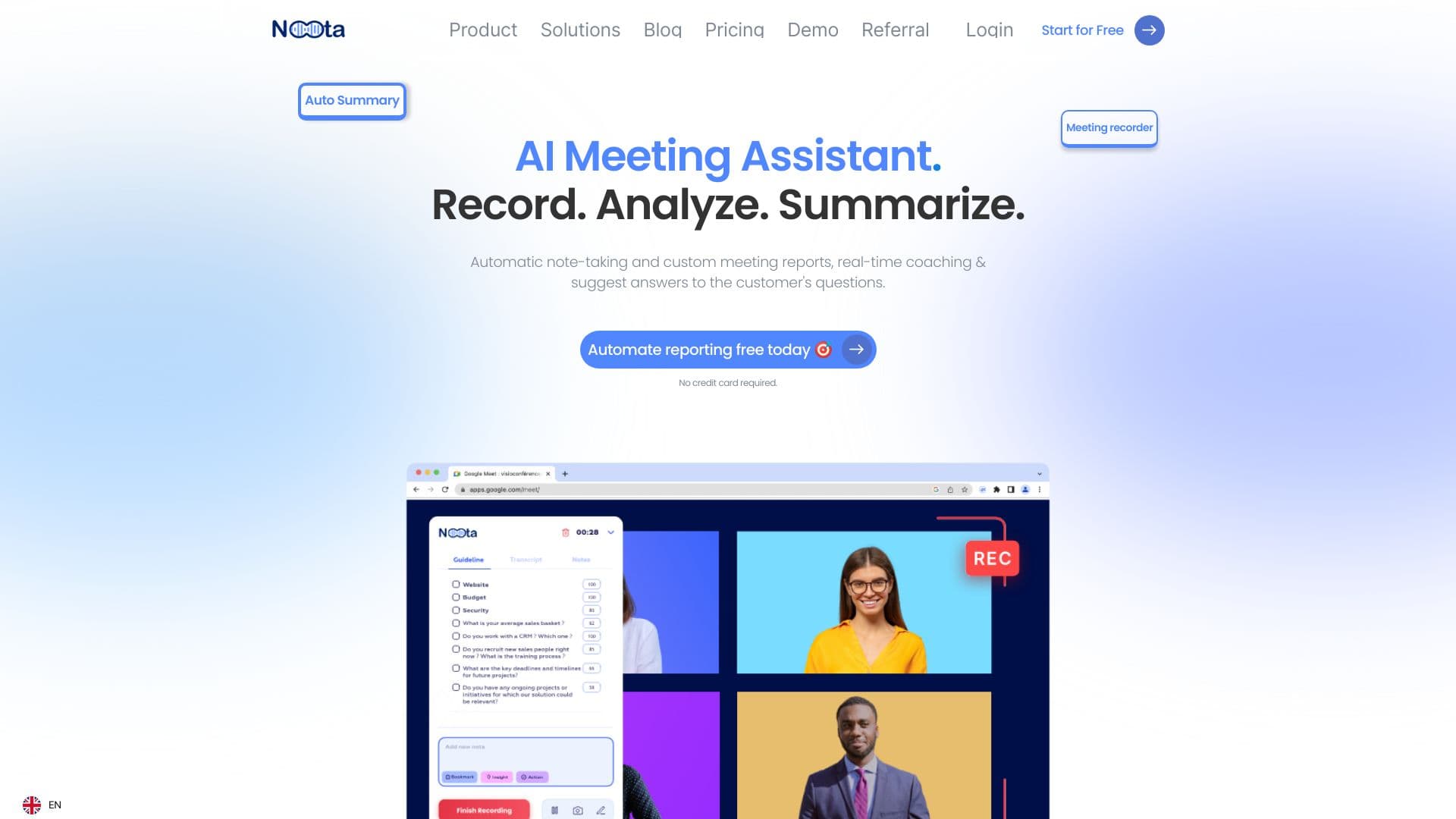
About Noota
Noota is an advanced AI-powered meeting assistant designed to automate note-taking, generate detailed meeting reports, and provide actionable insights. It seamlessly transcribes sales calls, podcasts, interviews, and team meetings, integrating with platforms like Zoom, Teams, Notion, Slack, and CRMs. Noota helps professionals save time, stay organized, and turn meeting data into valuable business intelligence, all while supporting global accessibility.
How to Use
Capture online meetings and VoIP calls effortlessly using Noota’s Chrome Extension or widget. Add notes and screenshots, and let Noota’s AI generate comprehensive meeting minutes and sync them to your CRM automatically.
Features
- Centralized Knowledge Management
- Intelligent AI Agents
- Accurate Transcription Generation
- High-Quality Screen Recording
- Automated Meeting Notes & Summaries
- Conversation Analysis & Insights
- Enhanced Team Collaboration
- Real-Time Meeting Guidance
Use Cases
- Consulting: Streamline administrative tasks and turn voice conversations into structured data.
- Media & Podcasting: Transcribe interviews and videos to accelerate content creation and article writing.
- Recruitment: Better evaluate candidates by quickly sharing insights and interview summaries.
- Sales: Automate CRM updates, train sales teams, and close deals faster with meeting insights.
- Call Centers: Support agents with real-time suggestions based on company knowledge during calls.
- Academic & Research: Transcribe interviews, highlight key points, and organize insights efficiently.
- Management: Lead teams effectively and generate actionable business intelligence for strategic decisions.
Best For
Pros
- Automates action items, follow-up emails, and clip creation with AI
- Simplifies note-taking and generates detailed meeting reports
- Supports knowledge management and information organization
- Integrates smoothly with Zoom, Teams, Slack, and CRM platforms
- Provides multilingual transcription and translation capabilities
- Enables conversation insights for better meeting comprehension
- Facilitates team collaboration and information sharing
- Offers real-time coaching and guidance during meetings
Cons
- Reliance on AI accuracy for effective note-taking and summarization
- Usage limits for credits on Pro and Business plans
- Some features, like AI agents, are still in development
Pricing Plans
Choose the perfect plan. All plans include 24/7 support.
Free
Includes 300 minutes of transcription, 900 minutes of storage, basic AI summaries, screen recording, search, tags, and screenshots.
Get StartedSolo
Provides 1,000 minutes of transcription, 9,000 minutes of storage, file uploads, export options, and translation features.
Get StartedPro
Offers unlimited transcription credits, eight summary templates, live coaching, conversation insights, and CRM & Zapier integration.
Get StartedBusiness
Includes unlimited transcription credits, collaborative workspace, custom summaries, analytics, invoice-based billing, and team management tools.
Get Started