

OCR Editor - Text from Image
A powerful OCR-based image-to-text converter that extracts editable text from various image formats with high accuracy.
About OCR Editor - Text from Image
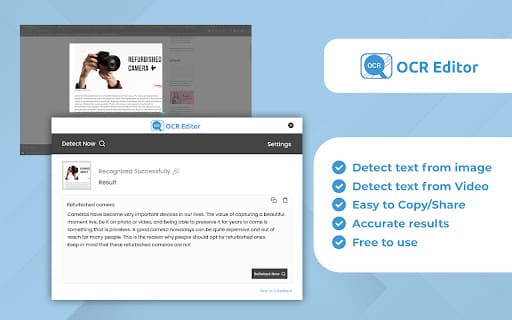
OCR Text Extractor is an advanced tool that converts images into editable text using optical character recognition technology. It supports multiple formats including JPG, PNG, BMP, GIF, PDF, and Word, making it ideal for digitizing documents, extracting subtitles, and more.
How to Use
Upload an image or select a screen area with the OCR Text Extractor. The tool then processes the image to generate editable text instantly.
Features
- Supports diverse image and document formats
- Extracts subtitles from videos like YouTube
- Converts images and videos into editable text
Use Cases
- Digitizing lecture notes and study materials
- Preserving historical documents by extracting text
- Converting social media images and quotes to text
- Downloading and editing YouTube subtitles
- Copying addresses and contact details from images
Best For
ResearchersContent creatorsArchivistsStudentsSocial media managers
Pros
- Ideal for digitizing old or printed documents
- Facilitates quick extraction of text from images and videos
- Supports a wide variety of file formats
- Enables extraction of subtitles from platforms like YouTube
Cons
- Text accuracy varies with image quality
- Possible bugs in screen selection (version 1.1.0)
FAQs
Which file formats does the OCR Text Extractor support?
It supports JPG, PNG, BMP, GIF, PDF, and Word formats for seamless text extraction.
Can I extract subtitles from YouTube videos using this tool?
Yes, it can extract text and subtitles from YouTube videos, making it useful for downloading captions.
What are common uses for the extracted text?
You can save, edit, or copy the extracted text for notes, contact details, or digital archiving.
Is this tool suitable for digitizing printed documents?
Absolutely, it efficiently converts printed pages and images into editable digital text.
Does image quality affect OCR accuracy?
Yes, higher quality images improve the accuracy of the text extraction process.