

Open Source AI Gateway
An open-source AI gateway that streamlines management of multiple large language model (LLM) providers with integrated features for efficiency and control.
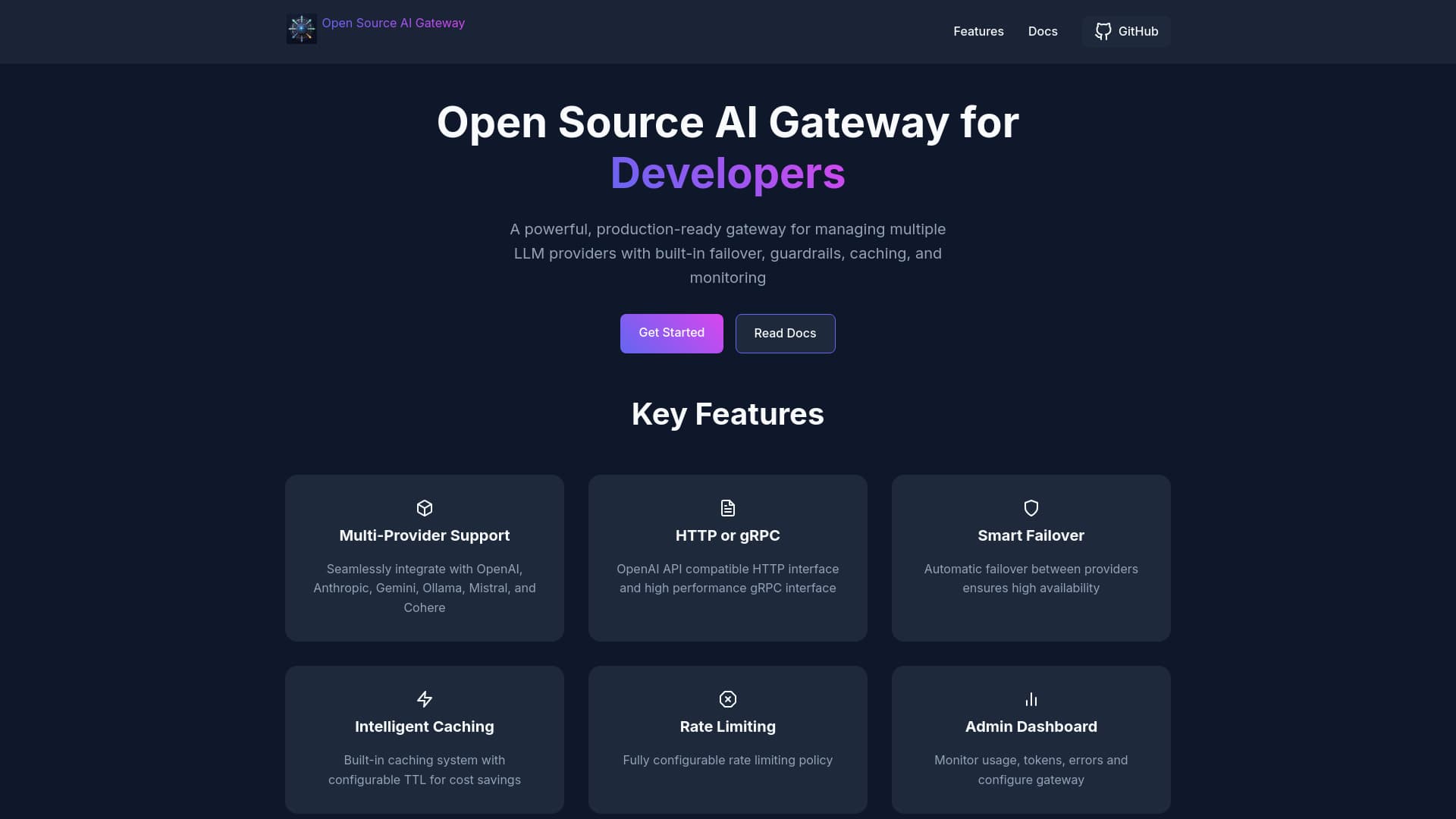
About Open Source AI Gateway
This open-source AI gateway enables seamless management of multiple LLM providers such as OpenAI, Anthropic, Gemini, Ollama, Mistral, and Cohere. It features comprehensive analytics, safety guardrails, rate limiting, caching, and administrative controls, supporting both HTTP and gRPC protocols for versatile deployment.
How to Use
Configure the Config.toml file with your API credentials and model preferences. Launch the Docker container with the configuration mounted. Send API requests via curl or your preferred client, specifying the desired LLM provider.
Features
- Advanced caching to speed up responses and reduce costs
- Automatic failover for reliable LLM access
- Protection against prompt injection risks
- Built-in content safety guardrails
- Support for multiple LLM providers
- Supports both HTTP and gRPC interfaces
- Intuitive admin dashboard for management
- Rate limiting to control usage
- Enterprise-grade logging and analytics
Use Cases
- Implement rate limiting to prevent abuse and manage costs effectively
- Filter and enforce content safety and compliance
- Cache responses to decrease latency and operational expenses
- Monitor LLM performance and usage through analytics dashboards
- Route requests intelligently among multiple LLM providers based on availability and cost
Best For
AI development teamsMLOps engineersData scientistsPlatform developersSoftware engineers
Pros
- Supports a wide range of LLM providers
- Open-source with high configurability
- Includes safety guardrails for secure deployment
- Provides caching and rate limiting features
- Offers comprehensive analytics and monitoring tools
Cons
- Initial setup can be complex and technical
- Ongoing maintenance required for updates
- Requires Docker for deployment and management
FAQs
Which LLM providers are compatible?
The gateway supports OpenAI, Anthropic, Gemini, Ollama, Mistral, and Cohere models.
How is the gateway configured?
Use the Config.toml file to enter API keys, model parameters, and other settings for setup.
What are the steps to launch the gateway?
Run the Docker container with the Config.toml mounted, then send API requests to the gateway endpoint.
Can I monitor usage and performance?
Yes, the gateway includes built-in analytics and an admin dashboard for monitoring.
Does the gateway support multiple protocols?
Yes, it supports both HTTP and gRPC interfaces for versatile integration.