

OpenAI Study Buddy
An AI-enhanced Chrome extension that offers coding hints to support your programming learning process.
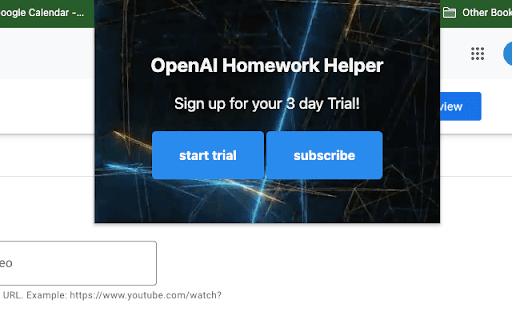
About OpenAI Study Buddy
OpenAI Study Buddy is a Chrome extension designed to assist programmers by providing subtle coding hints without revealing solutions. Utilizing advanced AI technology, it guides users toward correct answers, fostering better understanding and learning. This extension aims to enhance coding education by offering supportive hints that promote active learning.
How to Use
Select the code snippet or problem you're working on, then press Ctrl + Shift + 1. A hint will appear at the top of your browser window to guide you.
Features
- User-friendly and easy to operate
- Delivers AI-generated coding hints
- Offers free trial periods
Use Cases
- Getting coding hints without revealing the full solution
Best For
Students learning programmingSelf-taught developersBeginner codersCoding learners seeking hintsProgramming students
Pros
- Affordable subscription price
- Simple and intuitive to use
- Supports learning through hints rather than answers
Cons
- Requires Google Chrome browser
- Hints may occasionally be less precise
Pricing Plans
Choose the perfect plan. All plans include 24/7 support.
FAQs
How can I activate OpenAI Study Buddy?
Highlight your code or problem and press Ctrl + Shift + 1 to receive a helpful hint.
Is there a free trial available for OpenAI Study Buddy?
Yes, a free trial is offered. Afterward, a subscription is necessary to continue using the service.
Can I use OpenAI Study Buddy on any browser?
No, it requires Google Chrome to function properly.
Does the extension give the full solution?
No, it provides hints to guide your learning without revealing complete answers.
Is this extension suitable for beginners?
Absolutely, it’s designed to help new programmers improve their coding skills with helpful hints.