

Orca-Tool
Orca is a user-friendly graphical editor designed for Docker-Compose files, enhanced with AI capabilities for smarter configuration management.
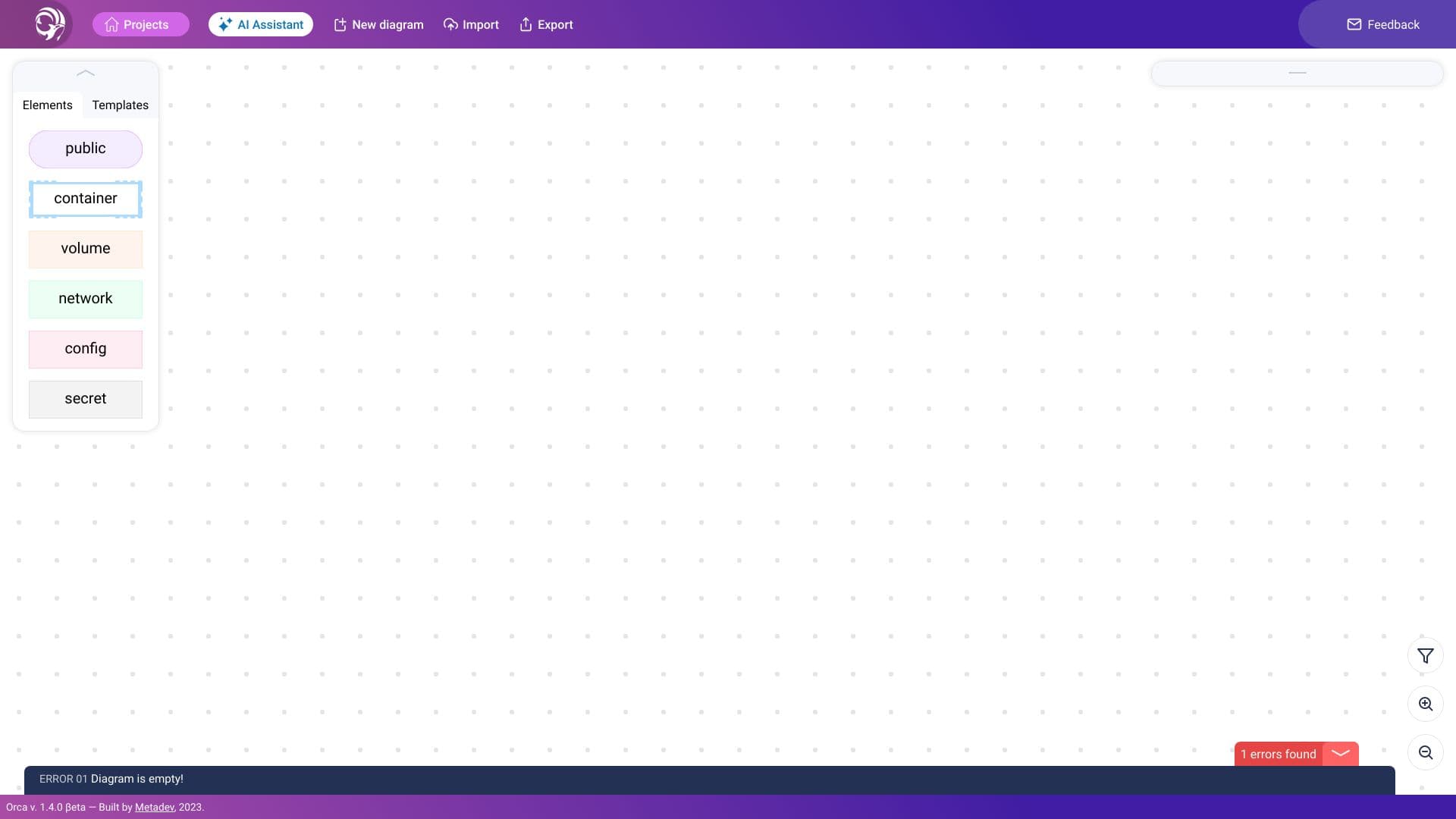
About Orca-Tool
Orca offers an intuitive graphical interface for editing Docker-Compose files. It supports importing and exporting configurations, validating syntax, and leveraging AI to streamline container orchestration setup, making Docker management more accessible.
How to Use
Use Orca’s visual interface to import Docker-Compose files, make edits, and export configurations. Utilize its validation and AI tools to simplify container orchestration planning.
Features
- AI-driven assistance for container configuration
- User-friendly graphical interface for Docker-Compose files
- Import and export support for Docker configurations
- Built-in validation to ensure syntax correctness
Use Cases
- Validating Docker-Compose files for errors
- Automating container orchestration with AI support
- Visually creating and editing Docker-Compose configurations
Best For
DevOps teamsSystem administratorsSoftware developersContainer engineersIT infrastructure managers
Pros
- Easy-to-use graphical interface
- Includes validation and AI assistance
- Supports seamless import/export of Docker files
- Reduces complexity in Docker-Compose editing
Cons
- Graphical interface may limit automation for advanced users
- Less suitable for those who prefer command-line tools
FAQs
What is Orca?
Orca is a graphical Docker-Compose editor that simplifies container configuration with AI support, validation, and easy import/export features.
How does Orca assist with Docker-Compose files?
Orca provides a visual interface for editing, validating syntax, and using AI to help design efficient container orchestration setups.
Can I import existing Docker-Compose files into Orca?
Yes, Orca allows seamless importing of existing Docker-Compose configurations for easy editing and management.
Does Orca support syntax validation for Docker files?
Yes, Orca includes a validation feature that checks Docker-Compose files for errors and ensures proper syntax.
Is Orca suitable for beginners?
Yes, its intuitive graphical interface makes it accessible for users new to Docker and container orchestration.