

Papper: Scan Handwritten Todos
Papper is an iOS app that seamlessly synchronizes handwritten and digital to-do lists through advanced AI technology, enhancing productivity.
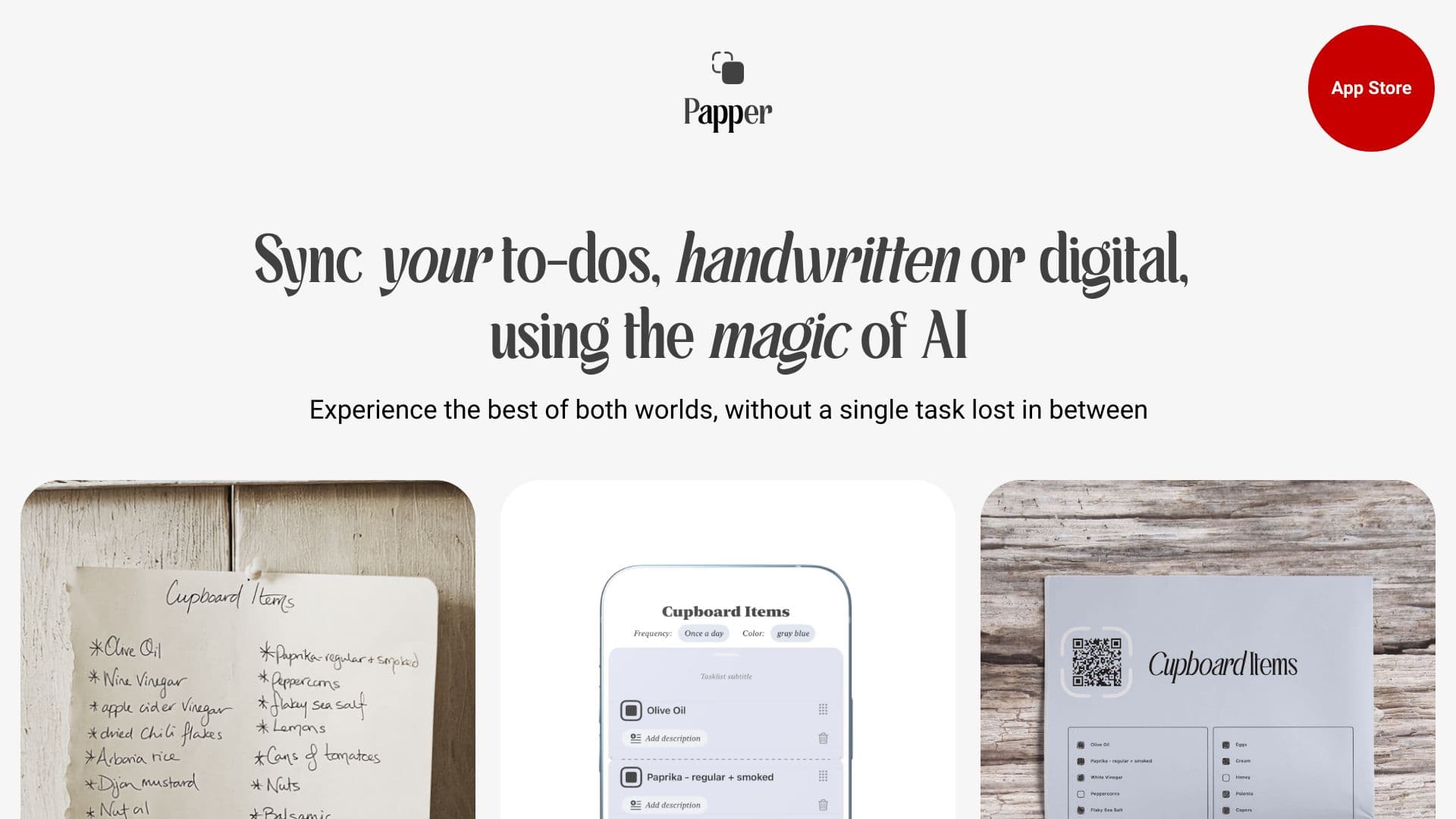
About Papper: Scan Handwritten Todos
Papper is a cutting-edge iOS application that streamlines your organization and boosts productivity. It transforms handwritten notes into digital to-do lists, enables you to create and print checklists, and tracks your progress through scanned updates. The app offers a vast library of pre-made checklists on topics like health, productivity, and wellness. Using AI, Papper syncs all your tasks—whether handwritten or digital—across devices. Simply write your tasks by hand and upload them, print digital checklists, or scan handwritten marks to update your progress effortlessly.
How to Use
Write your tasks by hand and upload the notes to the app, or print digital checklists and scan handwritten marks to update progress. Create and organize lists directly within the app or sync with Apple Reminders. Capture photos of handwritten tasks, and Papper’s AI will digitize them. Mark progress on printouts, and the app will automatically sync updates.
Features
- User-friendly, task-focused interface
- Dark mode for comfortable use
- Versatile task management options
- Elegant, printable checklists
- Bidirectional sync with Apple Reminders
- Advanced handwritten recognition
- Smart automation for repetitive tasks
- Customizable checklists
- Syncs seamlessly across devices
Use Cases
- Creating and printing detailed checklists for various activities
- Updating task progress by scanning printed checklists
- Converting handwritten notes into digital task lists
- Managing and syncing tasks with Apple Reminders
Best For
Pros
- Integrates smoothly with Apple Reminders for comprehensive task management
- Leverages AI for accurate handwritten note recognition
- Offers a wide range of pre-made checklists for various needs
- Enables seamless synchronization between handwritten and digital tasks
- Provides stylish printouts for tactile task review
Cons
- Limited to iOS devices (iOS 16 or later required)
- AI recognition accuracy may vary depending on handwriting quality
- Optional in-app purchases for extra features and content