

Phew AI Tab
AI-driven browser extension designed for efficient tab management with grouping, customizable spaces, and seamless cloud synchronization.
About Phew AI Tab
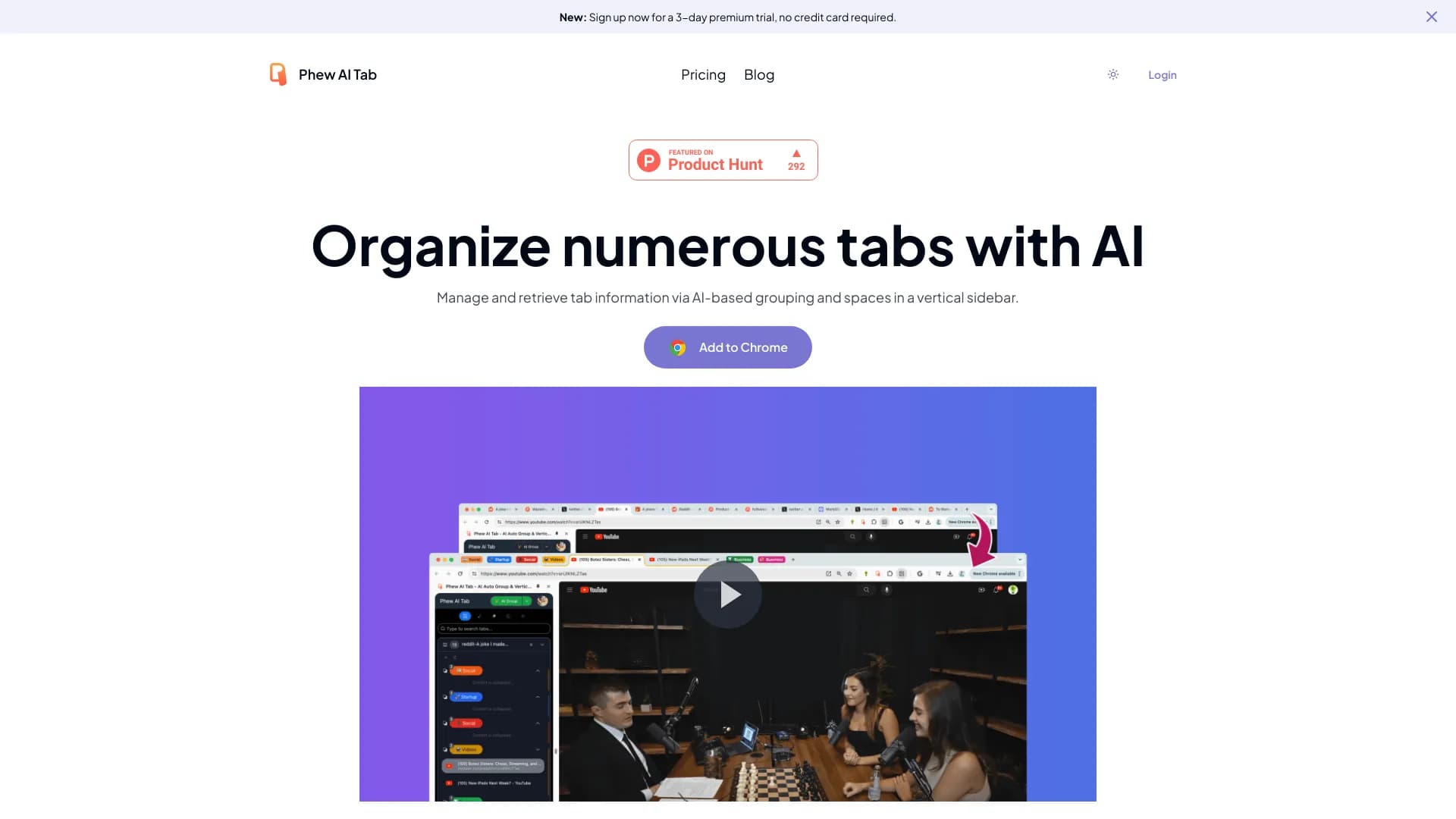
Phew AI Tab is an advanced browser extension that simplifies managing numerous open tabs via AI-powered automatic grouping and dedicated spaces. It enhances workflow efficiency by organizing tabs intelligently and securely. Key features include AI-based tab grouping, automatic collapsing, intelligent knowledge analysis, and synchronized spaces stored securely in the cloud. Prioritizing user privacy, all data is encrypted locally, ensuring confidentiality.
How to Use
Install the Phew AI Tab extension in Chrome. It automatically groups new tabs upon opening. Use the shortcut Option + E to switch between tab groups. Enable auto-collapse for inactive groups. Switch between themed Spaces to organize tabs for various tasks. All tabs and workspaces sync across devices via cloud, providing seamless access.
Features
- AI-powered tab analysis and intelligent knowledge extraction
- Automatic tab grouping and collapsible groups
- End-to-end encryption with AES 256 for data security
- Customizable spaces and cloud synchronization
Use Cases
- Managing multiple themed workspaces (Spaces)
- Accessing tabs across multiple devices
- Organizing large numbers of tabs into logical groups
- Searching tabs using AI-derived knowledge
Best For
Pros
- Seamless cloud sync for multi-device access
- Effortless switching between tab groups and spaces
- AI-powered search based on contextual knowledge
- Robust privacy with local data encryption
- Smart AI-driven tab organization
Cons
- Dependent on cloud infrastructure for sync
- Learning curve to master all features
- Requires Chrome browser for compatibility