

Phobos Ai
Phobos AI Text Enhancer is a Chrome extension that uses artificial intelligence to improve the clarity, coherence, and impact of your writing in real time.
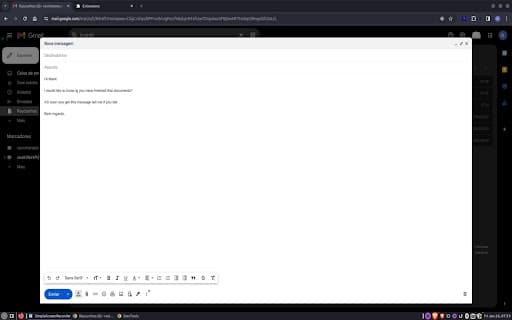
About Phobos Ai
Phobos AI Text Enhancer is a powerful Chrome extension that automatically refines your text to match your specific needs. Leveraging advanced natural language processing, it instantly improves clarity, coherence, and overall impact of your writing.
How to Use
Install the Phobos AI Text Enhancer extension from the Chrome Web Store. Simply click on the icon to refine your text, improve grammar, expand vocabulary, and optimize sentence structure with a few easy clicks.
Features
- Optimizes sentence structure for better flow
- Enriches vocabulary for more precise expression
- Corrects grammatical errors automatically
- Enhances overall text clarity and coherence
- Adjusts tone to suit your purpose
Use Cases
- Improve academic essays
- Create compelling presentations
- Refine professional emails
- Polish blog posts
- Enhance social media messages
Best For
StudentsProfessionalsContent creatorsWritersOnline communicators
Pros
- Speeds up editing and revision processes
- Automatically improves sentence structure
- User-friendly with simple interface
- Boosts text clarity and coherence
- Enhances vocabulary and grammar
Cons
- May require review to ensure AI suggestions match your intent
- Effectiveness depends on the quality of original text
FAQs
What is Phobos AI Text Enhancer?
It is a Chrome extension that uses AI to improve the clarity, coherence, and impact of your writing instantly.
How does Phobos AI Text Enhancer work?
It analyzes your text and automatically refines sentence structure, vocabulary, and grammar for better readability.
Who can benefit from using this extension?
Students, professionals, writers, and anyone aiming to improve their written communication.
Is Phobos AI Text Enhancer easy to use?
Yes, simply install the extension and click to automatically enhance your text with a few simple steps.
Does it support all types of writing?
Yes, it works well with essays, reports, emails, social media posts, and more.