
Phopet

Phopet

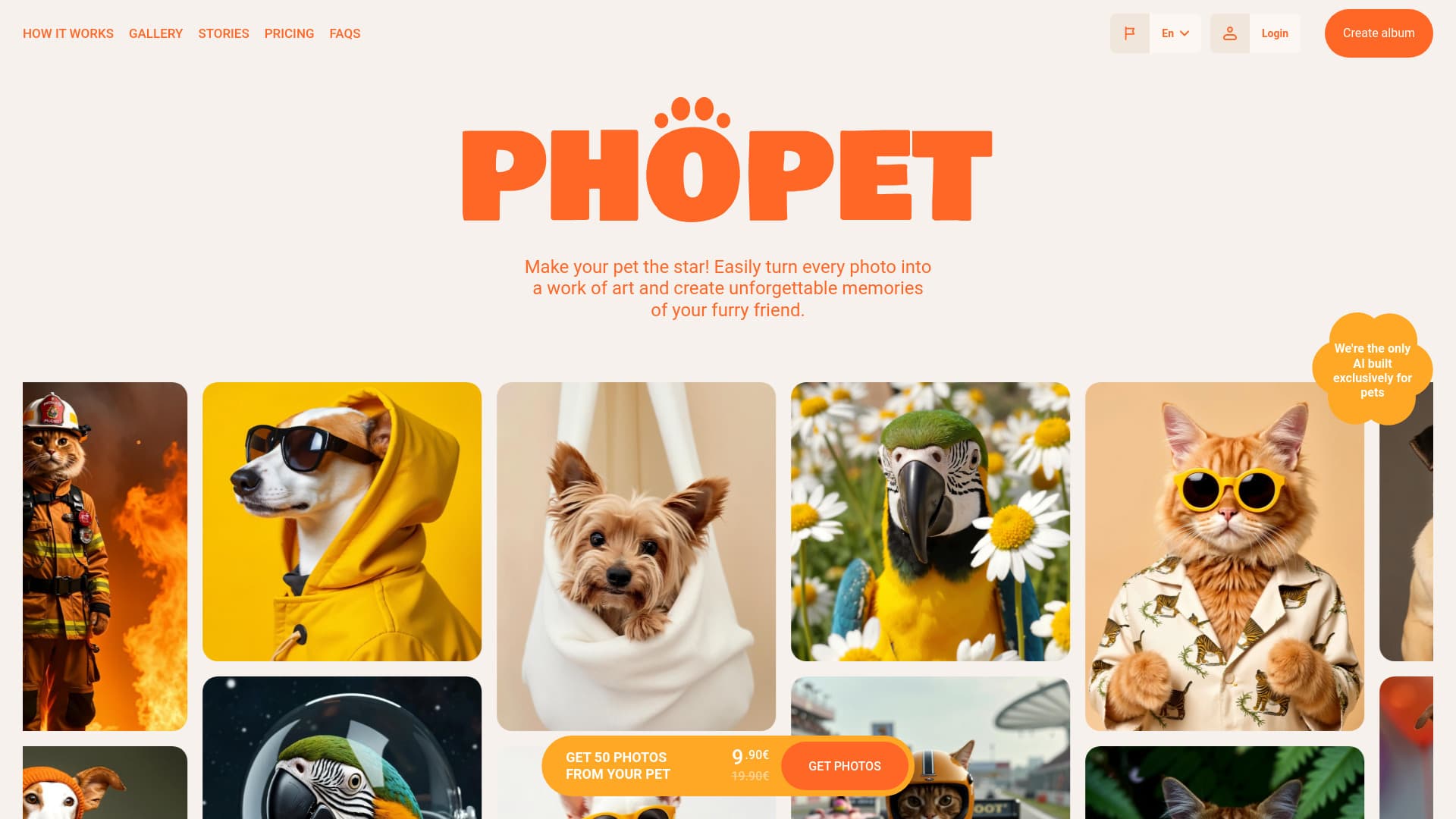
AI-powered application that transforms pet photos into high-quality studio images and personalized merchandise.
About Phopet

Discover Phopet, an AI-driven app designed specifically for pet lovers. Upload your pet's photos to create stunning, studio-quality images, craft engaging pet stories, and generate high-resolution prints. Customize merchandise and personalized gifts using your favorite pet images with ease.

How to Use

Upload recent photos of your pet to train the AI model. Select a theme to generate impressive images. Download your personalized photo collection for use in prints, posters, or custom merchandise.

Features

  • Create engaging pet stories with AI
  • Enhance images with upscaling for prints
  • Design personalized pet merchandise
  • Transform pet photos into studio-quality images

Use Cases

  • Creating fun and personalized pet stories
  • Producing professional-quality pet photos
  • Designing custom gifts and merchandise
  • Making wall art and personalized pet products

Best For

Gift shoppersPet ownersPet enthusiastsPet photographersAnimal shelters

Pros

  • Transforms ordinary pet photos into professional-quality images
  • Intuitive and easy-to-use interface
  • Offers diverse themes and storytelling options
  • Supports high-resolution upscaling and custom merchandise

Cons

  • No refunds due to GPU processing costs
  • Image quality relies on the clarity of uploaded photos
  • Data is permanently deleted after inactivity without credits

Pricing Plans

Choose the perfect plan. All plans include 24/7 support.

Welcome Pack

9.90€

Build your pet's profile and download up to 50 high-quality, studio-style photos from any album. No subscriptions required—pay once and enjoy lifetime access.

Get Started

FAQs

How long does it take to train my pet's AI model?
Training usually takes between 30 and 60 minutes, depending on the amount of data provided.
How many photos should I upload for a quality model?
Upload 10-12 high-resolution photos showing your pet from different angles and in various settings.
What types of photos are best to upload?
Use recent, high-quality images that clearly capture your pet’s poses, with good lighting and minimal background distractions.
What can I do with the generated images?
Use the images for prints, digital wallpapers, stickers, custom clothing, and other personalized products.
Is commercial use of generated images permitted?
Yes, you can use images for commercial purposes if your credits and licensing terms allow, such as marketing or merchandise.
How will I know when my pet's model is ready?
You will receive an email notification once your AI model has been fully trained and is ready to generate images.
What if I don't have enough credits to train or create images?
You can purchase additional credits at any time to continue accessing the platform’s features.
Can I create multiple models for different pets?
Yes, you can develop separate models for each pet as long as you have sufficient credits.
What if I am not satisfied with the generated images?
Image quality depends on your uploaded photos; retraining with better images can improve results. Refunds are not available due to processing costs.
Is there a limit to how many images I can generate?
The number of images depends on your purchased credits. Additional credits can be bought anytime.