

Picture To Text
A free online OCR tool designed to effortlessly extract text from images, photos, and scanned documents.
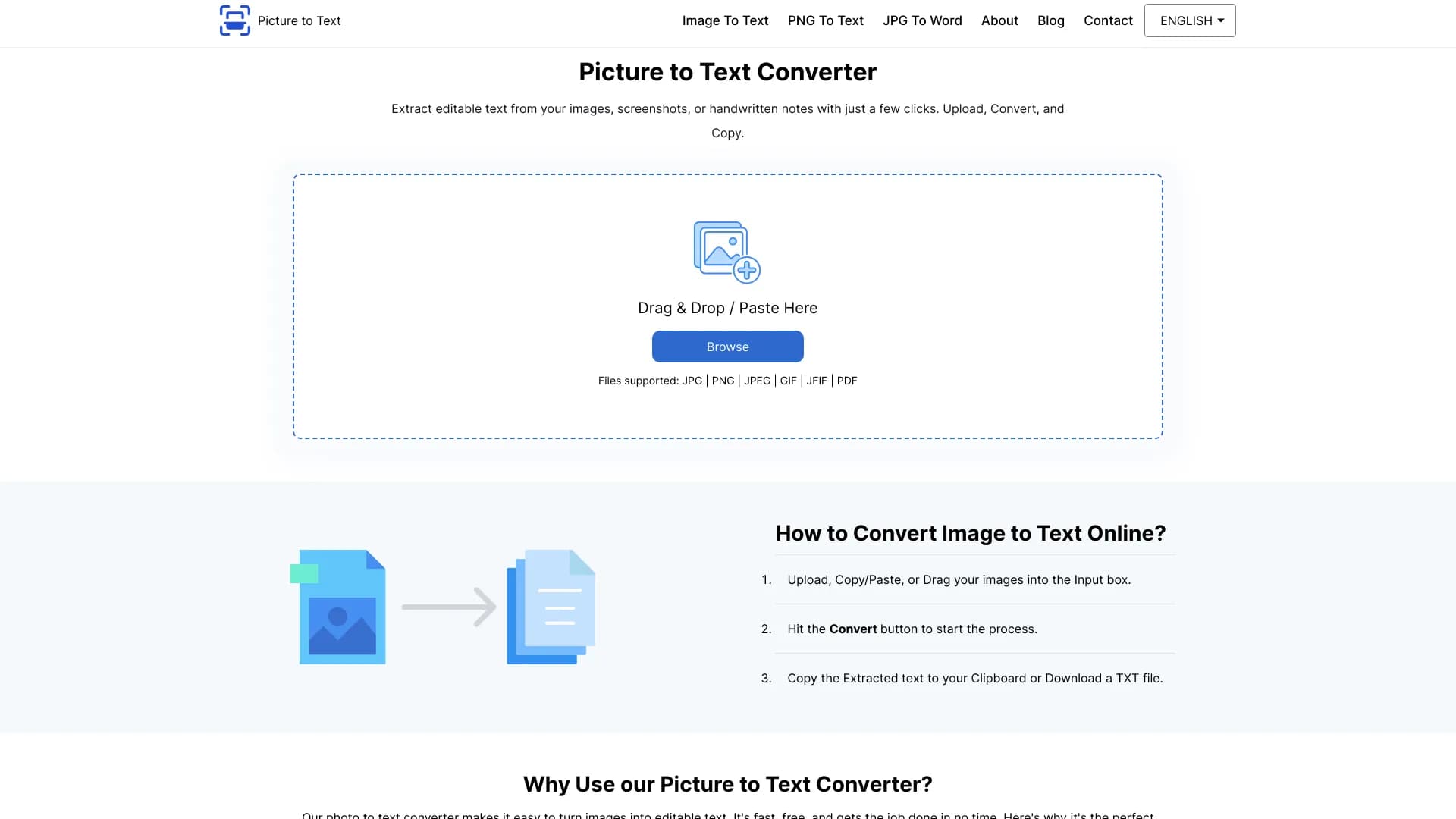
About Picture To Text
Picturetotext.info is a free, user-friendly online OCR (Optical Character Recognition) platform that enables quick and accurate extraction of text from various image types. Whether dealing with photos, handwritten notes, screenshots, or scanned documents, the tool leverages advanced AI and OCR technology to convert images into editable, searchable digital text efficiently.
How to Use
To extract text with Picturetotext.info, upload your image via drag-and-drop, copy/paste, or file selection. Click the 'Convert' button to initiate the OCR process. Within seconds, your image transforms into editable text, which you can copy or download as a file.
Features
- Supports batch processing of up to 3 images for free, up to 50 for premium users
- Multi-language support including English, German, French, Korean, and more
- Ensures data privacy; images and extracted text are not stored
- Allows users to copy or download text as a TXT file
- Compatible with various image formats such as JPG, PNG, TIFF, BMP, and others
- Extracts text from photos, handwritten notes, screenshots, and scanned documents
Use Cases
- Digitize business and office documents
- Extract text from screenshots quickly
- Translate signboards and labels online
- Streamline legal document processing
- Convert scanned PDFs into editable text
- Enhance data entry efficiency
Best For
Pros
- High data privacy standards
- Supports a wide range of image formats
- Unlimited free conversions for basic use
- Multi-language OCR support
- Rapid processing times
- Intuitive, easy-to-use interface
- AI-powered high-accuracy text recognition
Cons
- Advanced features require a premium subscription
- Batch processing limited to 3 images for free users
Pricing Plans
Choose the perfect plan. All plans include 24/7 support.
Weekly Plan
Upload up to 50 images per session, with a weekly limit of 3,000 images. Supports images up to 10MB, free from ads, includes 24/7 support, fast text extraction, and multiple file format support.
Get StartedMonthly Plan
Upload up to 50 images at once, with a monthly limit of 10,000 images. Supports images up to 10MB, ad-free interface, 24/7 support, quick OCR processing, and multiple formats.
Get StartedYearly Plan
Upload up to 50 images per session, with an annual limit of 120,000 images. Supports images up to 10MB, ad-free experience, continuous support, fast OCR, and versatile file format compatibility.
Get Started