
PicWish

PicWish

AI-powered photo editor featuring background removal, image sharpening, and more advanced editing tools.
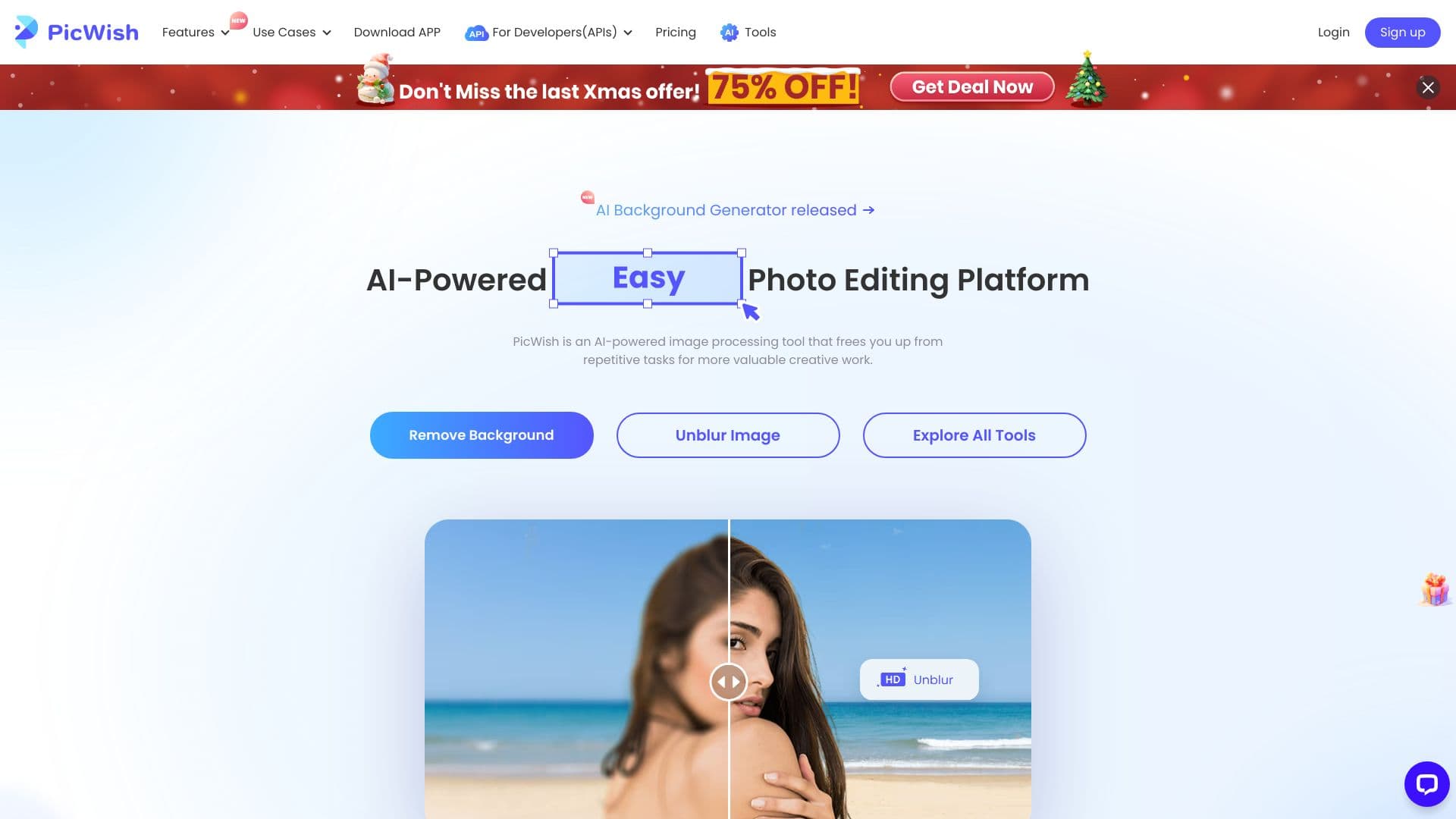
About PicWish

PicWish is an AI-driven online photo editor that simplifies editing with powerful features like background removal, image sharpening, and more. It serves both individuals and developers through its API services, making professional photo editing accessible and efficient for all users.

How to Use

Upload your images via the PicWish website or app, then select from various AI-powered editing tools. Features include background removal, image enhancement, watermark erasure, and batch processing to save time and increase productivity.

Features

  • AI Image Enlarger
  • AI Background Creator
  • AI Photo Enhancement
  • AI Text Translator for Images
  • Batch Image Processing
  • AI Background Removal
  • Bulk Watermark Eraser

Use Cases

  • Creating social media-ready images
  • Removing backgrounds for product photos
  • Translating text within images
  • Enhancing blurry or low-quality photos
  • Erasing watermarks from multiple images simultaneously

Best For

PhotographersSocial media managersContent creatorsGraphic designersMarketing professionalsE-commerce sellers

Pros

  • Intuitive, easy-to-use interface
  • AI-powered tools streamline editing
  • Accessible on web, Windows, macOS, iOS, and Android
  • Offers free and subscription-based plans
  • Supports batch image processing for efficiency

Cons

  • Credits in the Pro plan do not carry over month to month
  • Free plan limits HD download options
  • Some advanced features require credits

Pricing Plans

Choose the perfect plan. All plans include 24/7 support.

Free Plan

Free

Access most features with free previews, limited daily non-HD downloads, and basic tools.

Get Started
Most Popular

Pro Monthly Plan

$9.99/month

Full feature access, 50 HD downloads daily, and 450 credits per month.

Get Started

Pro Yearly Plan

$4.99/month billed annually at $59.99/year

Includes a 3-day free trial, then billed annually, with 50 HD downloads daily and 450 credits monthly.

Get Started

Weekly Pro Plan

$5.99/week

Unlimited HD downloads up to 50 per day, with 90 credits weekly.

Get Started

Pay-As-You-Go (300 credits)

$12.99

$0.043 per credit for on-demand image editing.

Get Started

Pay-As-You-Go (1,000 credits)

$33.99

$0.034 per credit for flexible usage.

Get Started

Pay-As-You-Go (5,000 credits)

$65.99

$0.013 per credit for larger projects.

Get Started

Pay-As-You-Go (10,000+ credits)

$99.95

$0.009 per credit for extensive editing needs.

Get Started

Pay-As-You-Go (30,000 credits)

$269.99

$0.009 per credit for high-volume editing.

Get Started

Pay-As-You-Go (80,000 credits)

$639.99

$0.008 per credit for large-scale projects.

Get Started

FAQs

What is the difference between the Pro plan and Pay-as-you-go options?
The Pro plan provides unlimited access to core tools with up to 50 HD downloads daily and additional monthly or weekly credits for extra features. Pay-as-you-go allows purchasing credits individually, offering flexibility for occasional use or large projects.
Do Pro plan credits expire or roll over?
Pro plan credits are valid for the month of purchase and do not roll over to the next month. Unused credits expire at the end of each billing cycle.
Can I use the Pro plan features on mobile devices?
Yes, the Pro plan grants full access on both iOS and Android apps, ensuring seamless editing on mobile devices.
How do I cancel my subscription or free trial?
Cancel your subscription through the account settings under My Orders. Ensure cancellation occurs at least 24 hours before billing to avoid charges. Free trials automatically convert to paid plans if not canceled in time.
Is batch processing available for all editing tools?
Yes, batch processing is supported for multiple images, allowing you to save time by editing several photos simultaneously.