
Pitch

Pitch

A dynamic presentation platform designed for fast-paced teams, offering robust design, real-time collaboration, and insightful analytics features.
About Pitch

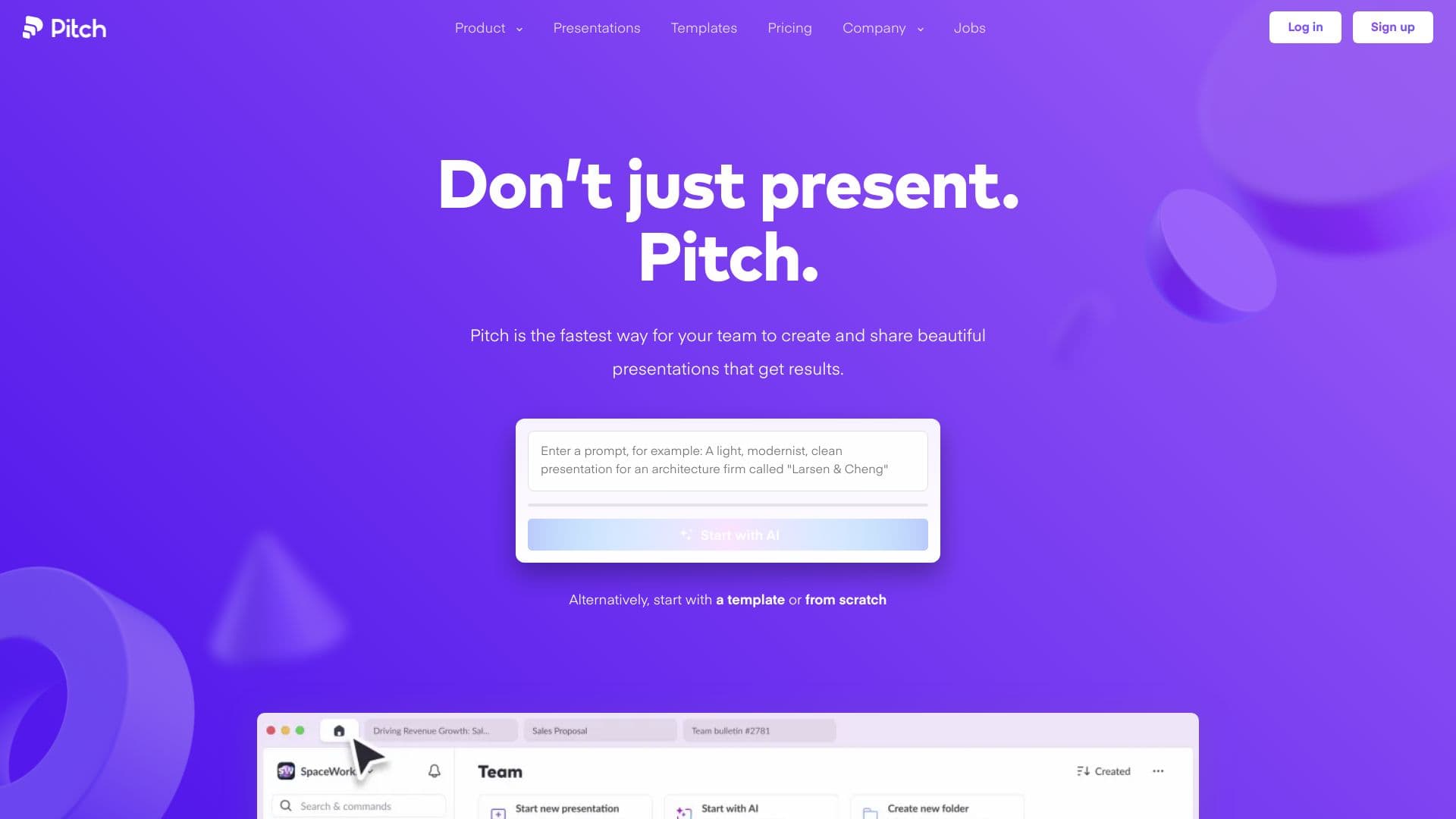
Pitch is an innovative presentation platform tailored for dynamic teams that need to craft visually compelling presentations swiftly. It combines customizable templates, seamless real-time collaboration, and detailed engagement analytics to help teams secure deals and grow accounts while maintaining brand consistency.

How to Use

Begin by selecting AI-powered or expert-designed templates, personalize them with your branding and content, collaborate with team members in real time, share presentations via live links, and analyze viewer engagement with built-in analytics tools.

Features

  • Real-time team collaboration
  • Fully customizable templates
  • Secure sharing links
  • Detailed engagement analytics
  • AI-powered presentation creation
  • Comprehensive brand asset library

Use Cases

  • Preparing team meeting presentations
  • Designing pitch decks for investors
  • Creating client proposals for agencies
  • Developing boardroom presentations
  • Crafting marketing campaign presentations
  • Building sales decks to close deals

Best For

Sales and marketing teamsStartups and entrepreneursBusiness professionalsDesigners and creative teamsMarketing agenciesCorporate teams

Pros

  • In-depth analytics to monitor presentation engagement
  • Customizable templates to ensure brand consistency
  • Effortless collaboration with team members
  • Sleek, professional presentation designs
  • AI-driven tools for quick presentation creation
  • Integrations with popular apps like HubSpot, Slack, and Notion

Cons

  • Free plan limits the number of members
  • Advanced analytics require a paid subscription
  • Certain features are exclusive to paid plans

Pricing Plans

Choose the perfect plan. All plans include 24/7 support.

Free

$0 forever

Supports up to 5 team members with basic features.

Get Started
Most Popular

Pro

$20 per month

Includes 2 editors; additional editors cost $15 each.

Get Started

Business

$80 per month

Provides 5 editors; extra editors at $20 each.

Get Started

Enterprise

Custom pricing

Tailored solutions for large organizations with specific needs.

Get Started

FAQs

How do subscription plans work?
Subscriptions automatically renew at the end of each billing cycle and apply to a single workspace. Adding a member charges from their acceptance of the invite unless replacing an empty seat. Removing members frees up seats, and unfilled seats are billed at renewal time.
What happens when I add members on a paid plan?
On monthly plans, billing reflects the addition the following month. For annual plans, charges are billed the next month. Multiple additions within a month are consolidated into one invoice.
Is there a limit to the free plan?
Yes, the free plan supports up to 5 members, all of whom have admin access and full workspace permissions.
What occurs if I remove members from a paid workspace?
Removing members frees up their paid seats, which can be filled again without extra cost. Unfilled seats are billed at renewal time based on active members.
Are there monthly and yearly billing options?
Yes, you can choose monthly or annual billing. Annual plans offer discounted rates per seat.
Can I invite external collaborators?
Yes, you can invite guests to view or comment on specific presentations. Guests cannot access other workspace content.
Do guests require payment?
No, but guest seat limits depend on your plan. Upgrading allows for more guest access.
How do Free, Pro, and Business plans differ?
The Free plan allows basic presentation creation for small teams. The Pro plan adds branding options, multimedia embeds, and analytics. The Business plan provides unlimited advanced sharing features suitable for larger teams.
What is the role of a commenter?
Commenters can view and leave comments on presentations without editing rights. They’re useful for stakeholder feedback and team reviews.
What are presentation analytics and advanced links?
Advanced links enable tracking slide views, duration, and engagement data. They also support password protection and email requirements for access.