

PixCleaner
A versatile online tool that removes image backgrounds effortlessly by pasting a URL and downloading the clean result.
About PixCleaner
Pixcleaner Background Remover is a user-friendly online platform that simplifies removing backgrounds from images. Users can paste an image URL and instantly generate a background-free version, which is available for direct download. Prioritizing privacy, the service does not store any user data, ensuring a secure experience for all users.
How to Use
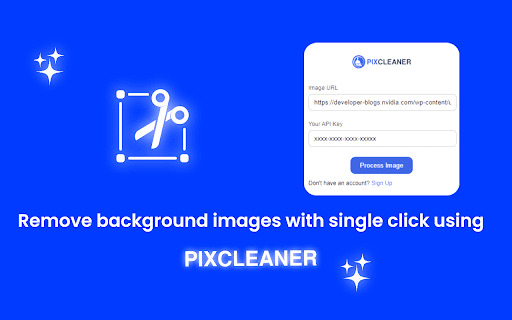
To use Pixcleaner Background Remover, paste your image URL into the designated field and click 'Remove Background.' The tool processes the image, allowing you to download the edited version directly to your device.
Features
- Remove backgrounds from images using URLs
Use Cases
- Creating product images for online stores
- Designing social media graphics
- Web development and design
- Marketing and branding visuals
- Graphic design projects
Best For
Social media content creatorsE-commerce entrepreneursWeb developersDigital marketersGraphic designers
Pros
- Ensures user privacy by not storing any data
- Provides immediate download of processed images
- Simple, intuitive interface for quick editing
Cons
- Performance depends on image complexity and server load
- Limited to background removal features
- Reliance on the availability of the Pixcleaner service
FAQs
Does Pixcleaner Background Remover store user data?
No, it does not retain any user information to ensure privacy.
How can I remove a background from my image?
Paste the image URL into the tool and click 'Remove Background' to process and download the result.
Is Pixcleaner suitable for bulk image background removal?
Currently, it is designed for individual images; bulk processing features are not available.
What image formats does Pixcleaner support?
It supports common formats such as JPEG, PNG, and GIF.
Can I edit images after removing the background?
The tool focuses solely on background removal; further editing requires additional software.