

Plainly AI
Intuitive video automation platform that transforms data into engaging videos using After Effects templates.
About Plainly AI
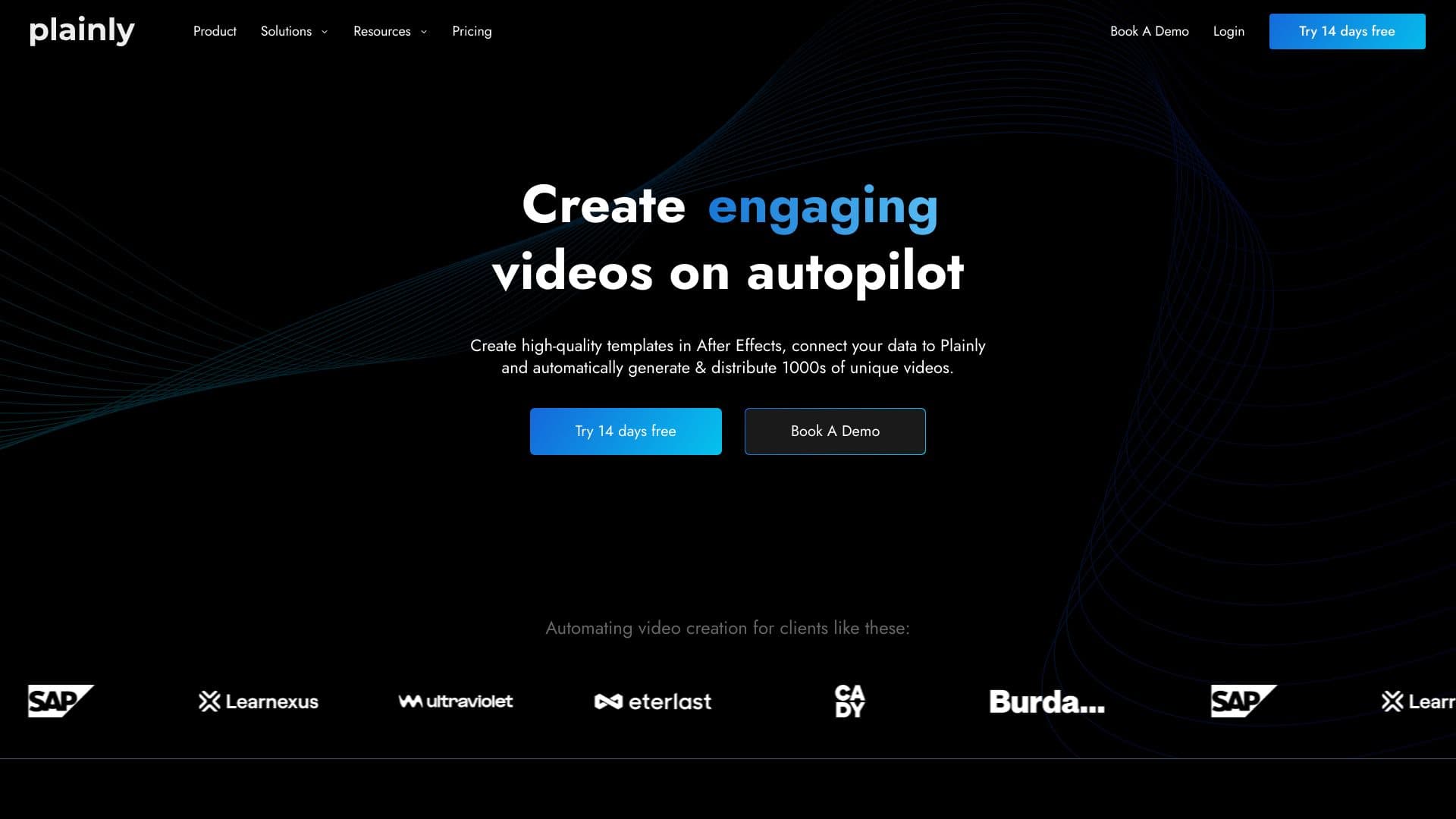
Plainly is a user-friendly video automation solution that streamlines the creation of customized videos at scale. By linking After Effects templates to data sources, users can effortlessly generate thousands of personalized videos, which are automatically rendered in the cloud and distributed across multiple channels.
How to Use
Upload your After Effects templates to Plainly, connect your data sources such as CSV files or APIs, and let the platform automatically render and distribute your customized videos. Mark dynamic elements, link data fields, and manage rendering in the cloud with ease.
Features
- Automated video version management
- Personalized video generation at scale
- Robust video editing API
- Seamless integrations with popular tools
- Create videos directly from CSV files
- Cloud-based rendering infrastructure
- Native support for After Effects templates
Use Cases
- Creating match update and highlight videos for sports leagues
- Producing news clips using RSS feeds and article data
- Managing digital signage with real-time content updates
- Enhancing broadcast graphics with dynamic overlays
- Automating marketing campaigns with multiple video variations
- Optimizing video ads through element swapping
- Generating personalized videos to boost customer engagement
- Localizing videos for different languages and regions
Best For
Pros
- Enables efficient bulk localization of videos
- Reduces manual effort by automating multiple video variations
- Ensures enterprise security with ISO 27001 and GDPR compliance
- Simplifies complex After Effects video workflows
- Offers extensive tool integrations for data handling and distribution
- Provides a comprehensive REST API for custom automation
Cons
- Advanced features like dedicated rendering nodes are available only on higher-tier plans
- Requires familiarity with After Effects to create templates
- Rendering capacity is limited by your chosen plan’s minutes
Pricing Plans
Choose the perfect plan. All plans include 24/7 support.
Usage-Based Plan
Includes higher concurrent rendering limits. Billed annually at $579 (save 30%). Offers 50 video minutes per month, 1 GB storage, up to 2 concurrent renders, standard priority, 24-hour retention, 4K export, custom formats, layer scripting, thumbnails, 19+ native integrations, API access, and unlimited team members.
Get StartedUnlimited Plan
Unrestricted usage with fewer concurrent renders. Billed annually at $16,200 (save 10%). Includes unlimited video minutes and storage, starting from 2 concurrent renders, high priority rendering, 7-day retention, 4K export, custom formats, layer scripting, thumbnails, 19+ integrations, API access, and unlimited team members.
Get StartedEnterprise Plan
Tailored solutions for large organizations with customizable video minutes, storage, concurrency, and advanced features. Contact us for a personalized plan suited to your needs.
Get Started