

Plus AI Presentation Maker
AI-powered presentation creator compatible with Google Slides and PowerPoint.
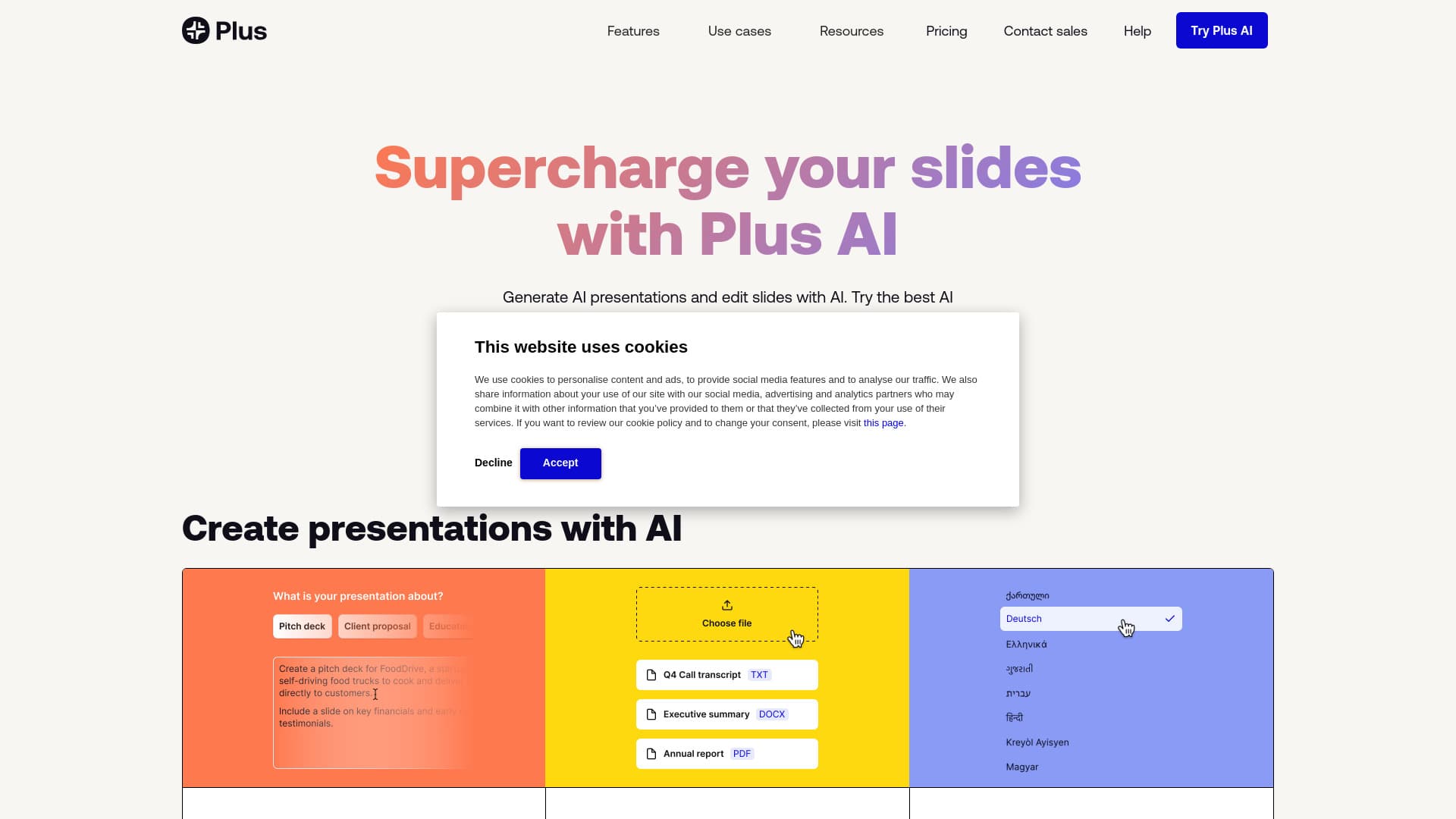
About Plus AI Presentation Maker
Plus AI is an intelligent presentation creation tool that accelerates the development of PowerPoint and Google Slides presentations. It features text-to-presentation, document conversion, AI-driven editing, custom branding, and automatic image and chart generation. Seamlessly integrated with Google Slides and PowerPoint, Plus AI enables users to produce and refine professional slides effortlessly.
How to Use
Install the Plus AI add-on for PowerPoint or Google Slides, register for a free trial, and start generating presentations by entering prompts, uploading documents, or selecting templates. The AI will automatically create and customize slides, which you can further edit and personalize.
Features
- AI-powered slide creation and editing
- Customizable branding options
- Automated presentation generation from text or documents
- Support for multiple languages
- AI-generated images and charts
- Converting documents into slide decks
- Transforming text into presentation slides
Use Cases
- Designing training materials for educators
- Developing sales pitch decks
- Creating academic presentations for schools and universities
- Generating strategic reports for consultants
- Building marketing presentations for campaigns
Best For
Pros
- Speeds up content creation with AI assistance
- Integrates smoothly with Google Slides and PowerPoint
- Converts text or documents into presentations easily
- Offers branding customization for professional looks
- Includes a free trial for new users
Cons
- May require manual adjustments for optimal results
- Paid plans needed for unlimited access and premium features
- Template conversion is limited to Enterprise plan
Pricing Plans
Choose the perfect plan. All plans include 24/7 support.
Basic
Ideal for individuals needing simple presentation tools. Billed annually or $15 monthly per user.
Get StartedPro
Suitable for professionals and teams requiring advanced AI features. Billed annually or $25 monthly.
Get StartedTeam
Designed for teams wanting brand customization and logo uploads. Billed annually or $40 monthly.
Get StartedEnterprise
For organizations needing custom templates or extensive slide libraries.
Get Started