

PPT.AI
AI-powered presentation creator for rapid, easy, and visually stunning slideshows.
About PPT.AI
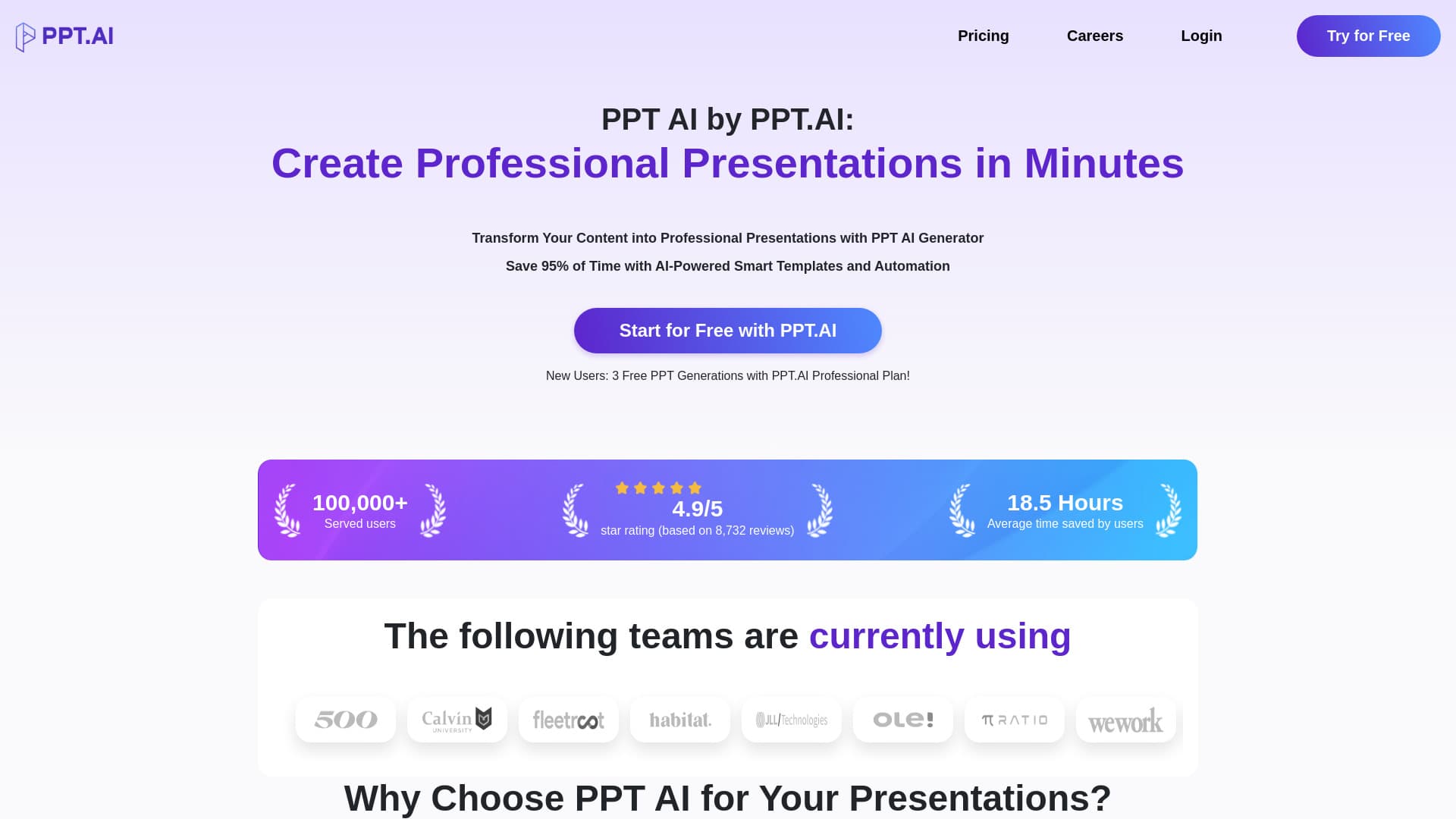
PPT AI is an intelligent presentation maker that rapidly converts your ideas into professional, eye-catching slides. Utilizing advanced AI technology, it transforms text, documents, PDFs, websites, and videos into polished presentations, reducing creation time by up to 95%. With smart automation, premium templates, and support for multiple languages, PPT AI caters to users across various industries and skill levels, streamlining the presentation development process.
How to Use
To create a presentation, upload your content—such as text, Word documents, PDFs, or videos—select a template, and let the AI generate your slides. You can then customize your presentation with editing tools before downloading or presenting directly from the platform.
Features
- AI-driven automatic presentation creation
- Access to a wide range of professional templates
- Integrates multiple AI models including GPT-4, DeepSeek, Claude 3.5, and Gemini 2.0
- Instantly converts various file formats into slides
- Supports multiple languages for global users
- Easy editing and sharing options
- Smart design optimization for visually appealing slides
Use Cases
- Streamlining the presentation creation process to save time
- Generating professional slides from text, PDFs, websites, and videos
- Creating impactful presentations for business, education, healthcare, marketing, and corporate profiles
Best For
Pros
- Full compatibility with PowerPoint formats
- User-friendly with no learning curve
- Customizable with integrated editing tools
- Supports multiple languages for global use
- Includes free premium templates
- Reduces presentation creation time by 95%
Cons
- Advanced features require a paid subscription
- Free plan limits number of presentations and slides
- Watermark appears on free plan outputs
Pricing Plans
Choose the perfect plan. All plans include 24/7 support.
Free Plan
Create up to 3 presentations monthly with basic templates, limited to 15 slides per presentation, including essential editing tools and a watermark.
Get StartedBasic Plan
Generate up to 50 presentations each month using over 800 templates, with up to 35 slides per presentation, unlimited editing and branding, no watermark, and priority support.
Get StartedUnlimited Plan
Unlimited presentation creation, access to all templates, up to 35 slides per presentation, unlimited editing and branding, no watermark, and priority support.
Get Started