

PPTalker
AI-driven PowerPoint to video converter with integrated voiceovers and subtitles for enhanced presentations.
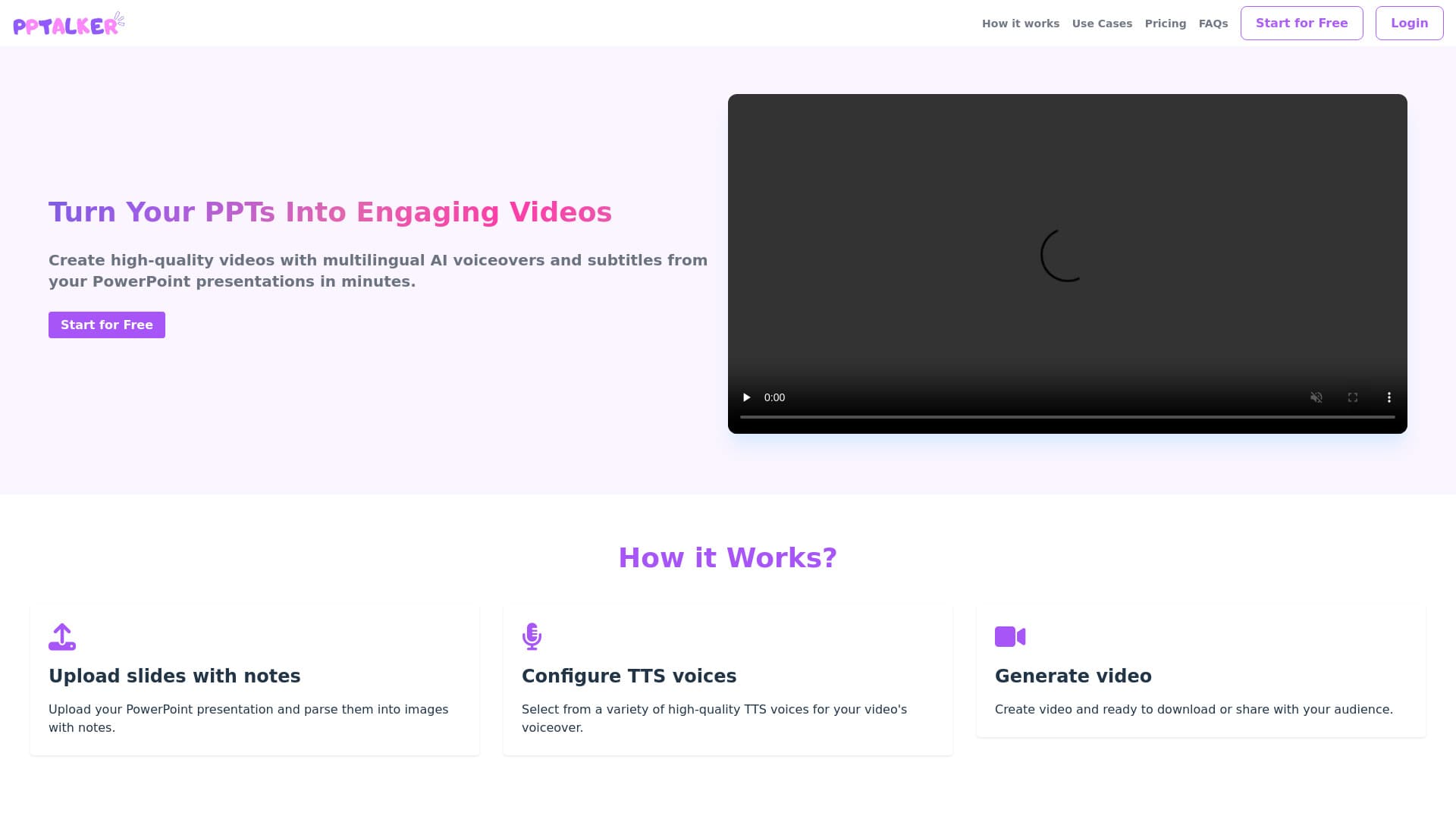
About PPTalker
PPTalker is an advanced online platform that converts PowerPoint presentations into dynamic videos using artificial intelligence. It adds multilingual voiceovers and subtitles, transforming static slides into engaging multimedia content. Users can convert PPT or PPTX files into MP4 videos, incorporating speaker notes and voice narration to enhance training, marketing, and educational materials.
How to Use
Upload your PowerPoint file, select AI voice options, generate speaker notes (automatic or manual), then export your video for download or sharing.
Features
- Converts PowerPoint slides into video format
- Integrates AI-generated voiceovers
- Automatically creates speaker notes with AI assistance
- Supports multiple languages for subtitles
Use Cases
- Creating professional video presentations for corporate meetings
- Developing training videos and online courses
- Producing engaging educational lectures for students
Best For
Pros
- AI-generated voiceovers add a professional touch
- Supports multilingual subtitles for diverse audiences
- Reduces time and costs compared to traditional video production
- Simplifies converting PowerPoint presentations into engaging videos
Cons
- Customized AI voiceovers are not available currently
- Slide animations and dynamic effects are not preserved
- Slide limits vary based on the chosen pricing plan
Pricing Plans
Choose the perfect plan. All plans include 24/7 support.
Hobby
Generate up to 2 videos monthly with PPTs under 10 slides and 2000 characters. Includes standard TTS voices and limited AI speaker notes.
Get StartedPro
Create up to 20 videos per month for PPTs under 50 slides and 20,000 characters. Features unlimited AI speaker notes and standard TTS voices.
Get StartedEnterprise
Unlimited video generation, custom TTS voices, private deployment options, and unlimited AI speaker notes.
Get Started