

Presenti AI
AI-powered presentation creator for rapid, professional slides with automatic design and document conversion features.
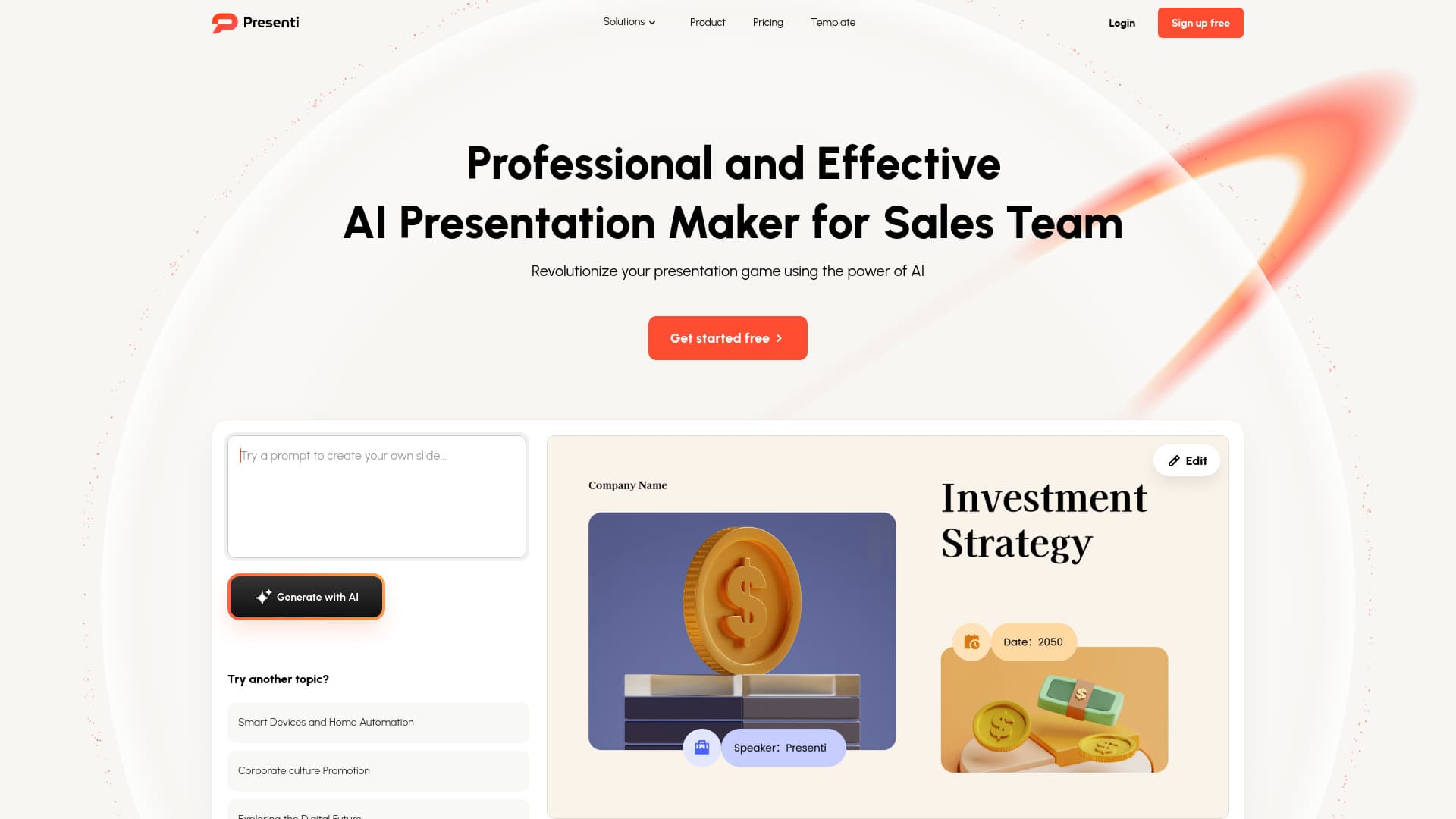
About Presenti AI
Presenti is an AI-driven presentation creation platform that enables users to quickly design professional slides. It features automatic slide design based on keywords and supports converting documents, PDFs, and more into engaging presentations in minutes. Designed for efficiency, Presenti simplifies the process of crafting impactful slides for educators, professionals, and businesses alike.
How to Use
Enter a topic, keywords, or upload files such as Word, PDF, or Markdown. The AI then generates slides, selecting layouts and color schemes automatically. You can review, customize, and finalize your presentation before presenting or exporting.
Features
- AI-driven slide creation
- Convert text into presentation slides
- Transform Word documents into slides
- Automatic slide design optimization
- Convert Markdown files into slides
- Wide selection of professional templates
- PDF to presentation conversion
- Mindmap to slide transformation
Use Cases
- Creating presentations from mind maps
- Transforming marketing content into slides
- Converting Word documents into professional presentations
- Turning outlines into visually appealing slides
- Converting static PDFs into editable presentations
Best For
Pros
- Produces professional slides with minimal effort
- Speeds up presentation development
- Offers a diverse library of templates
- Supports multiple file formats including Word, PDF, and Markdown
- Automates design for visually appealing slides
Cons
- Limited creative control due to AI reliance
- Some features require paid plans
- May have a learning curve for advanced customization
Pricing Plans
Choose the perfect plan. All plans include 24/7 support.
Monthly
Generate up to 25 slides per file, enjoy unlimited AI slide creation, and access all supported file conversions. Download editable slides, structured outlines, and export to PPTX or PDF. Includes premium templates and password protection for team sharing.
Get StartedAnnual
Create up to 50 slides per file with unlimited AI-generated presentations. Access all file formats, download editable files, and export to PPTX or PDF. Includes premium templates and collaborative sharing options.
Get StartedLifetime
Lifetime access with 20,000 AI credits per month. Supports all file formats, editable downloads, exports, and premium templates, ensuring comprehensive presentation creation tools.
Get Started