

Prezi
AI-driven software for creating captivating presentations, videos, and infographics with ease.
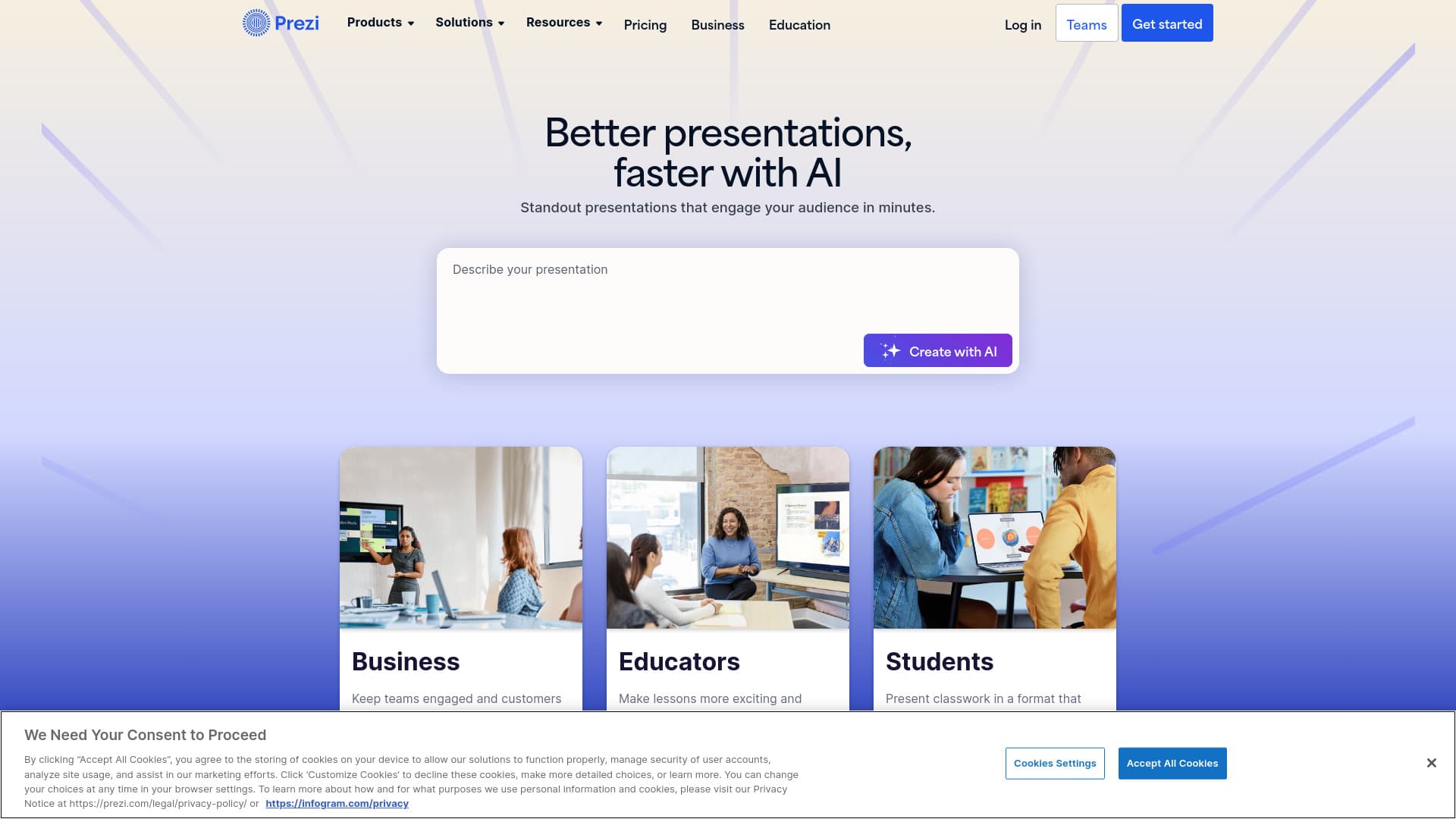
About Prezi
Prezi is an AI-powered presentation platform that enables users to craft engaging, interactive content including presentations, videos, and infographics. Its innovative open canvas and movement features allow seamless transformation of ideas into dynamic visuals. Integrating with platforms like Webex, Zoom, and Microsoft Teams, Prezi enhances online engagement and collaboration for educators, businesses, and content creators.
How to Use
Start by using Prezi’s AI features to generate complete presentations from prompts. Customize templates, add text, images, and GIFs, or import existing PowerPoint slides. You can record presentations, go live, and create data-rich infographics with data import and animation tools. The platform also offers personalized recommendations and easy collaboration options.
Features
- Converts PowerPoint slides into dynamic presentations
- Designs engaging infographics with Prezi Design
- Collaboration tools for teams
- Offline access via desktop app
- Integration with Webex, Zoom, Microsoft Teams
- Create videos with Prezi Video
- Custom branding and style kits
- Analytics to measure presentation impact
- Build interactive, movement-based presentations
- AI-powered presentation creation
Use Cases
- Enhancing content with AI-generated text and visuals
- Creating engaging, hybrid learning experiences for educators
- Designing memorable HR and onboarding materials
- Generating presentations from prompts with custom templates
- Delivering interactive class projects for students
- Developing impactful marketing and branding messages
- Strengthening customer engagement with personalized content
- Facilitating seamless collaboration in hybrid team meetings
Best For
Pros
- More effective and memorable than traditional slides, backed by independent research.
- Offers a 14-day free trial to explore all features.
- Creates highly engaging, movement-rich presentations.
- Provides advanced privacy controls and SOC2 compliance for security.
- Includes a variety of templates and reusable content for quick setup.
- Utilizes AI to accelerate content creation and design.
- Seamless integration with Zoom, Webex, and Microsoft Teams.
- Supports multiple formats: presentations, videos, and infographics.
- Provides analytics to track presentation performance in higher-tier plans.
Cons
- Offline access and desktop app are not available with the basic individual plan.
- Pricing structure is complex with multiple tiers and categories.
- Many advanced features, including unlimited AI credits, analytics, and team collaboration, are limited to higher-priced plans.
Pricing Plans
Choose the perfect plan. All plans include 24/7 support.
Individual - Standard
Ideal for personal use, offering the ability to create and share dynamic videos, presentations, and infographics with privacy controls, unlimited projects, and 600 AI credits annually. Billed yearly.
Get StartedIndividual - Plus
Designed for advanced visual communicators, including unlimited AI credits, PowerPoint conversion, premium images, PDF export, recording, desktop access, and offline use. Billed annually.
Get StartedIndividual - Premium
Suitable for professionals, offering analytics, online training, and priority support along with all Plus features. Billed annually.
Get StartedStudents & Educators - EDU Plus
For students and teachers (requires valid school email). Includes unlimited AI credits, PowerPoint conversion, premium images, PDFs, recordings, desktop app, and offline access. Billed yearly.
Get StartedStudents & Educators - EDU Pro
Includes all EDU Plus features plus advanced online training and detailed analytics to monitor progress. Billed annually.
Get StartedStudents & Educators - EDU Teams
For educational teams and departments, offering collaboration tools, analytics, branding, and secure sign-on, in addition to EDU Pro features. Billed annually.
Get StartedBusiness - Plus
For business users seeking unlimited AI credits, PowerPoint conversion, premium images, PDFs, recordings, and offline access. Billed yearly.
Get StartedBusiness - Premium
Includes analytics and online training for professional teams, along with all Plus features. Billed annually.
Get StartedBusiness - Teams
For enterprise teams, offering collaboration, commenting, Slack integration, branding, admin controls, centralized billing, license management, and secure sign-on. Billed annually.
Get Started