

Pristina.ai - Render Realism Fast
Pristina.ai leverages AI technology to enhance 3D rendering quality, streamlining workflows within Blender and 3ds Max for faster project turnaround.
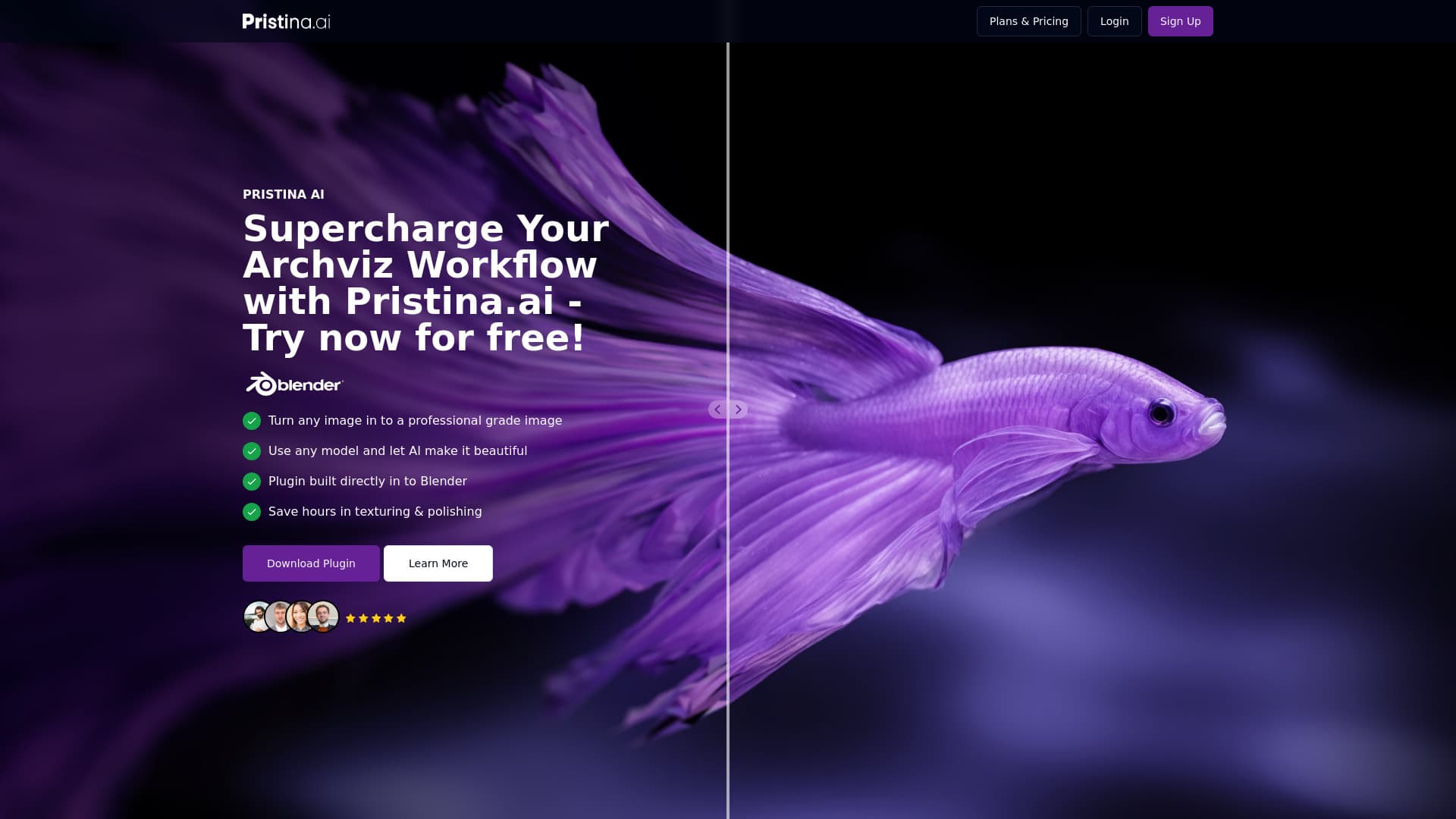
About Pristina.ai - Render Realism Fast
Pristina.ai simplifies complex 3D workflows by using AI to automatically enhance models and mask objects into high-quality renders. Its cloud-based AI processing ensures rapid turnaround times, seamlessly integrating with Blender3D and 3ds Max to transform low-resolution models into ultra-realistic visuals. Designed for architects, designers, and 3D artists, it accelerates creating photorealistic visualizations efficiently.
How to Use
Install the Pristina.ai plugin in Blender or 3ds Max. Select and mask the objects you want to enhance, input your prompt, and initiate AI processing. The high-quality render will be added directly into your scene for immediate use.
Features
- Cloud-based AI processing accelerates rendering times
- Seamless plugin integration with Blender3D and 3ds Max
- Automatically enhances 3D model quality with AI
- Effortless masking of objects for targeted improvements
Use Cases
- Enhancing product visualizations for marketing
- Creating photorealistic architectural renderings
- Simplifying complex 3D rendering workflows
- Transforming low-resolution models into high-quality visuals
Best For
Pros
- Enhances low-quality models to high-quality renders
- Easy plugin integration with Blender and 3ds Max
- Reduces time spent on texturing and polishing
- Streamlines the 3D rendering process
- Fast cloud AI processing speeds
Cons
- Currently in alpha, may have bugs or limitations
- Usage limited by credit system
- Requires a stable internet connection
Pricing Plans
Choose the perfect plan. All plans include 24/7 support.
Discovery
Includes 500 credits monthly, supports approximately 50 objects, maintains geometric accuracy, offers fast cloud rendering, double upscaling precision, face restoration, ultra-quality output, dual-pass refinement, and transparent PNG mask exports.
Get StartedProfessional
Provides 1500 credits per month, supports around 150 objects, preserves 3D accuracy, delivers rapid cloud rendering, 2x upscaling accuracy, face restoration, ultra-quality results, dual-pass refinement, and transparent PNG masks.
Get StartedStudio
Offers 300 credits monthly, suitable for approximately 300 objects, maintains 3D geometric integrity, ensures quick cloud processing, 2x upscaling precision, face restoration, ultra-high quality, dual-pass refinement, and transparent mask exports.
Get Started