

Productivity Page
A versatile and powerful text editor and planner for iOS and Mac, featuring AI assistance for enhanced productivity.
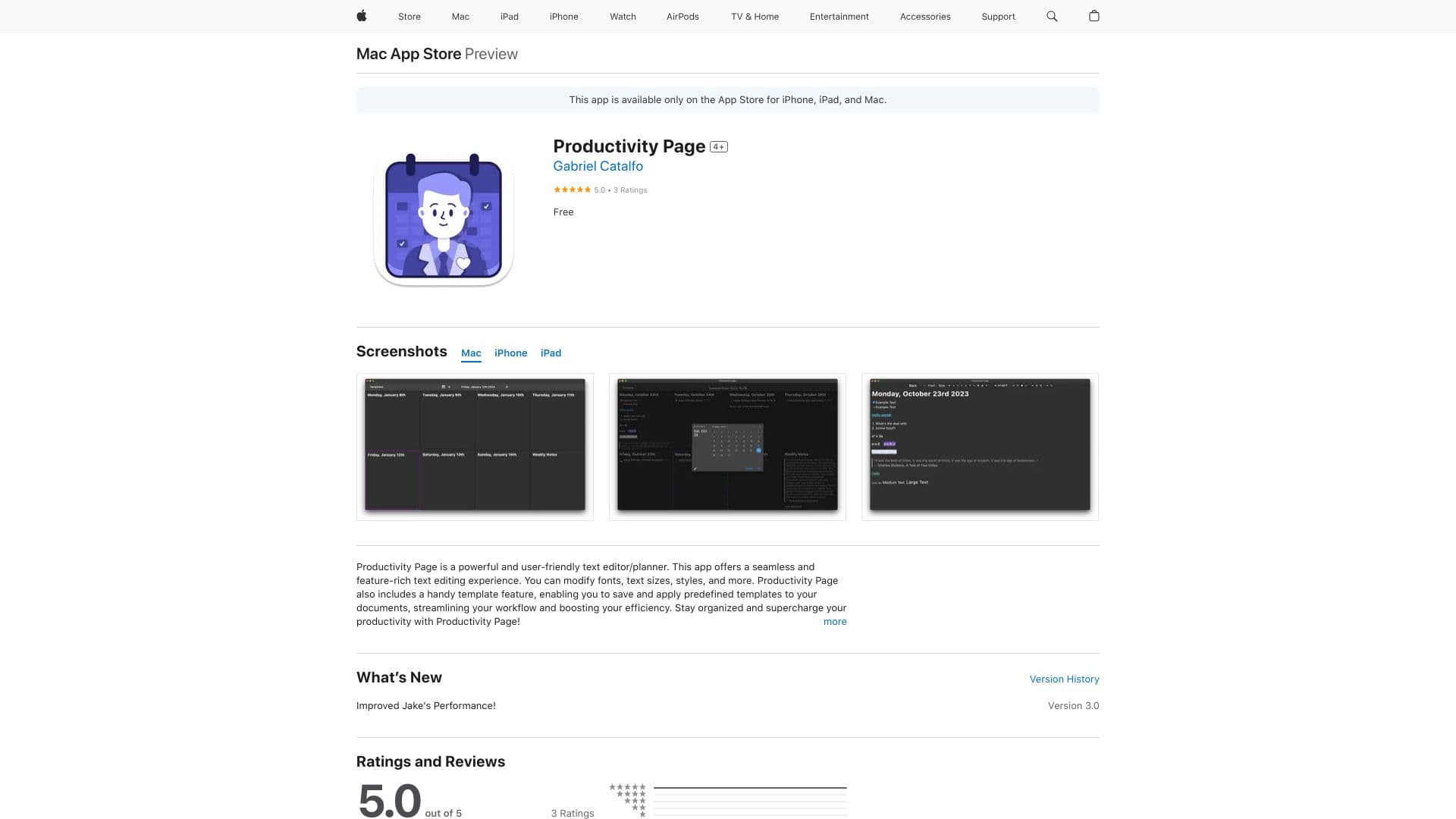
About Productivity Page
Productivity Page is an intuitive, feature-rich text editor and planner available on the App Store for iPhone, iPad, and Mac. It allows seamless editing with customizable fonts, styles, and templates to boost workflow efficiency. The app’s AI assistant, Jake, helps users organize notes, plan schedules, and generate ideas through natural language processing, making productivity effortless.
How to Use
Download Productivity Page from the App Store to start managing documents and planning. Use templates to quickly apply formats and structures. Interact with Jake, the AI assistant, to organize notes, schedule tasks, and brainstorm ideas via natural language commands.
Features
- AI-powered productivity assistant (Jake) for smart support
- Syncs seamlessly across iOS devices and Mac computers
- Template system for quick document setup
- Customizable fonts, styles, and text editing tools
Use Cases
- Creating structured documents with templates
- Brainstorming ideas using AI assistance
- Planning and managing daily schedules
- Organizing notes and task lists
Best For
Pros
- Template system streamlines document creation
- User-friendly and intuitive interface
- Free download and usage options
- Reliable cross-device synchronization
- AI assistant enhances productivity and creativity
Cons
- Limited features compared to dedicated project management platforms
- Requires iOS 14.0+ and macOS 10.15+ for optimal performance