

Project Plan 365 Assistant
A powerful app that integrates ChatGPT with Microsoft Project, simplifying project creation and management.
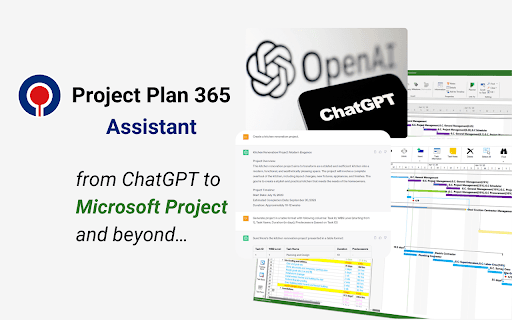
About Project Plan 365 Assistant
Project Plan 365 Assistant combines AI-powered ChatGPT with Microsoft Project integration, enabling users to easily create project plans through natural language. Export projects to Microsoft Project-compatible MPP files, view plans online with a free Gantt chart viewer, and share projects effortlessly. Enhance your project workflow with this innovative tool for seamless planning and collaboration.
How to Use
Install the Project Plan 365 Assistant browser extension, visit ChatGPT, instruct it to generate a project, format the output as a table if necessary, then open or download the project as an MPP file for use with Microsoft Project or Project Plan 365.
Features
- Exports projects in MPP format for Microsoft Project compatibility
- Enables online viewing and sharing of project plans
- Seamless integration with Microsoft Project ecosystem
- Utilizes AI to assist with project planning via ChatGPT
Use Cases
- Designing a kitchen renovation plan using natural language and exporting it to Microsoft Project.
- Creating detailed project schedules with AI assistance for construction projects.
- Managing complex task dependencies through AI-generated project outlines.
- Collaborating with teams by sharing online project views.
- Planning marketing campaigns with AI-driven task organization.
Best For
Pros
- Integrates smoothly with Microsoft Project
- Provides a free Gantt chart viewer for project visualization
- Enhances team collaboration and communication
- Simplifies project creation through natural language commands
- Intuitive and user-friendly interface
Cons
- Requires an active ChatGPT account
- Dependent on ChatGPT's accuracy and formatting consistency
- Functionality relies on the integration between the assistant and Project Plan 365