

Prompting Sheets™

Prompting Sheets™

AI-driven Google Sheets add-on designed for personalized project planning and efficient task management.
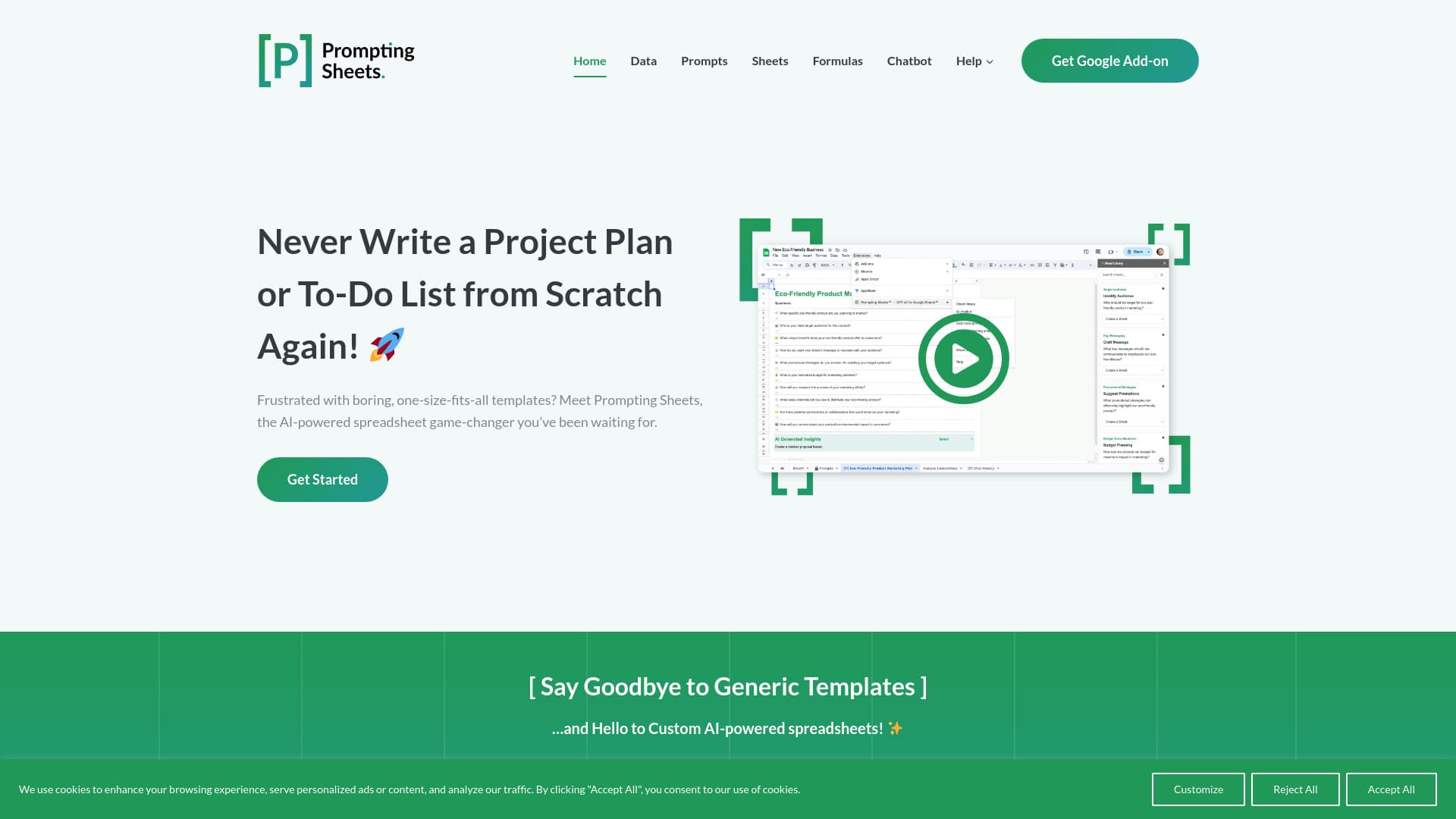
About Prompting Sheets™

Prompting Sheets is an AI-enhanced Google Sheets add-on that transforms data into actionable project plans. It customizes solutions to your specific needs, eliminating generic templates and streamlining task management for faster results.

How to Use

To get started with Prompting Sheets: 1. Install the add-on in Google Sheets. 2. Create a new project using the 'Get Started' guide. 3. Answer a few questions to provide context. The AI then generates customized project plans and task lists automatically.

Features

  • Custom prompts with dynamic placeholders and logical conditions
  • Real-time data queries via AI Chatbot
  • One-click sheet downloads and searchable library
  • Web data fetching and analysis within Google Sheets
  • Convert AI prompts to static text and create custom data grids
  • AI prompt optimization for better results
  • Simplified formula insertion with =PROMPT()

Use Cases

  • Streamlining and automating routine tasks in Google Sheets
  • Enhancing business reporting and project management
  • Performing real-time data queries with AI Chatbot
  • Creating customized project plans and task lists
  • Fetching and analyzing web data directly in Google Sheets

Best For

Business teamsProject managersMarketing professionalsBusiness analystsEducatorsDesignersOrganizational plannersContent creators

Pros

  • Enhances accuracy and minimizes errors
  • User-friendly and intuitive interface
  • Advanced AI tools for detailed data analysis and content creation
  • Simplifies complex workflows and automates repetitive tasks
  • Saves time and boosts productivity
  • Flexible and scalable to support growing needs

Cons

  • Unlimited AI features require a subscription (Coming Soon)
  • An OpenAI API key is needed for full AI model access

Pricing Plans

Choose the perfect plan. All plans include 24/7 support.

Free AI Sheets Plan

Free

Includes AI Data Context, AI Sheets, and AI Formulas

Get Started
Most Popular

Premium Unlimited Plan

Subscription (Coming Soon)

Unlimited access to AI Data Context, AI Sheets, AI Formulas, AI Prompt Optimization, AI Audit Reports, and AI Chatbot features

Get Started

FAQs

Do I need an OpenAI API key to use Prompting Sheets?
Yes, an OpenAI API key is required for full AI model access, provided through your OpenAI subscription. Details are available during onboarding and in our help documentation.
What is the Prompting Sheets AI App?
Prompting Sheets is an AI-powered tool that streamlines your workflow, boosts productivity, and offers dynamic AI solutions directly within Google Sheets.
Who can benefit from using Prompting Sheets?
It's ideal for marketers, designers, project planners, business professionals, and educators who rely on Google Sheets for data organization and analysis.
How do I start using Prompting Sheets?
Install the add-on, initiate a new project with the 'Get Started' guide, and answer a few questions to set your project context.
What features does Prompting Sheets offer?
Features include a real-time AI Chatbot, customizable prompts with dynamic placeholders, easy formula insertion, one-click sheet downloads, and tools for converting prompts and creating custom data grids.
Can I create and save my own prompt templates?
Yes, you can customize prompts with placeholders and conditions, then save and reuse your templates for future projects.
How does the AI Chatbot function?
The AI Chatbot allows real-time data queries, provides suggestions, and can generate images based on your inputs.
What is prompt optimization and how does it help?
Prompt optimization uses AI to enhance your prompts with suggestions, making it easier to craft effective prompts, even for beginners.
How can I include or exclude specific content in prompts?
Add [P] to sheet names to include them. To exclude rows, prefix them with [-P] for precise control.
Is it possible to fetch and analyze web data within Google Sheets?
Yes, you can fetch and analyze data from websites directly within Google Sheets using AI-powered tools.